This started yesterday(2/27/2026) immediately after Quicken downloaded the update R66.18. I can't open any of my accounts. Program crashes .. Any solutions??? or Suggestions?
Hello @vschem49,
Thank you for letting us know you're seeing this issue. To clarify, you posted to the Quicken on the Web section of the Community. Are you seeing this issue in Quicken on the Web, or in the desktop version of Quicken?
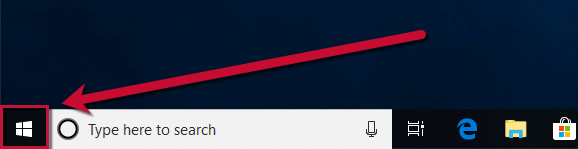
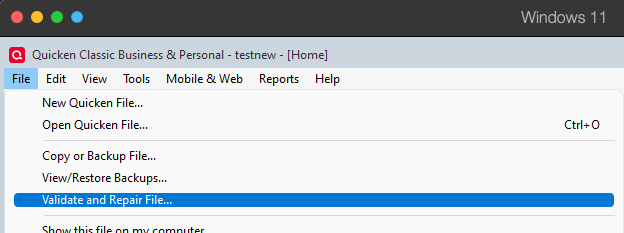
If the issue is happening in the desktop version of Quicken, please follow these steps based on our article on when you encounter problems after the program updates:
If this doesn't resolve the issue, continue to the next step.
You can find and download the update patch here.
After installing the patch, restart your computer.
If installing the patch doesn't resolve the issue, continue to the next step.
Please let me know how it goes!
We haven't heard back from you in a while. Do you still need assistance?
Check back and let us know! Thank you.
Hello again,
Checking in once more before this thread is closed. Let us know if you still need assistance.
Thank you!
Due to the lack of response, I went ahead and closed this post.
If you still require assistance, please feel free to start a new post.