This discussion was created from comments split from:
Moving to new computer, how do I get Quicken loaded
.
where do find a copy of Mac version to download
Hello @daleval,
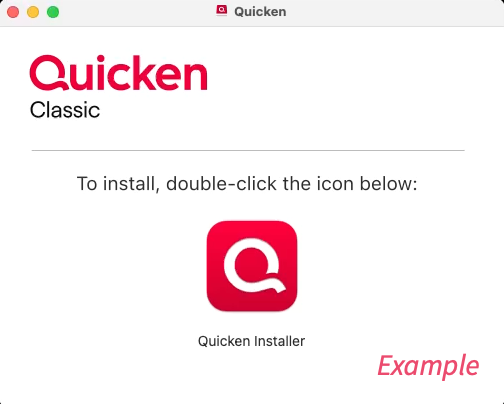
Thank you for reaching out! If you're asking about where to download the Mac version of Quicken, this information from the article linked below will provide the link to download and instructions on installing: https://www.quicken.com/support/mac/how-do-i-download-quicken-quickencom-after-i-buy-it/#section-osx-1
I hope this helps!
@daleval Log into your account at Quicken.com and you will find download links for both Windows & Mac installers on the Overview tab. Run the installer after you download it to install Quicken.
We haven't heard back from you in a while. Do you still need assistance?
Check back and let us know! Thank you.
Hello again,
Checking in once more before this thread is closed. Let us know if you still need assistance.
Thank you!
Due to the lack of response, I went ahead and closed this post.
If you still require assistance, please feel free to start a new post.