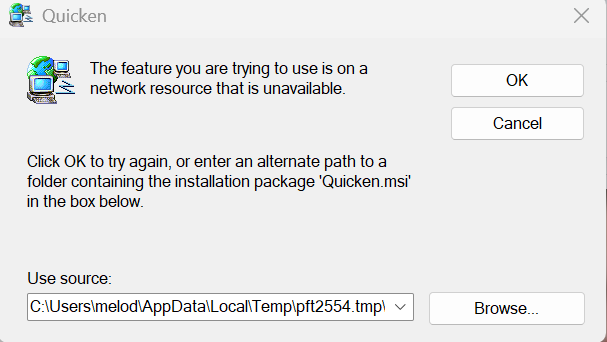
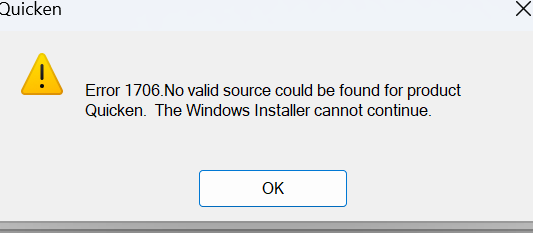
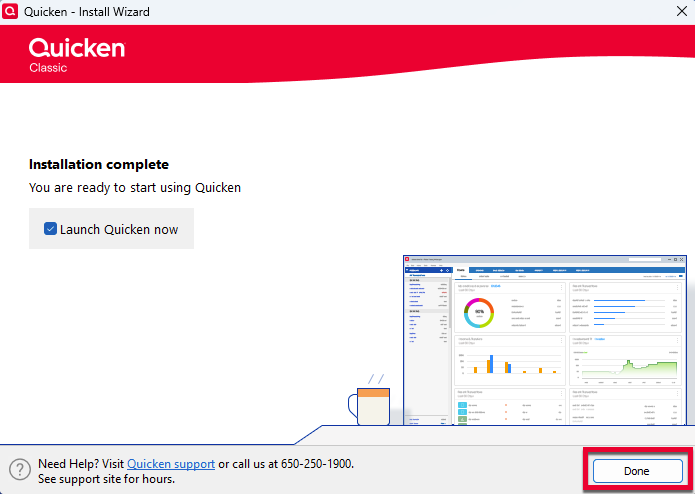
Windows Quicken Classic can't get Quicken to download the transactions. Used to be able to at least manually download and not that is not working either. Gettting the following message…
C:\Users\melod\appData\LocalTemp\pft2554.lmp\DISK1\Quicken.msi cannot be found. Verify you have acces to this location and try again or try to find where the installation package"Quicken.msi" in a folder
This seems like an old Desktop message - used to be on the desktop Quicken went sometime ago to the cloud…? BECU does see the 2 accounts (cking & SAV) but no VISA???
I tried resetting Account on the online display tab where it says BECU has a new and improved but that is only finding the 2 main accounts not the VISA account? HELP.