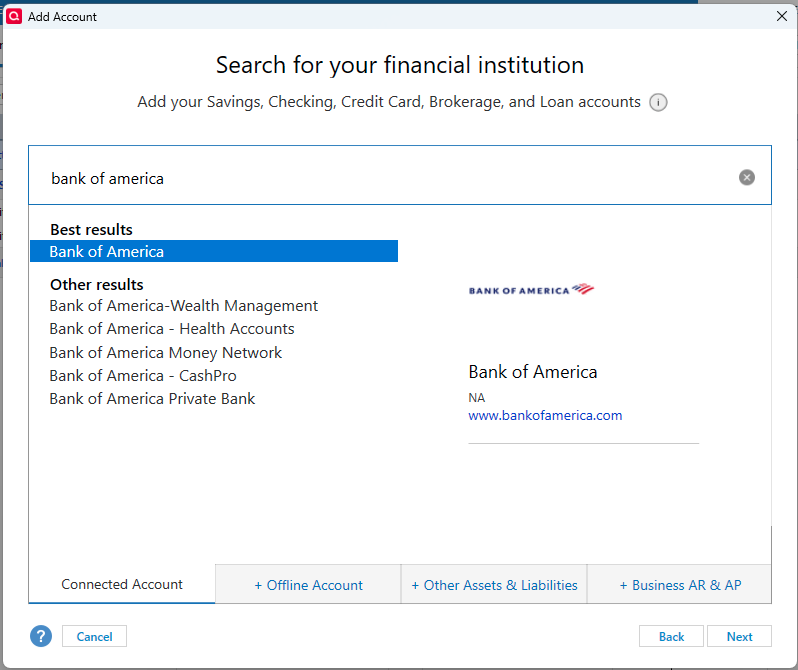
I am unable to deactivate my BofA accounts in Quicken. I click the Deactivate button only to get an endless cursor spinning, and have to use Task Manager to close Quicken. I went into BofA online and deactivated my Quicken / Inuit connection in Security Settings, and also Decline Quicken Connections on BofA login page. But each time I reopen Quicken to deactivate the Express Web Connect+ for my BofA accounts so that I can reconnect with the newer protocol, all I get is endless processing that never completes. I have tried Resetting the account as well. Nothing has worked, and this has been going on since March 1. Either BofA is out of sync with Quicken, or Quicken with BofA. But this migration is a mess.
[Edited-Readability]