Using Windows when I add a new payee it is gone the next time I go to use it. Any ideas what is happening?
Bill K
Hello @bkotun,
Thank you for letting us know you're seeing this problem. To help troubleshoot, please provide more information:
I look forward to your reply!
We haven't heard back from you in a while. Do you still need assistance?
Check back and let us know! Thank you.
This first happened late in 2025 after my bank, Truist, changed their on line banking. My Quicken file is on my local hard drive. It happens with payees used for bill pay. I use bill pay through Truist bank. I submit the payments and they send the checks. Payees that have vanished; Discover Platinum Card, Eduardo Gutierrez, Brookfield Country Club and probably a few more I can't remember.
Thank you for your reply,
Since you use bank bill pay, if payees are disappearing, it is likely due to an issue on the financial institution's servers. Have you checked whether the financial institution still lists those payees?
Thank you!
Financial institution still lists the missing payees. They just disappear in my online center.
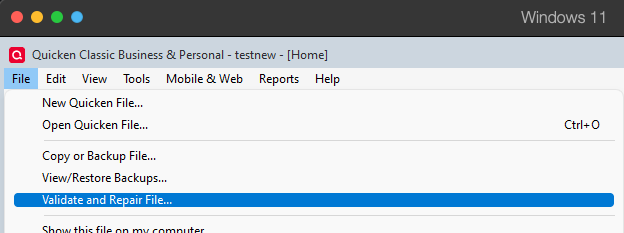
Since the payees are present on the Financial Institution side, the issue may be file-specific. To start troubleshooting, I suggest that you try validating your data file. Please save a backup file prior to performing these steps.
Validate:
Please let me know how it goes!
Hello again,
Checking in once more before this thread is closed. Let us know if you still need assistance.
Due to the lack of response, I went ahead and closed this post.
If you still require assistance, please feel free to start a new post.