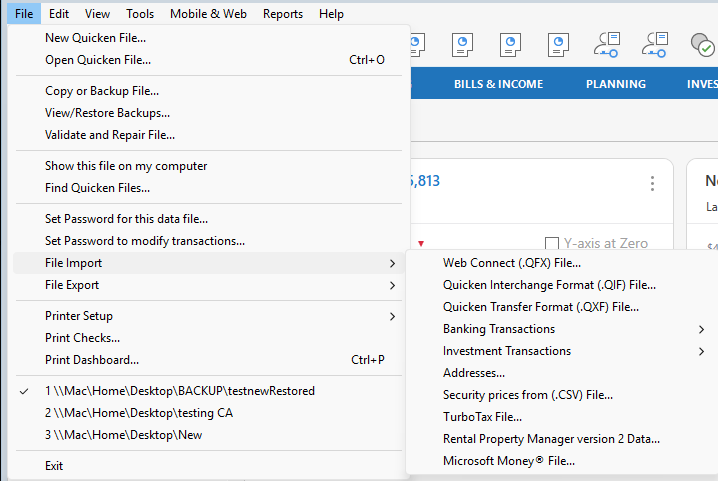
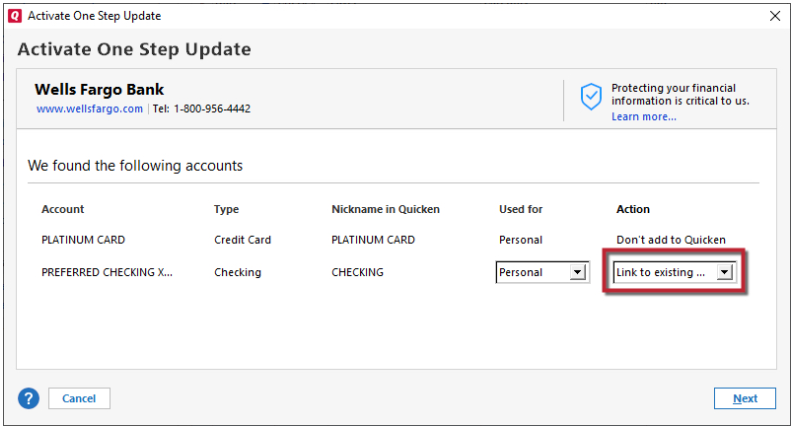
It seems every few months I have an issue with Quicken and I have to try and fix it, putting transactions on the wrong account, or balances way off… something. I don't remember what happened, but back in January, I was trying to fix an issue, and I deleted some transactions, thinking it would re-download them… it didn't. I ended up restoring my quicken file from backup and then tried syncing (after learning it keeps a ledger and won't re-download) and every single account was throwing errors trying to connect… so I ended having to deactivate and reactivate them all… but ever since then I've had issues where the auto update reports everything is fine but it's not downloading transactions. Or, a few times, it's reported an error saying the account doesn't exist (it does) or isn't authorized (password hasn't changed), and then I have to reset it again to get it working. But apparently, it only reports that it is updated, but doesn't actually update.
How can I start over without losing all of my history/transactions? I have no idea why this file appears to be broken in regards to accounts, or why restoring from a backup broke them (I think I tried both restoring an automatic Quicken backup and then from my filesystem backup… the qdf file). Do I create a new Quicken file and then try to restore from a backup of the original? Something else?
Version: R52.28, Build: 27.1.52.28
[Edited Readability]