I use both Quicken Mac desktop and Quicken Windows desktop to track the same accounts while I'm transitioning from Windows to Mac.
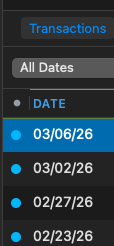
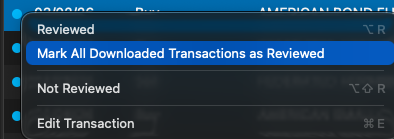
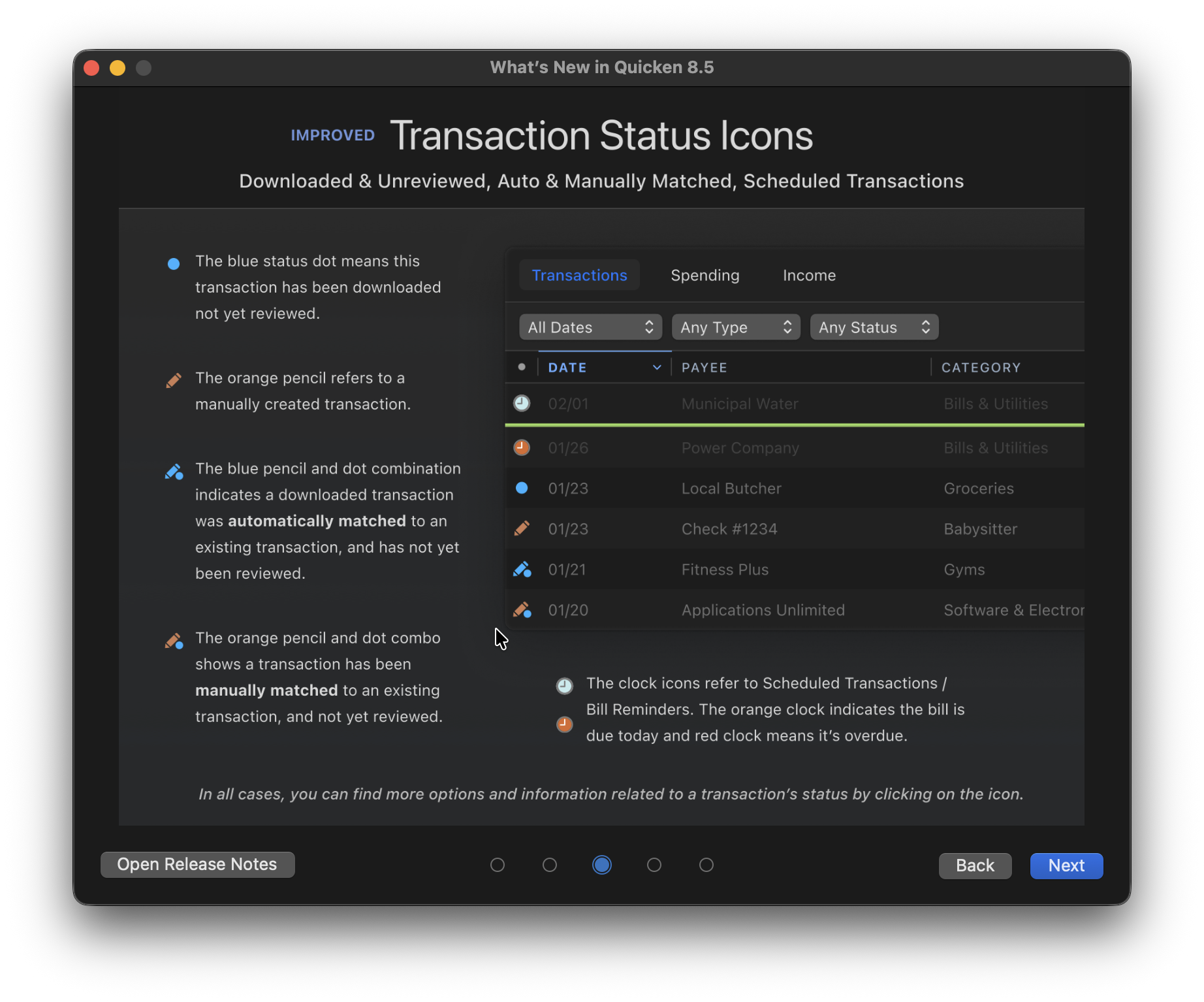
When I update accounts on Quicken Windows, accounts with new transactions are flagged in the account sidebar, and when I go to an updated account, I can accept the updates or do other things. On Quicken Mac, after an update, accounts with new transactions are flagged in the sidebar, but when I go to an account, I can't tell which transactions are new, they're just shown as cleared, like all other cleared transactions. It would be very helpful if Quicken Mac desktop would somehow show which transactions are new when going to an account after an update.
Is there any existing visual indication that I may not be displaying? If not, would be be possible to somehow indicate new transactions and have a way to accept them or otherwise clear the new state?