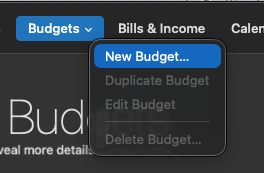
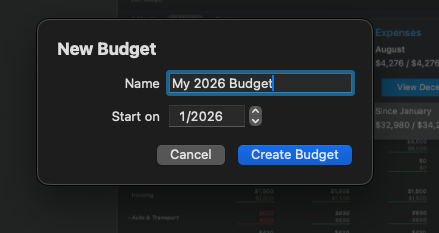
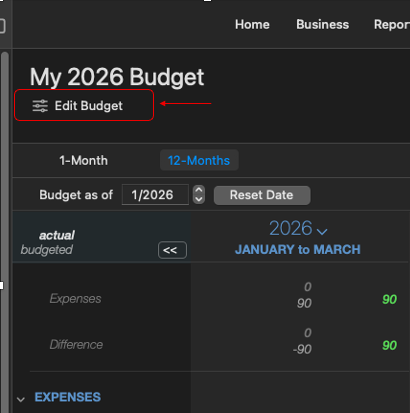
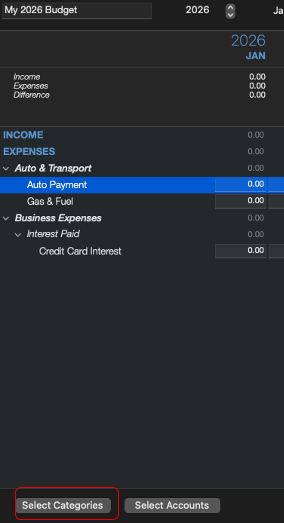
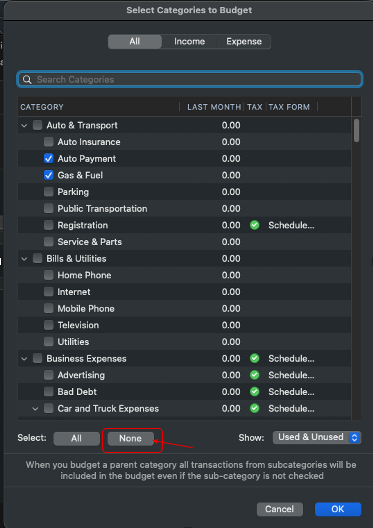
Is it true that when building a budget, Quicken does the following: Quicken auto‑adds categories when:
- They have a prior‑year budget history
- They have prior‑year actuals
- They were ever included in a budget
- They are marked “include in budget”
- They have a non‑zero value in the current year
- They are used in a transaction
Is there anyway to keep it from doing this? I just want to select categories I want in the budget and enter numbers for each category that will stay the same unless I change it. Something that keeps happening is I have numbers for each category that if I add up manually totals a certain number, but the Quicken total is different. I just want: Only the categories I want
- No categories with budget history
- No categories with prior‑year values
No categories Quicken can resurrect
I want:
- A budget that stays stable
- A budget that updates automatically
- A budget that doesn’t require re‑entry
- A budget that doesn’t mix actuals and budget
- A budget that doesn’t resurrect old categories
- A budget that reflects changes instantly
- A budget that you can trust
I want a budget I can create without fighting Quicken’s broken UI.
Seems like there should be a setting or something somewhere that allows me to tell Quicken to just use the categories I select and the numbers I enter. I don't want Quicken randomly throwing stuff into my budget willy-nilly.
So frustrated with the budgeting logic that I just want to throw the budget out the window and do my own outside of Quicken, but that just creates work I shouldn't have to do. I should be able to create a clean budget with Quicken.
[Edited Readability]