Have not received any Pay transactions since March 24.
[Removed personal information]
Hi @alexc4406,
Thank you for reaching out! I’d be happy to assist you with this.
To better understand what may be happening, I have a few questions and troubleshooting steps for you:
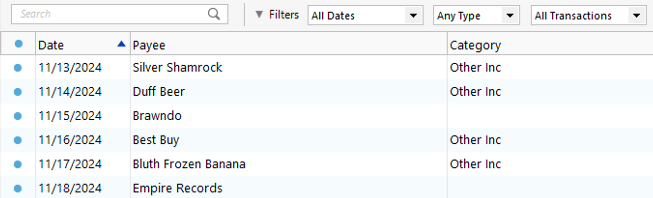
Sometimes transactions are present but appear out of order due to sorting changes.
2. Reset Register Filters
This ensures no filters are hiding transactions.
3. Try refreshing your login session
4. Check for incorrectly matched or misplaced transactions
6. Deleted transactions
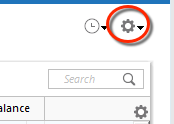
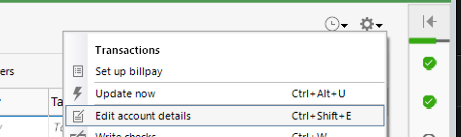
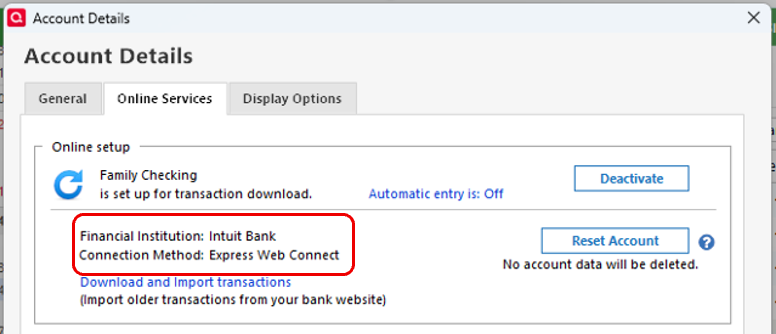
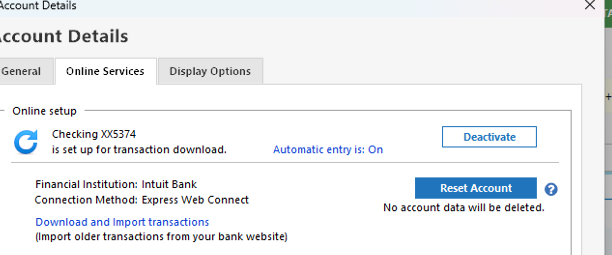
If everything looks correct with sorting, filtering, and backups, please check the account’s connection method:
Steps to check the connection method.
Once you’ve had a chance to review these points, please let me know what you find. I’ll be happy to continue assisting you from there.
I look forward to your response!
Laura,
Thank you for your comments. I have tried them all to no avail. Interesting item. The online balance is updated but the transactions are not downloaded. I suspect some connection problem with Synchrony Bank? I noticed they have changed their home page layout. So for now I guess I enter transactions manually.
Regards
Alex
Quicken Laura:
Thank you for your comments. I have tried them all to avail. Online services as follows:
Financial Institution: PayPal Credit, Mastercard, and Crypto
Connection method: Express Web Connect
I tried an update this morning (4/5/2026) to no avail. The online balance updates, but the transactions are not downloaded. No errors are indicated.
Regards,
Thank you for following the steps provided earlier. I’ve refreshed your account on our end; please try updating it once more by following the steps below (make sure to save a backup first):
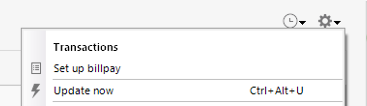
To update the account:
If no new transactions are downloaded, please try resetting the account:
To reset the account:
If the issue persists, please proceed with re-adding the account:
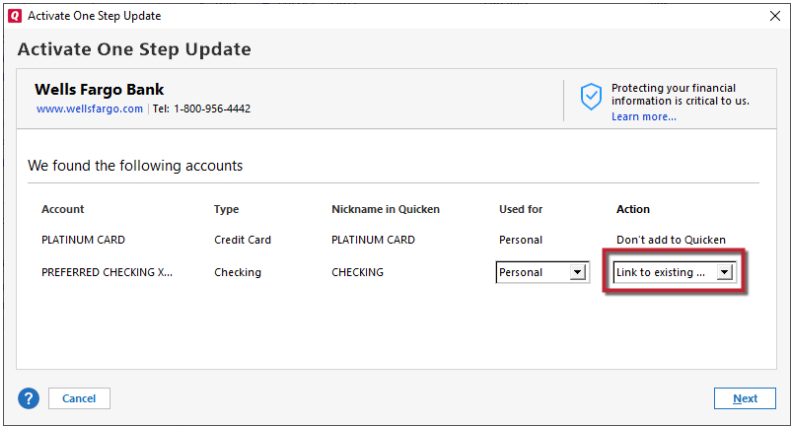
To add and link the account:
If you’re still experiencing the issue, please try the following advanced steps:
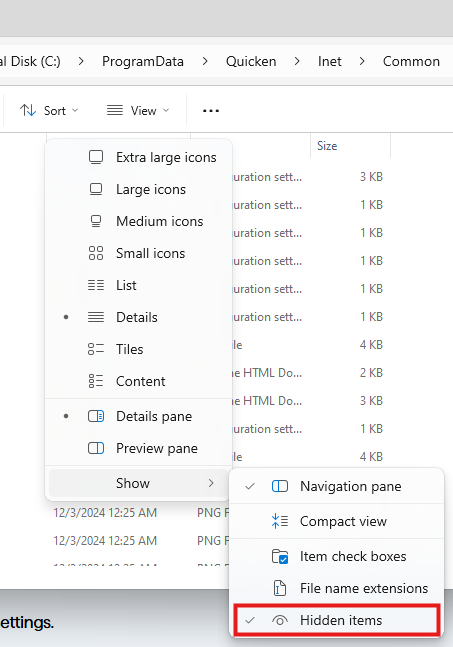
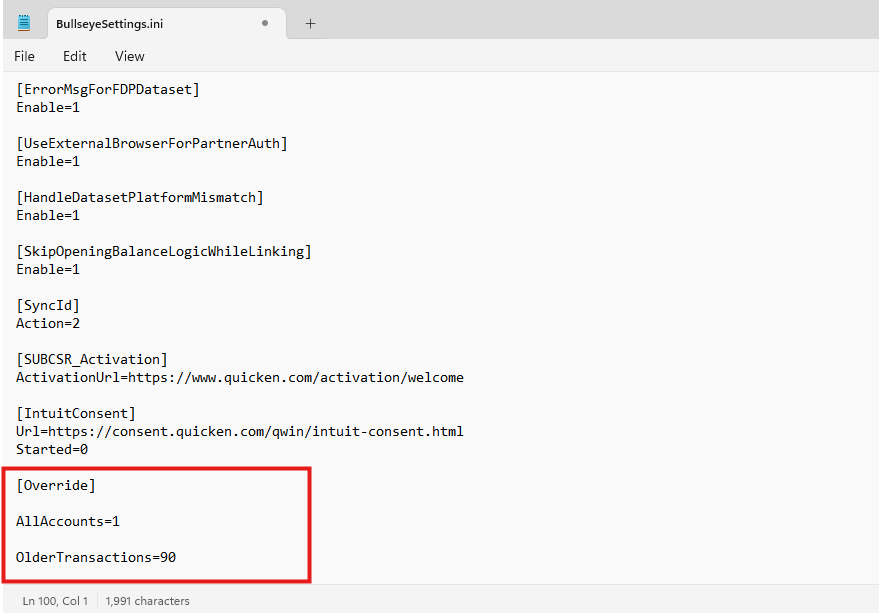
Edit the BullseyeSettings.ini file:
C:\ProgramData\Quicken\Inet\Common\Localweb\Bullseye\BullseyeSettings.ini
[Override] AllAccounts=1 OlderTransactions=90
Please let me know how it goes!
No joy. Tried your suggestions and still no transactions. The online balance does update but the transactions do not download. So I know I am getting connected because the balance updates. I can verify this by connecting to PayPal directly.
Alexc4406
Thank you for following up. I’m sorry to hear that the issue wasn’t resolved, but I really appreciate you taking the time to go through all the steps provided.
At this point, I recommend contacting Quicken Support directly for further assistance. They can guide you through additional troubleshooting in real time and escalate the issue if needed.
You can find the Quicken Support phone number here: Support Home | Quicken. Phone support is available Monday through Friday, from 5:00 AM PT to 5:00 PM PT.
Quicken Laura,
Paypal is changing the connection to ewc+. see the following:
PayPal is transitioning all accounts to a new connection method. If you have PayPal accounts, you will need to take action to maintain your transaction download in Quicken.
So how to go forward.
Thank you for following up and sharing this information; it’s very helpful. We can definitely try reauthorizing your accounts using the steps below:
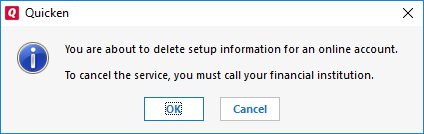
Deactivate account:
Reactivate account:
No Joy. When it reactivated, it created an adjustment amt for the transactions that were not downloaded. Online services still indicates web connect, nor ewc +.
Thank you for keeping me updated and for trying all the steps provided.
Only the instance labeled PayPal was updated to EWC+. The other instance, which includes PayPal Credit, MasterCard, and Crypto, remains on EWC. Since your account is connected through that instance, it will continue to display the EWC connection.
It also appears that this issue is affecting multiple users. Our team has escalated it internally and is actively working toward a resolution.
For updates, I recommend bookmarking the Community Alert below, as any new information will be posted there:
Feel free to reach out if you have additional questions!