Error in Category reports

acs2
acs2 Quicken Windows Subscription Member ✭✭✭✭
edited 9:15AM in Reports (Windows)

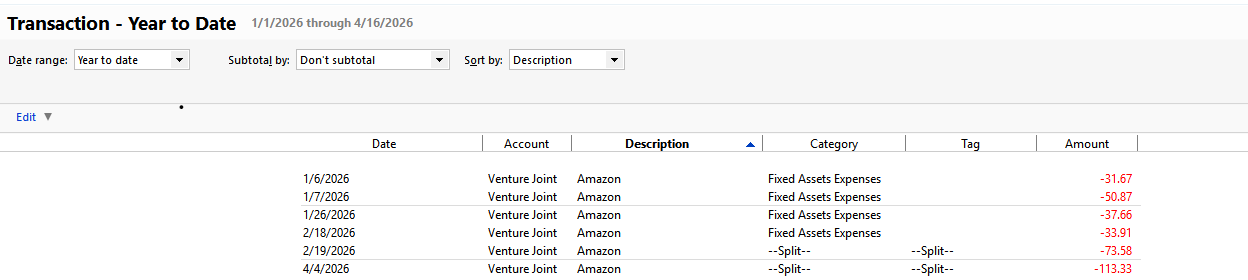
Recently, I created a Transaction report where only the Category Restaurant was chosen. The problem results from a split transaction. In the transaction there were four entries only one of which was the category Restaurant. The Restaurant amount was $262.08 while the total split transaction was for $1,574.08. In the report which was for just the Restaurant category the total for that payee was $1,574.08 while it should have been $262.08.

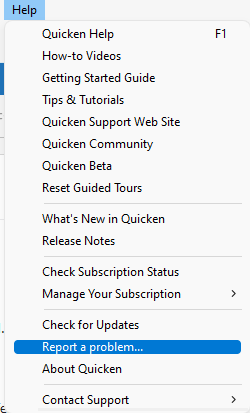
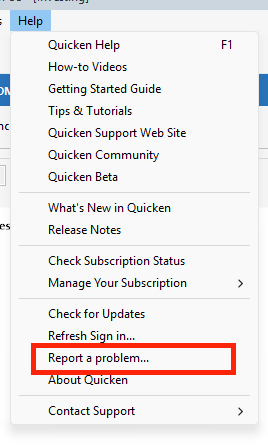
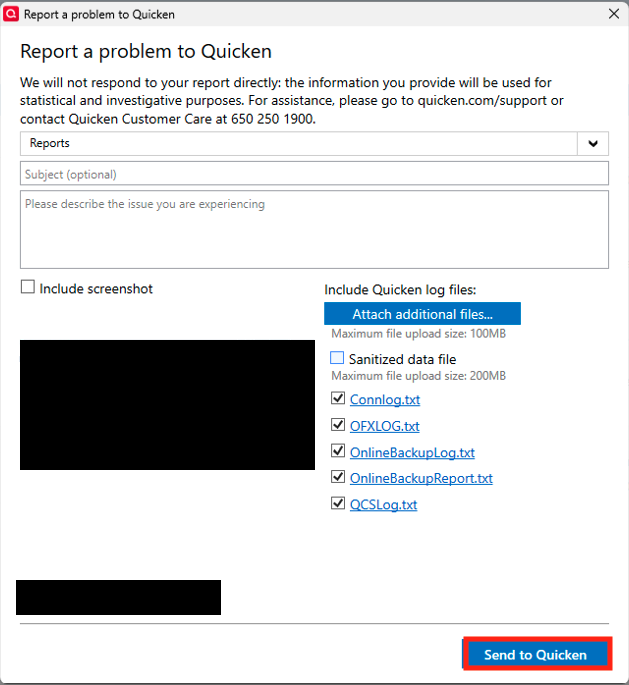
I found this issue occurred frequently for split transactions. Has anyone else noticed this? Should I report it as a problem or did I do something incorrectly in creating the report?


Comments

  • Tom Young
    Tom Young Quicken Windows Subscription SuperUser ✭✭✭✭✭

    I just took a spin at creating a Category report with a Category that I knew had come out of lots of split transactions (version R65.29) and didn't encounter that problem.

    You might see if a file Validation clears up the issue.

  • acs2
    acs2 Quicken Windows Subscription Member ✭✭✭✭

    I ran a validation which was clean. I have two reports where the problem is evident. Both reports have splits where only one of the transactions in the split have a Grocery or Restaurant ( depending on the report). The reports are sorted by Payee and in total there are about 7-10 split transactions among about 5 payees where the total reported is incorrect.

  • Quicken Laura
    Quicken Laura Quicken Windows Subscription Moderator mod

    Hi @acs2,

    Thank you for sharing the steps you’ve taken so far. I’d appreciate it if you could provide a bit more information so we can better understand the issue:

    • Are you using saved reports or creating new ones?
    • What specific type(s) of reports are you running?
    • When did you first notice the issue?

    I look forward to your response!

    Quicken Laura

    Make sure to sign up for the email digest to see a round up of your top posts.