Fidelity Cash Management Account Auto Entering Transactions

Randy W
Randy W Quicken Windows Subscription Member ✭✭✭

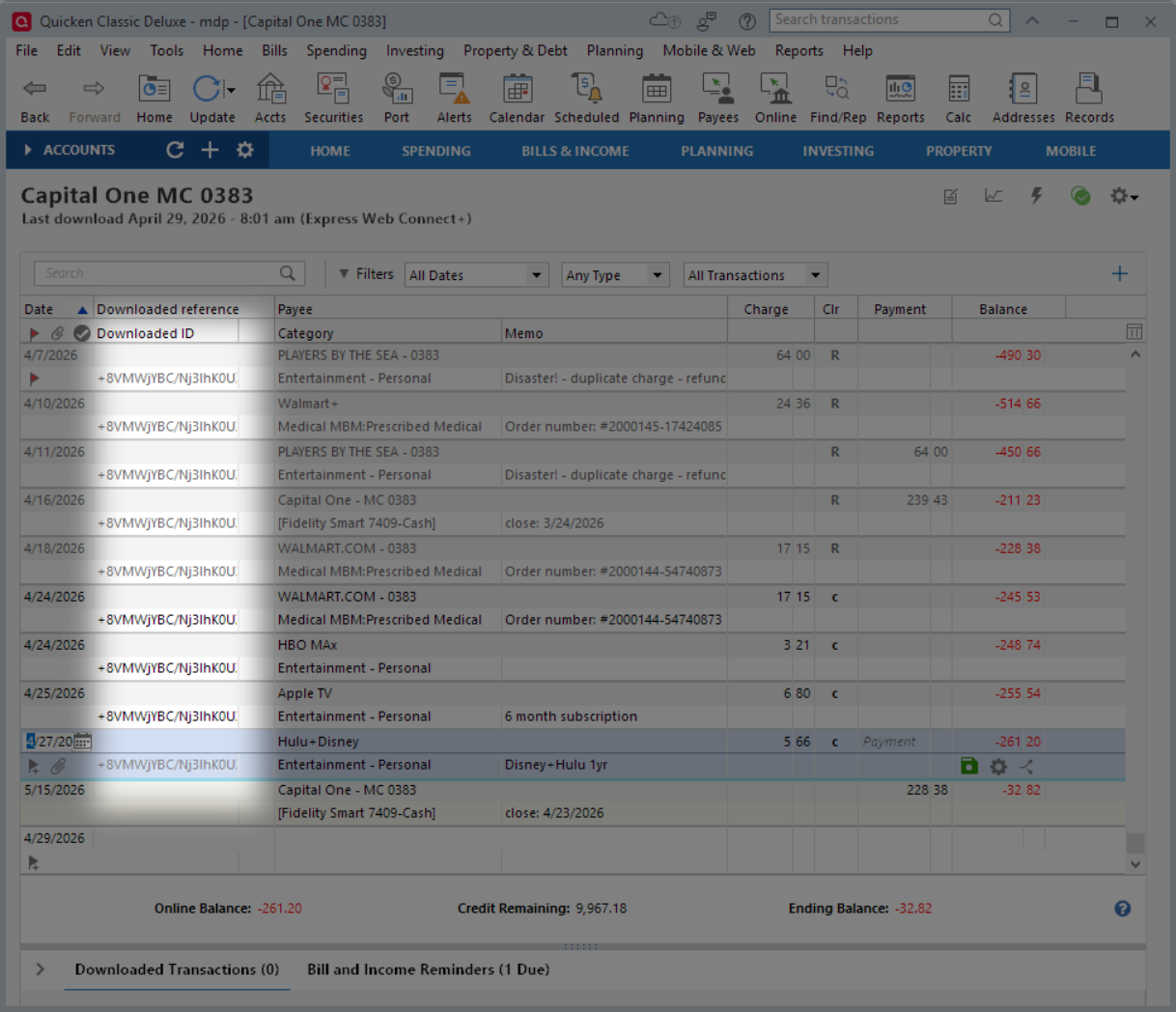
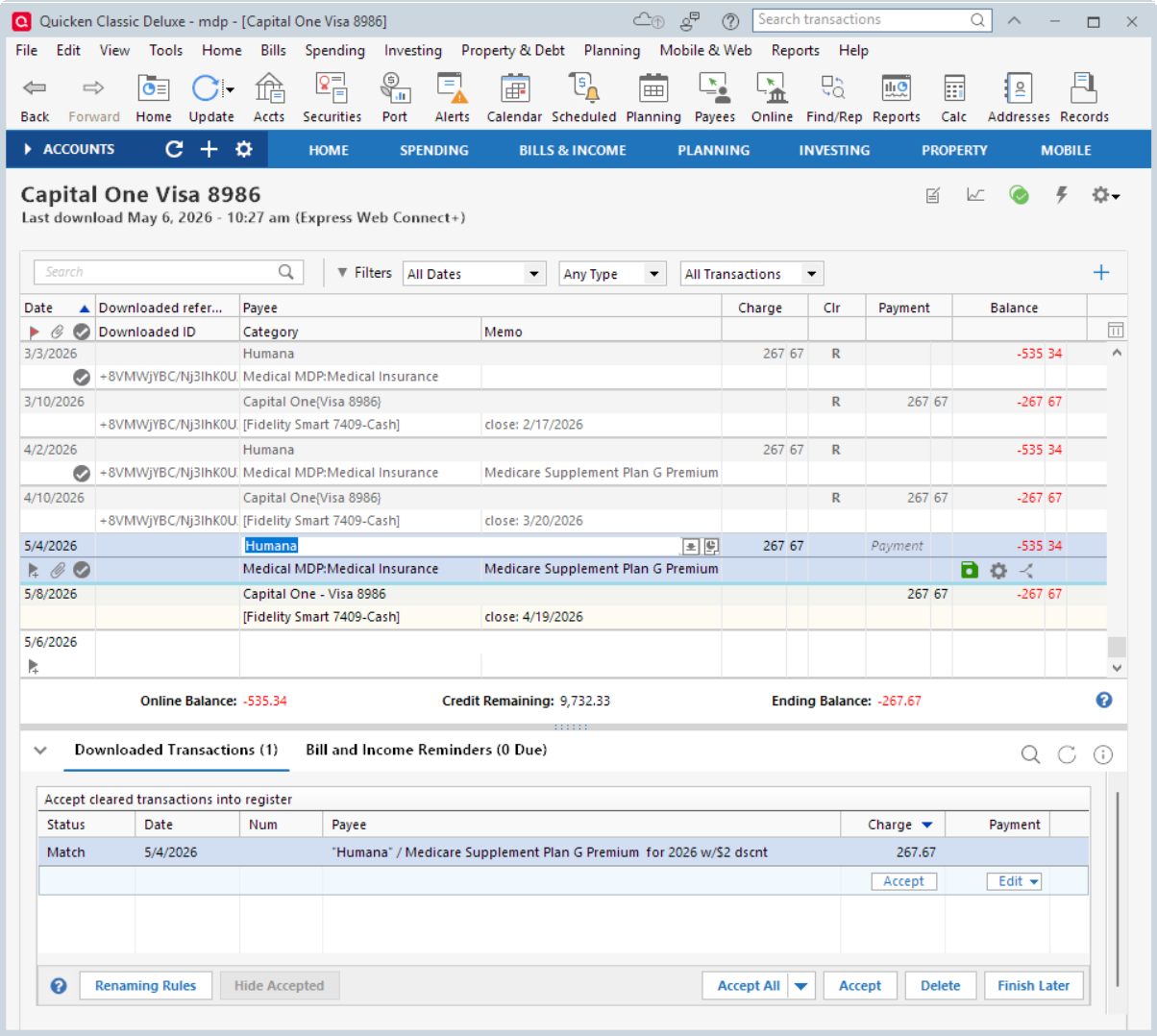
I just opened a Fidelity Cash Management Account. It is behaving very different from my traditional checking account registers. The strangest thing is that when I download transactions they are auto entering as cleared transactions while at the same time being shown in the downloaded transaction window for matching. I do not allow Quicken to auto enter any downloaded transactions because I prefer to manually match them. I have confirmed my Quicken settings and the settings for this account and its associated brokerage account are set not to auto enter. This is very strange behavior because essentially it is duplicating transactions. Looking for any suggestions.


Comments

  • Randy W
    Randy W Quicken Windows Subscription Member ✭✭✭

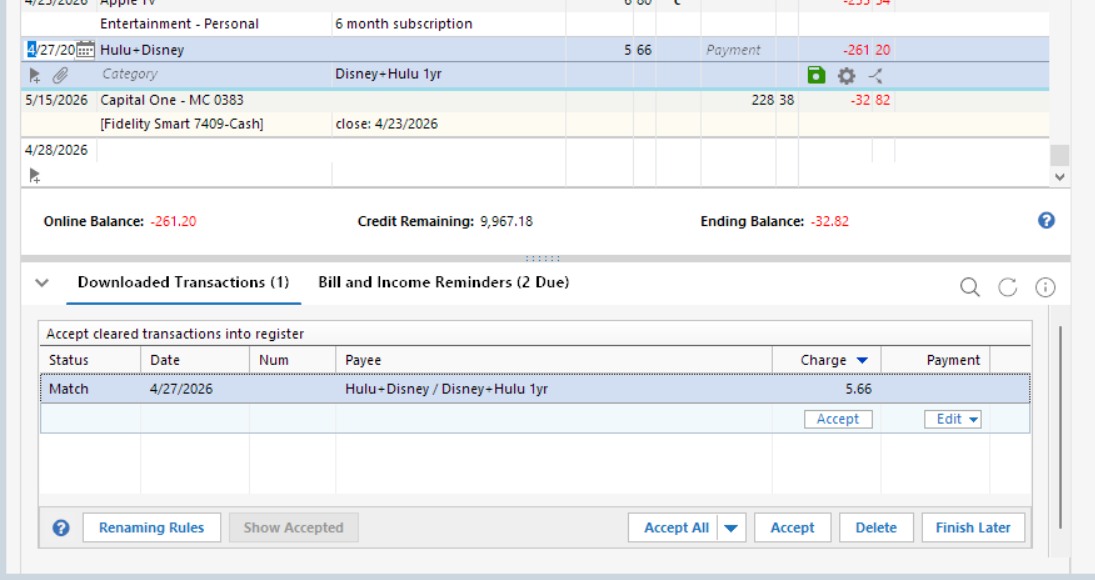
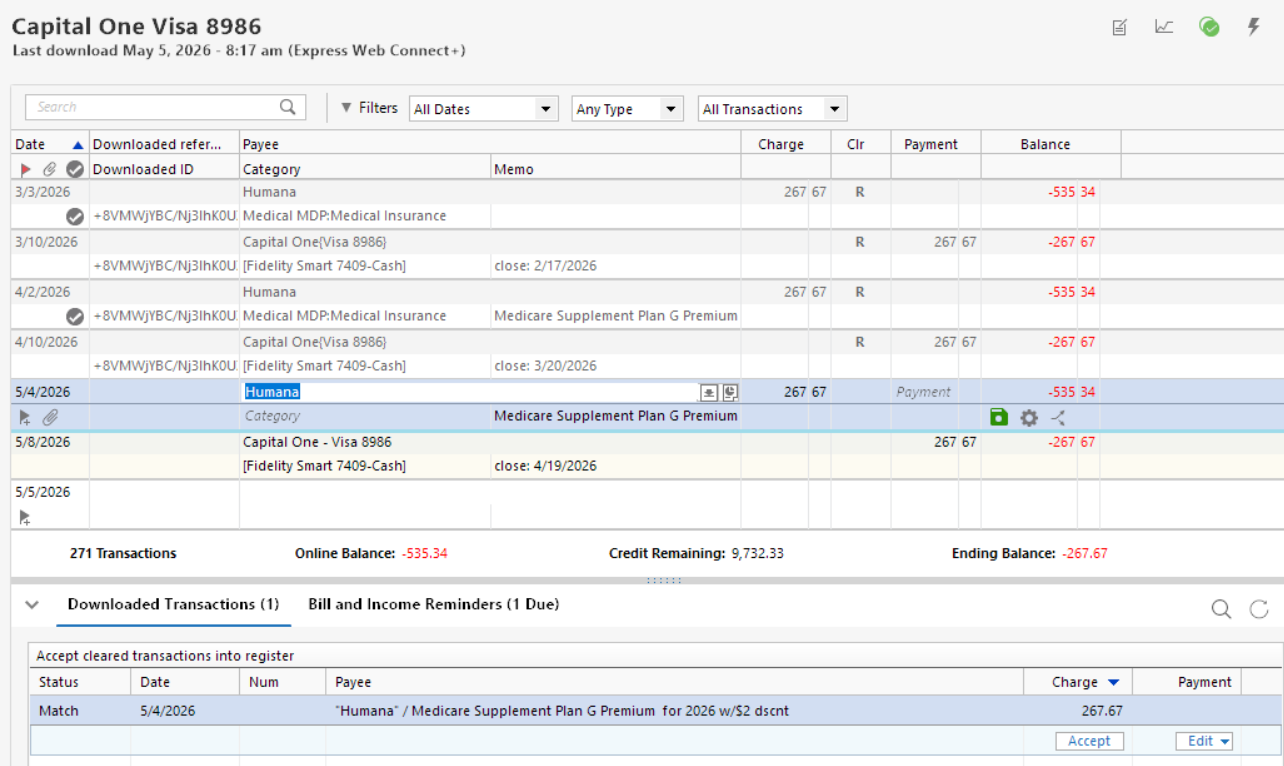
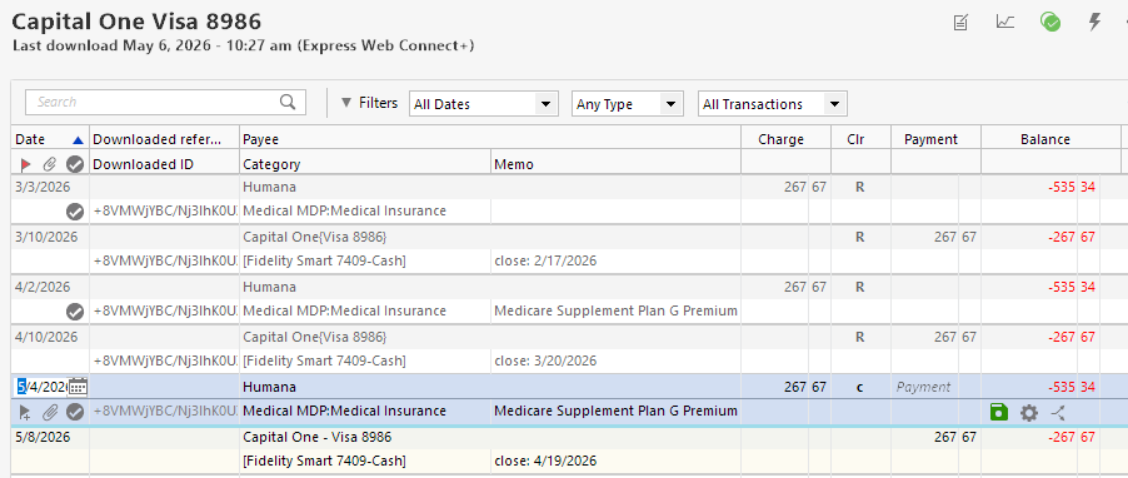
    I've learned something new about the behavior during today's transaction download… For a brief moment the red flag for indicating that there are downloaded transactions to reconcile appeared. It then disappeared. After the download was complete, I went to this account. I found that where I had already entered transactions that were not downloaded yet, it automatically flagged them as "cleared" but still showed the transaction in the download window. However, when I clicked on them in the download window, they matched to the already cleared transaction. I was able to accept them without duplication. However, when the transaction was not already entered, it was entered automatically as a cleared transaction and also still showed in the download window. For these transactions they did not stay matched when clicked on in the download window, it wanted to enter a new transaction. To clean up, I deleted the automatically entered transactions and entered them using the one in the downloaded window so I could complete the entries as I wanted. Seems to me it's a bug. Any other ideas?

  • Quicken Laura
    Quicken Laura Quicken Windows Subscription Moderator mod
    edited 12:49PM

    Hi @Randy W,

    Thank you for reporting what you’re experiencing with the Cash Management account. Similar scenarios have been reported by other users.

    To confirm, is this issue only affecting the cash account?

    Additionally, I would appreciate it if you could submit your log files so we can forward them to the appropriate team for further investigation.

    To send your logs:

    1. Open Quicken
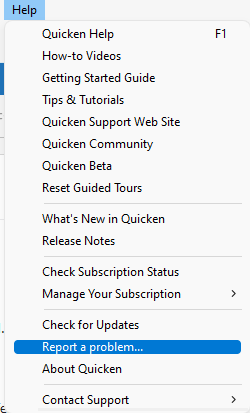
    2. Click Help
    3. Select Report a Problem
    4. Click Send to Quicken
    Report a problem QWin copy.png

    Once submitted, please let us know. I look forward to your response!

    (CTP-16752)

    Quicken Laura

    Make sure to sign up for the email digest to see a round up of your top posts.

  • Randy W
    Randy W Quicken Windows Subscription Member ✭✭✭

    Hello Quicken Laura,

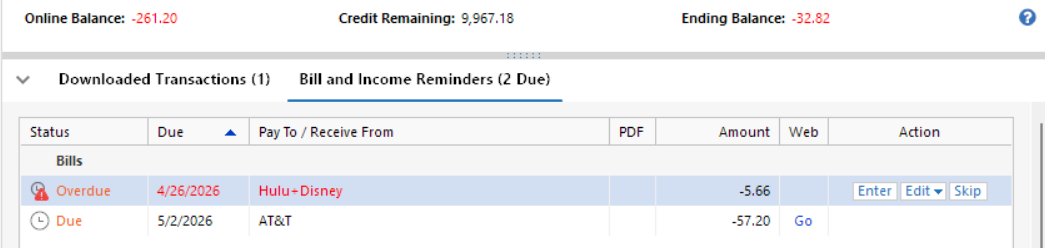
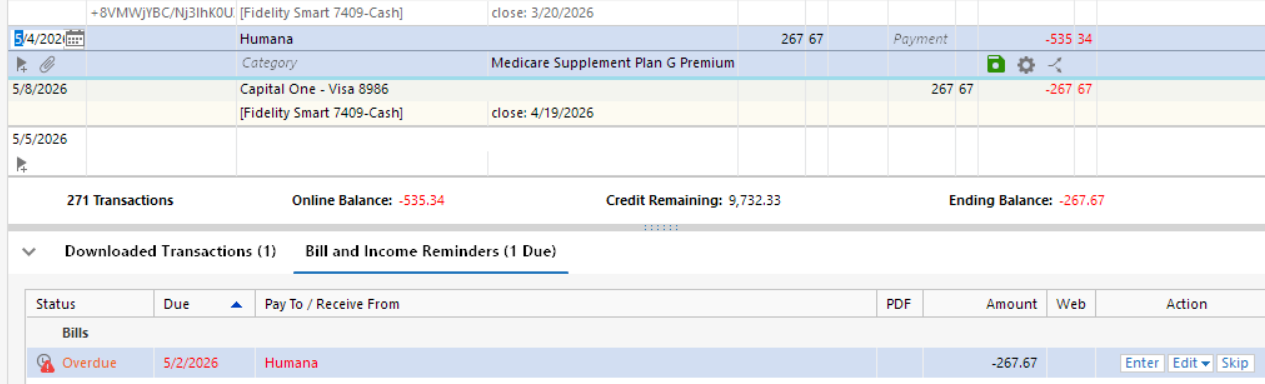
    I have submitted the "Report a problem… " with my logs. I do believe it may also be happening on other accounts as I have noticed on a couple of occasions that I have had double entries of some of my reminder transactions. For example, today I noticed that my Chewy transaction was already cleared in my register but I had not entered my reminder yet. It appears to only be happening when there is a reminder transaction that I have not entered yet and not just for any charge. I cannot be 100% certain of this but it was another weird one.

  • Randy W
    Randy W Quicken Windows Subscription Member ✭✭✭

    Found another one… I was entering transactions into a credit card register. It had downloaded but was not entered yet. This time I selected the downloaded entry and then edited it because there was multiple memorized choices for this payee for Quicken to choose from because of different categories used. Quicken had selected the wrong one so I selected the right one and entered the transaction. Surprise! It entered twice, both cleared, and both for the same amount. My corrected transaction along with the original Quicken guess. I then deleted the Quicken guess.