my citi credit card download links no longer work.
I download my credit card transactions on a daily basis . Today I had to re-establish a link to the Discover card, which I did.
Then, the two Citibank cards were no longer linked. I tried to set them up, but they wouldn't connect. User name and password are correct, as I went to the actual website and signed in.
In addition, downloads for two Citi accounts last date was mid-December 2025 on both accounts.
[Edited - Readability]
Answers
-
Hello @chazkov,
Thank you for reaching out! To help troubleshoot this issue, I checked our internal tools, and I can see account-not-found errors with Citibank. Are you seeing any error messages/codes when you try to connect?
To troubleshoot this issue, I recommend backing up your Quicken file, then following these steps from our article on CC-506 (account not found) errors:
Deactivate all accounts for this financial institution, then force Quicken to "discover" all available accounts:
- Open the Account List in Quicken (Tools > Account List or Ctrl + A).
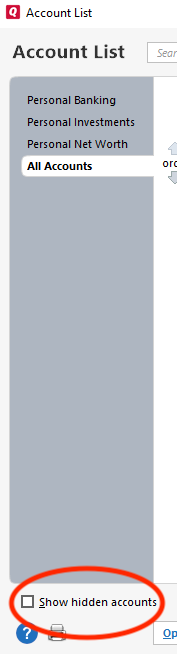
- If present, select the Show Hidden Accounts checkbox at the bottom of the Account List.
- Use the Edit button for each account with this financial institution to Deactivate (or Remove From One Step Update) on the Online Services tab.
- When finished, close the Account List.
- Close, then re-open Quicken.
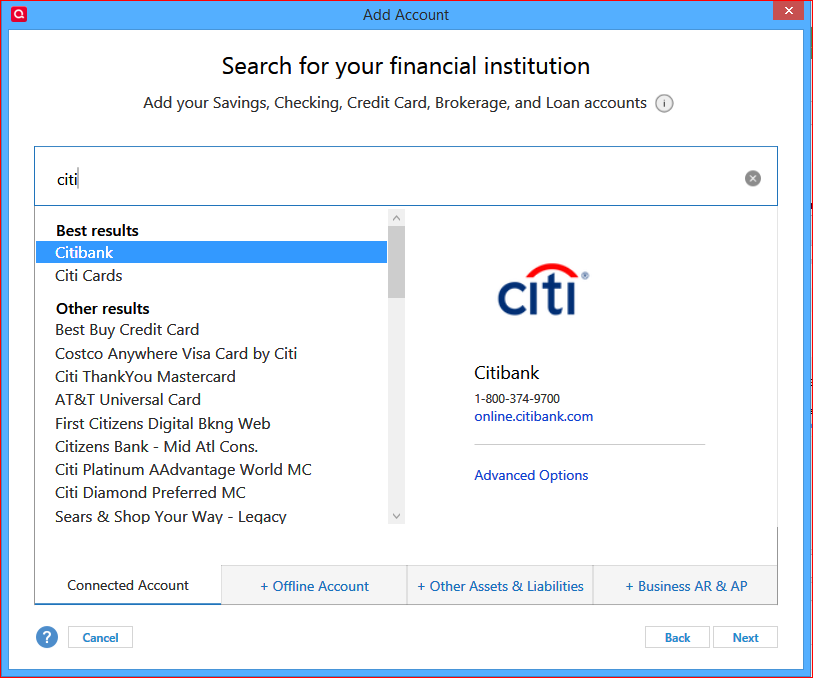
- Click the Add Account + button at the top of the Account Bar on your main view.
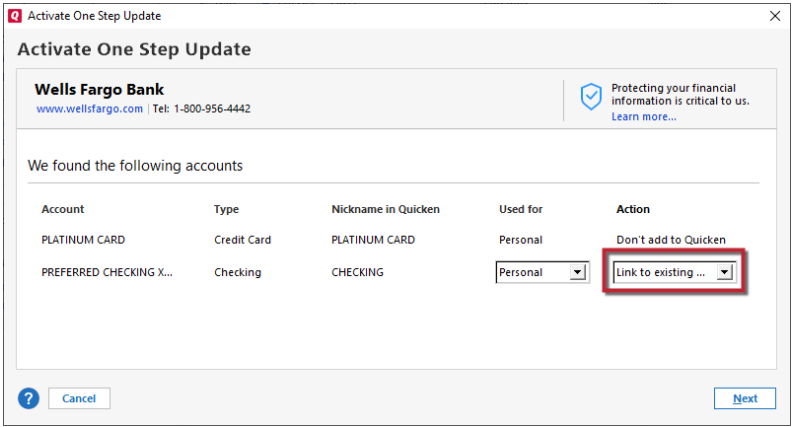
- Walk through this process as if you were going to add a new account, providing the login credentials and answering any security questions/processes presented, until you reach the screen where Quicken displays the Accounts Discovered at the financial institution.
- Very carefully LINK each of the found accounts to the appropriate account you already have set up in Quicken.
Please let me know how it goes!
Quicken Kristina
Make sure to sign up for the email digest to see a round up of your top posts.
0