Windows 11 on PC. Default browser is Firefox,
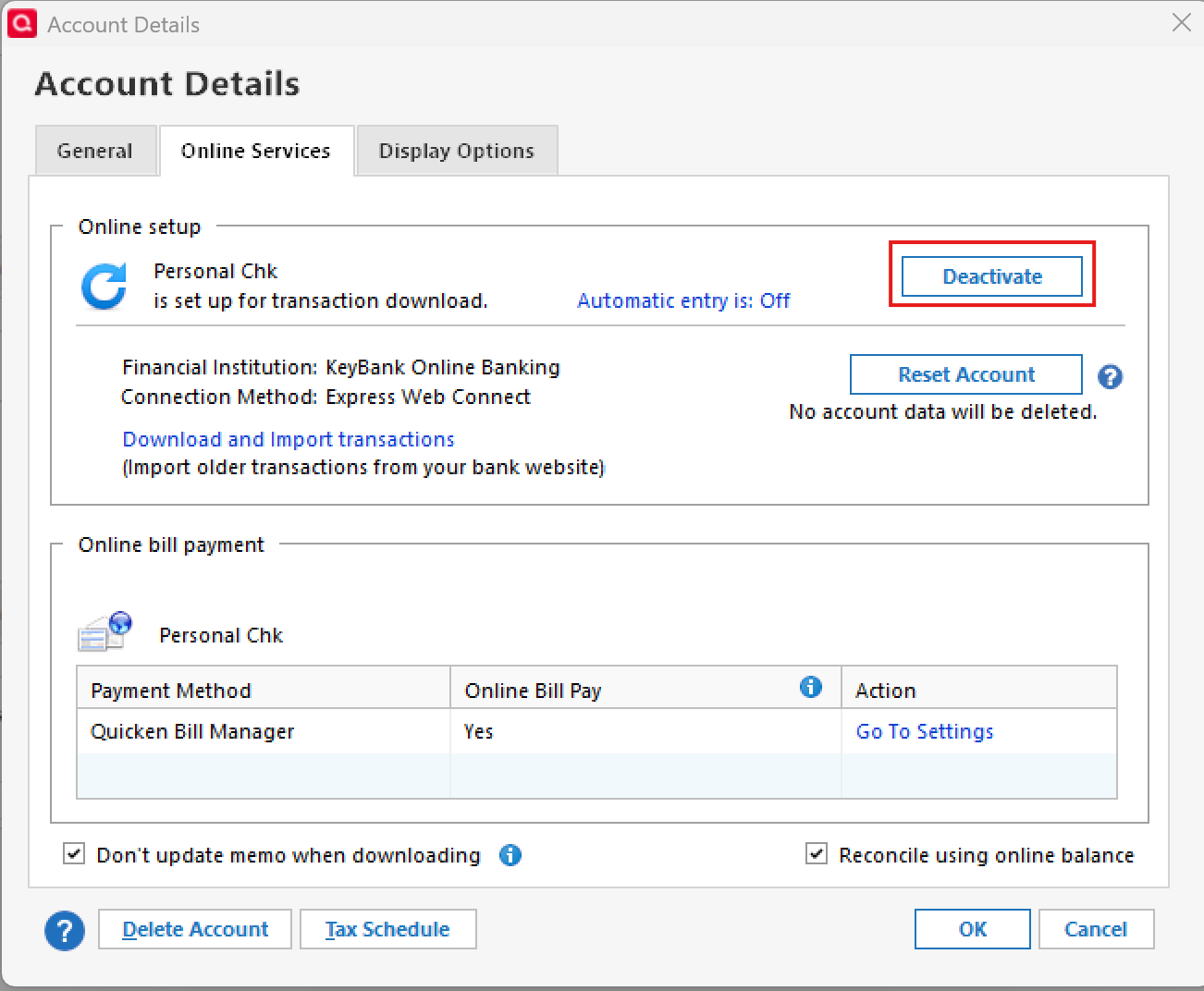
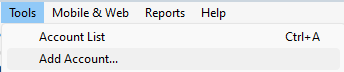
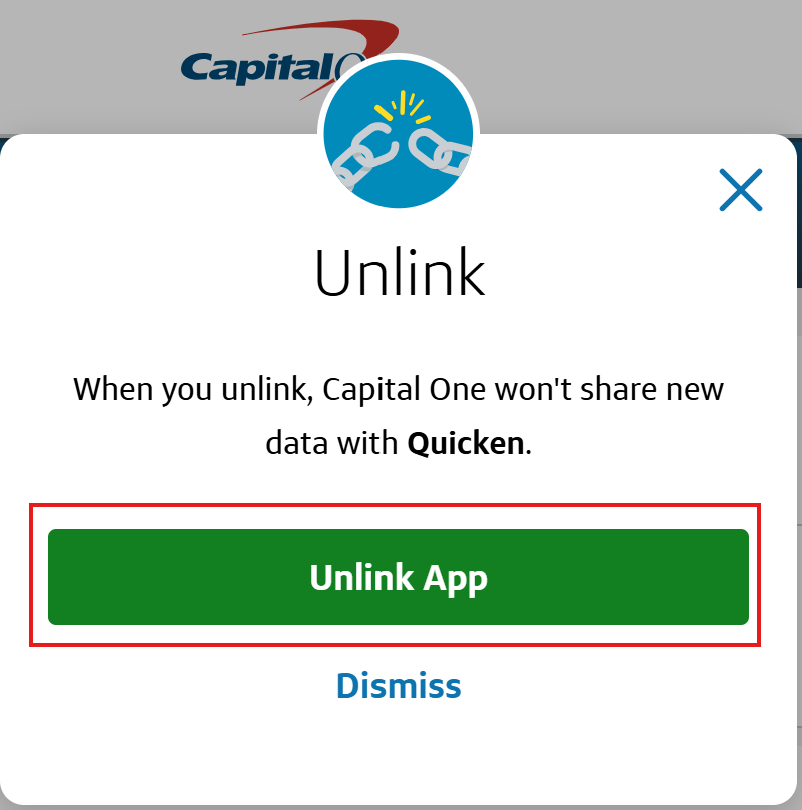
Until April 2026 Capital One would download with the rest of my accounts. Nothing has downloaded since 3/31/2026. This morning the account did not even appear in the update list. I followed the standard, generic advice to to to Tools-Account List, select the account and "Edit" - Online Services. All of the previous info was gone, replaced by a new "Set Up now…" button. Trying that results in an error, "Sign in to Capital One Card Services failed. Try again." with subtext, "Sorry, the sign in failed duie to time out or a connection error. Select Sign in to authenticate via your web browser". That suggestion is a cruel joke since hitting "sign in " again just does the same.
I can log into Quicken on Firefox just fine, but apparently cannot add an account from there. That wouldn't be ideal in any case, easier just to enter the transactions manually. But it would be nice to get this working again. I've seen a number of similar posts in this forum so clearly there's an issue with Capital One sync.