Twice in the last 3 days, I've had issues downloading transactions from Oakmark Funds in Quicken Classic (Version R65.17, Build 27.1.65.17, Windows 11 Home).
When I run One Step Update, I don't get an error, just a dialog box asking me to enter the password for Oakmark Funds. I've verified the password on the Oakmark website, and when I try to change or reset the password in the password manager in quicken, I get an error that Oakmark cannot use my password.
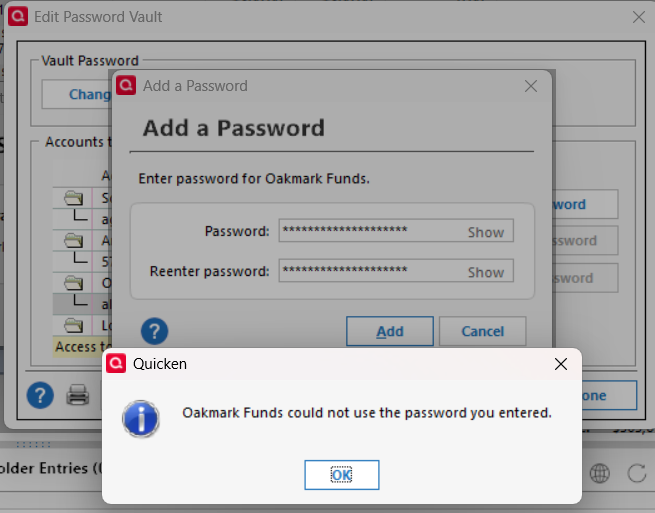
If I deactivate and reactivate the online services for the Oakmark account in Quicken, using the exact same password that Quicken rejected in the password manager when I tried to save it, Quicken gets the fund information from Oakmark and I can link it to my quicken account.
Problem is that I've had to do this twice in the last 3 days.
Hope someone has some insight. Thanks!


