How can i fix run time component issue in Quicken classic Premier on windows 11. it says restarts the windows which i did twice can somebody help
What's the Exact error message you're receiving?
This is what i'm getting since yesterday.
This is a user-to-user forum. You need to contact Q Support via the link at the top of this page or via the URL provided in the message.
Thank you sir!! let me try
Hi @Martinn,
You may also want to try the steps outlined in the Quicken Support article: https://www.quicken.com/support/message-unable-initialize-quicken-run-time-components/
You will need to restart your computer.
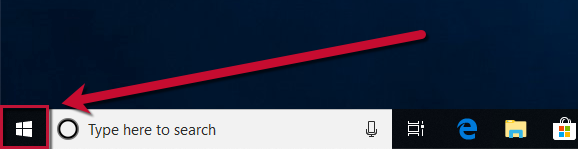
In Windows 10:
1. Right-click the Start button.
2. Select Shut down or sign out, then Restart.
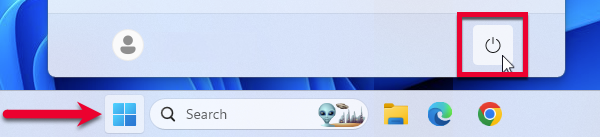
In Windows 11:
1. Click the Start button.
2. Select the Power button, then Restart.
If the steps above do not resolve the issue, please contact Quicken Support.
Thanks