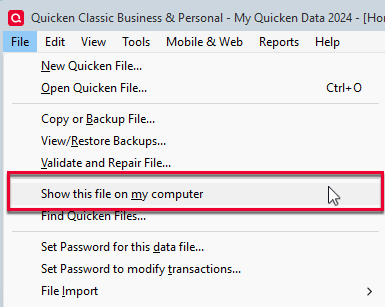
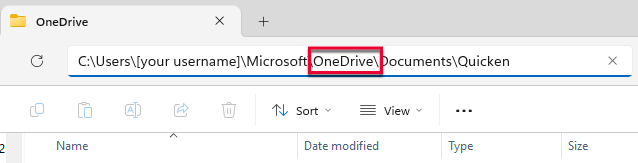
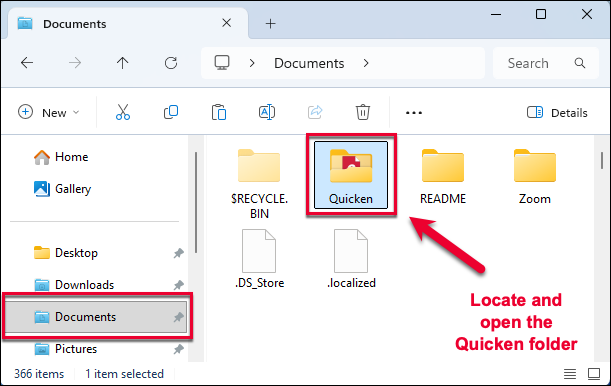
Been using Quicken since it's inception. Loved the ease of downloading transactions, now it's a nightmare! The switch to a OneDrive file was automatic, so I had a file on my hard drive. I saved my work to MY HARD DRIVE, but when I download transactions they automatically go to the One Drive file. All my choices in file tab indicate OneDrive I manually change it "no problemo" but what did I miss/how do I get the app to download to the correct file?