Same problem I posted about 8.5. Open Q, get message that i'm running 9.0 and need to update to 9.1.1. hit the update button, Q does its thing, closes, reopens and gives me the same message. over and over. a little help here please.
Hello @dk,
thank you for reporting the issue you are having.
First, can you please confirm if you are signed in on your Mac as the Admin account? If not, this can sometimes cause these types of issues and we would recommend switching to an Admin account when using Quicken.
However, if you are, then to start with I suggest uninstalling and reinstalling the Quicken program. If needed, here are the steps for uninstalling on Mac.
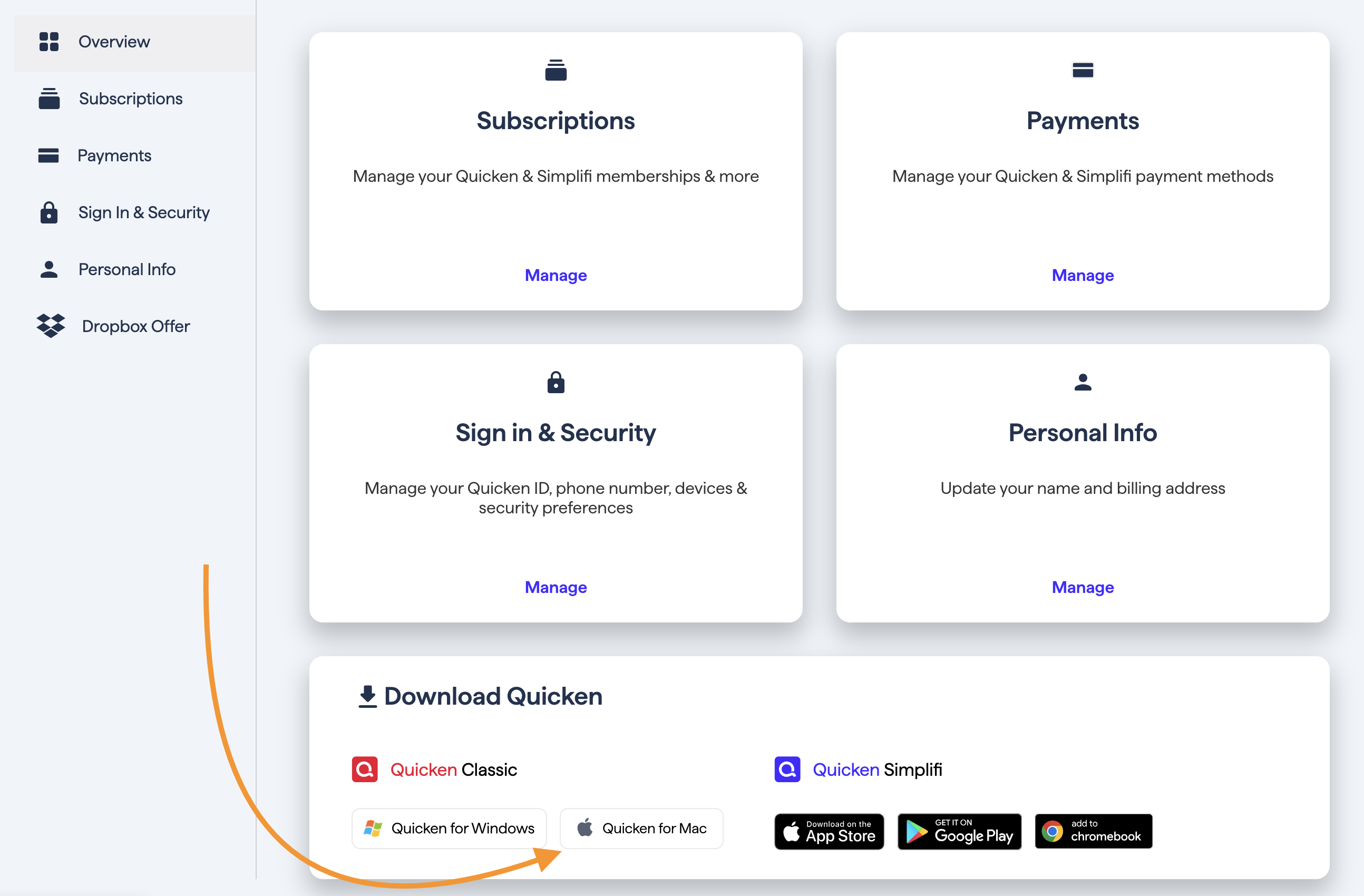
To reinstall your software, you can go to Quicken.com and sign in to the My Account section.
Once signed in, you can select the Quicken for Mac option.
You would then go through the installation process.
Let us know how it goes!
Last time "Quicken Laura" sent a patch that was smooth and seamless. Why all the dance steps this time?
@dk The patch provided previously may have resolved the issue at that time, but since the same behavior has returned, it indicates the underlying cause may not have been fully resolved.
You’re welcome to still try again by installing the patch if you prefer—which you can download from this support article, but the uninstall/reinstall steps were recommended because it refreshes the application files and can resolve issues where the update process is repeatedly failing.
Hope this clarifies things for you!
OK, That explains it. I'll try it tonight and let you know how it works. Thanks, d
Worked! Thanks, lets see what happens when 10.2 comes out.
Thank You! d
Thanks for the update! Glad to hear that worked, and hopefully this sticks as a permanent fix for you.