Quicken Classic for Windows R70.20 (27.1.70.20). Axos Bank DC checking account.
Problem: Activate One Step Update hangs at "Sign In" and cannot be completed.
Steps:
- Activate One Step Update for Axos Bank DC.
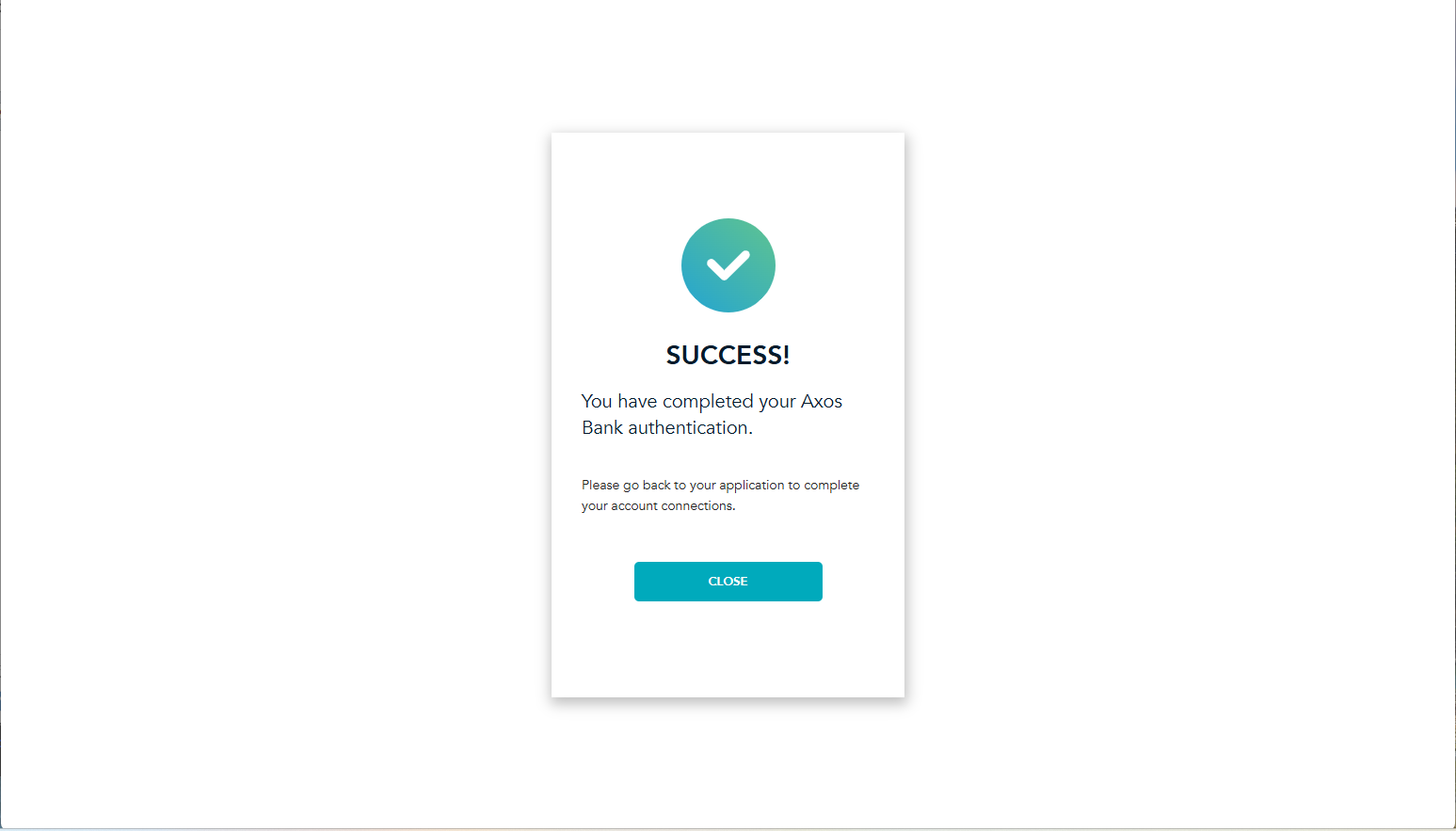
- Clicked the "Login here" link. The Axos consent/OTP step completes in the browser: "SUCCESS! You have completed your Axos Bank authentication."
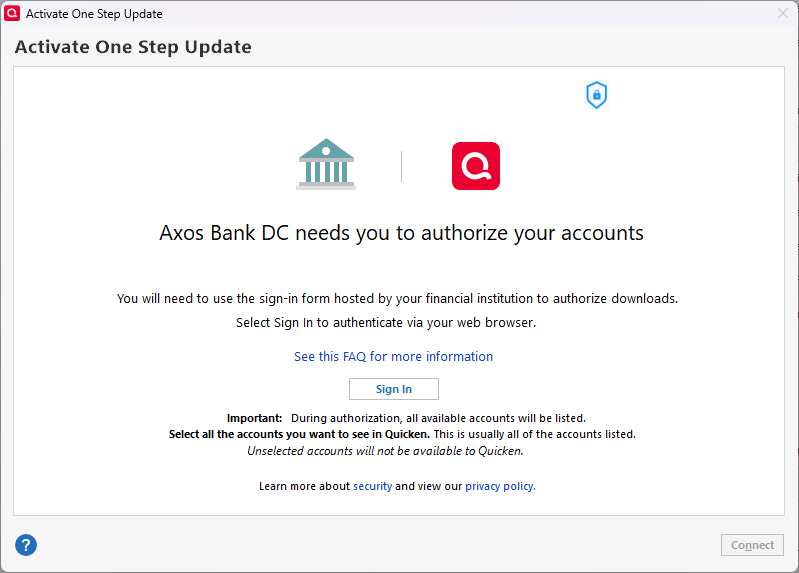
- Back in Quicken, the screen "Axos Bank DC needs you to authorize your accounts" appears. Clicking Sign In spins indefinitely. No browser page ever opens.
- Cancel -> Continue returns to the same spinner. Quicken has to be killed in Task Manager.
The log shows online error OL-290-B ("Quicken is unable to complete your request. Please try again later."). Most recent occurrence: 11/14/2026, 10:47 AM.
Already tried:
- Deactivating and reactivating the account
- Restarting Quicken
- Resetting the embedded browser cache (EBWebView)
- Switching the Windows default browser to Edge
None of these changed anything. Quicken never gets as far as launching the browser.
This has been failing for a long time. Because the Axos side of the authorization succeeds, the problem appears to be between Quicken's servers and Axos. Requesting escalation to the team that handles the Axos Direct Connect connection.
Screenshots attached: the Axos SUCCESS page and the "needs you to authorize" screen.