Running Quicken Classic on PC latest version on Canadian accounts. When the One Step Update runs for CIBC and TD credit cards, program freezes. Tried re-installing the cards but still frozen. Used to run fine some time ago.
Hello @Richard213,
Thank you for sharing your experience! To troubleshoot this issue, please follow these steps from our article on freezing or crashing during One Step Update:
Sometimes a specific connected account can be the issue and slow down all others when performing a One Step Update. Below are the steps to find the affected account, deactivate it, and then reconnect it to Quicken.
If you have Mobile & Web Sync enabled, a possible solution for slow One Step Updates is to disable the Mobile & Web Sync feature within Quicken when not actively using it.
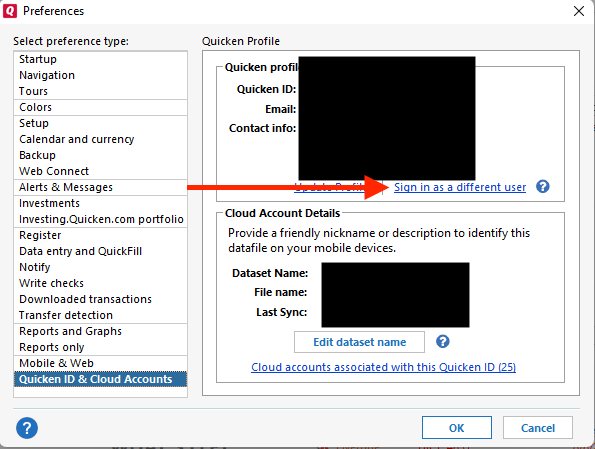
Signing out and back in of your data file refreshes the registration token for your Online Connected Services, which may help resolve performance issues with the One Step Update.
Note: It is highly recommended you save a backup data file prior to performing these steps.
Even if you are on the latest software version already, downloading and installing the most recent Manual Patch file ensures your Quicken software is up to date and all files are correctly installed.
You can find the latest update file and instructions on installing it here.
If you are using any VPN, firewall, or antivirus software, they could be affecting the One Step Update process and causing the performance issues. It is recommended to disable these services and then retry the One Step Update to see if the problem persists.
Note: It is highly recommended you save a backup data fileprior to performing these steps.
If none of the other troubleshooting steps worked, uninstalling and reinstalling the Quicken software may help resolve the freezing and/or crashing issue.
Please let me know how it goes!