Activate One Step Update never connects. This has been happening for over a week.
Hello @Pinewest,
I'd like to clarify a few things about your connection with Star One Credit Union so we can determine the best next steps.
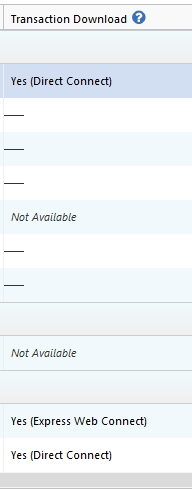
If your accounts are already connected, I'd like to confirm which connection method they're using. To check this:
I also noticed you're currently using version R70.20. Version R70.21 was recently released and includes fixes for certain Direct Connect connection issues. I'd recommend updating your Quicken software to the latest version. If you aren't prompted, you can download the new patch here.
Looking forward to your response!
I'm having the same issue. However, Quicken Classic Deluxe windows says R70.20 is the latest. How do I get R70.21?
[Edited - Readability]
R70.21 is not available to me. How can I get it?
Hello everyone,
Thank you for your inquiries. To download the latest version of Quicken, click here.
Once the page opens, you'll find version R70.21 as the second option in the list. After installing the update, please try running One Step Update again to see if the issue has been resolved.
I look forward to your updates.
R21 did not fix this issue. Same problem.
Thank you for your reply,
Since updating to R70.21 did not correct the issue, please provide more information about the issue:
I look forward to your reply!