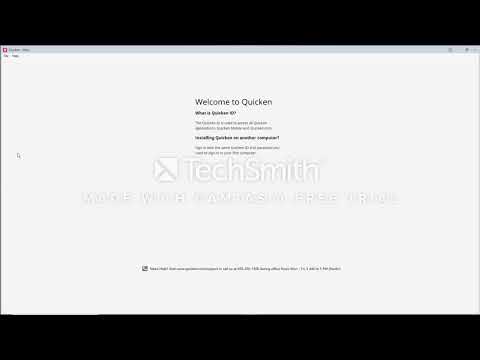
Font size problems? Display issues? (Windows)
If you are using a version of Quicken at the Quicken 2019 US R 19.44 patch level or newer and you have previously made the following Compatibility change, please undo the change. Users of older Quicken versions please try the following:
Some additional tuning suggestions:
Check if Windows Defender feature Ransomware protection is enabled. Configure or deactivate the Ransomware feature (may also be called "Controlled Folders")https://community.quicken.com/discussion/7626540/quicken-opens-but-stuck-wont-show-file-nov-2017
https://community.quicken.com/discussion/7631733/windows-10-1709-protected-folders
https://www.windowscentral.com/how-enable-controlled-folder-access-windows-10-fall-creators-update