Print Budget Bar Chart in the Planning Tool [edited]

Bione
Quicken Windows Subscription Member ✭✭✭✭
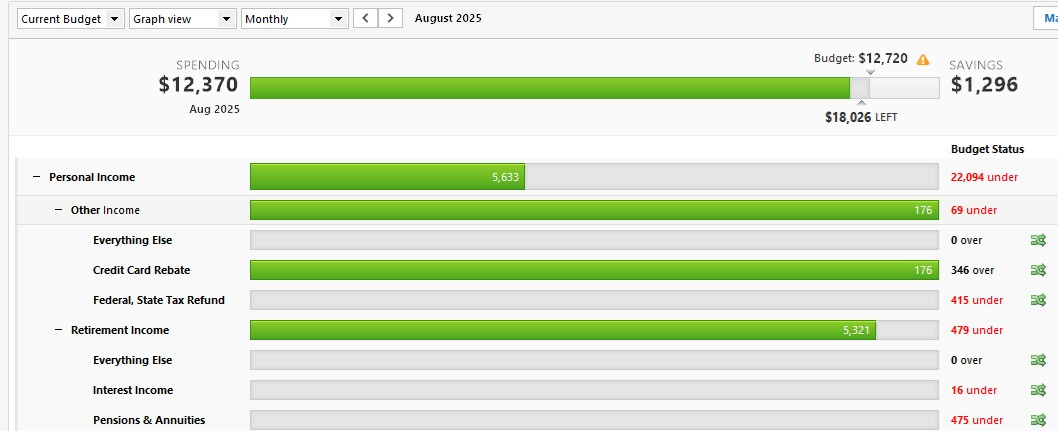
This bar chart is great and wish we could print it out.
1
Comments
-
Is that the Lifetime Planner (LTP) bar chart?
If so, while viewing the LTP page, go to File > Print Lifetime Planner or hit Ctrl-P.
QWin Premier subscription0 -
I am referring to the Budgets Page.
 0
0 -
The closest thing you can do to print that display is to go to File > Print budgets and export the data to a CSV file. You can open that file in Excel and make a bar chart there.
I edited the title to clarify the issue
QWin Premier subscription0

This discussion has been closed.