401k Doubled - Fidelity - QMac

This discussion was created from comments split from:
Superfluous Financial Institution after Import Update to Fidelity
.
Comments
-
I installed the most recent update when I was prompted, everything went well until the account update was complete, and now I have double the amount in the 401K. It would be nice if it were true, but it is not. Please help.
0 -
Hello @joannheinl_797,
Thanks for posting — I went ahead and split your questions into it's own Mac‑related thread so we can zoom in on this more cleanly. I’m happy to help you get to the bottom of why your 401(k) balance is doubling.
What we’ll need to do is figure out what’s causing that inflated balance. The first place to look is the Transactions tab for the affected 401(k) account:
- If the Transactions tab is greyed out, hold down the Option (⌥) key on your keyboard and then click on that tab. That should allow it to open.
- Once you can see the transactions, scan for anything that looks off:
• Duplicate transactions
• Placeholder entries
• Missing transactions
If you do see duplicate transactions, you’ll need to delete them manually. I know that’s inconvenient, but the good news is, it should only be a one‑time cleanup — duplicates generally shouldn’t continue once things are in sync again.
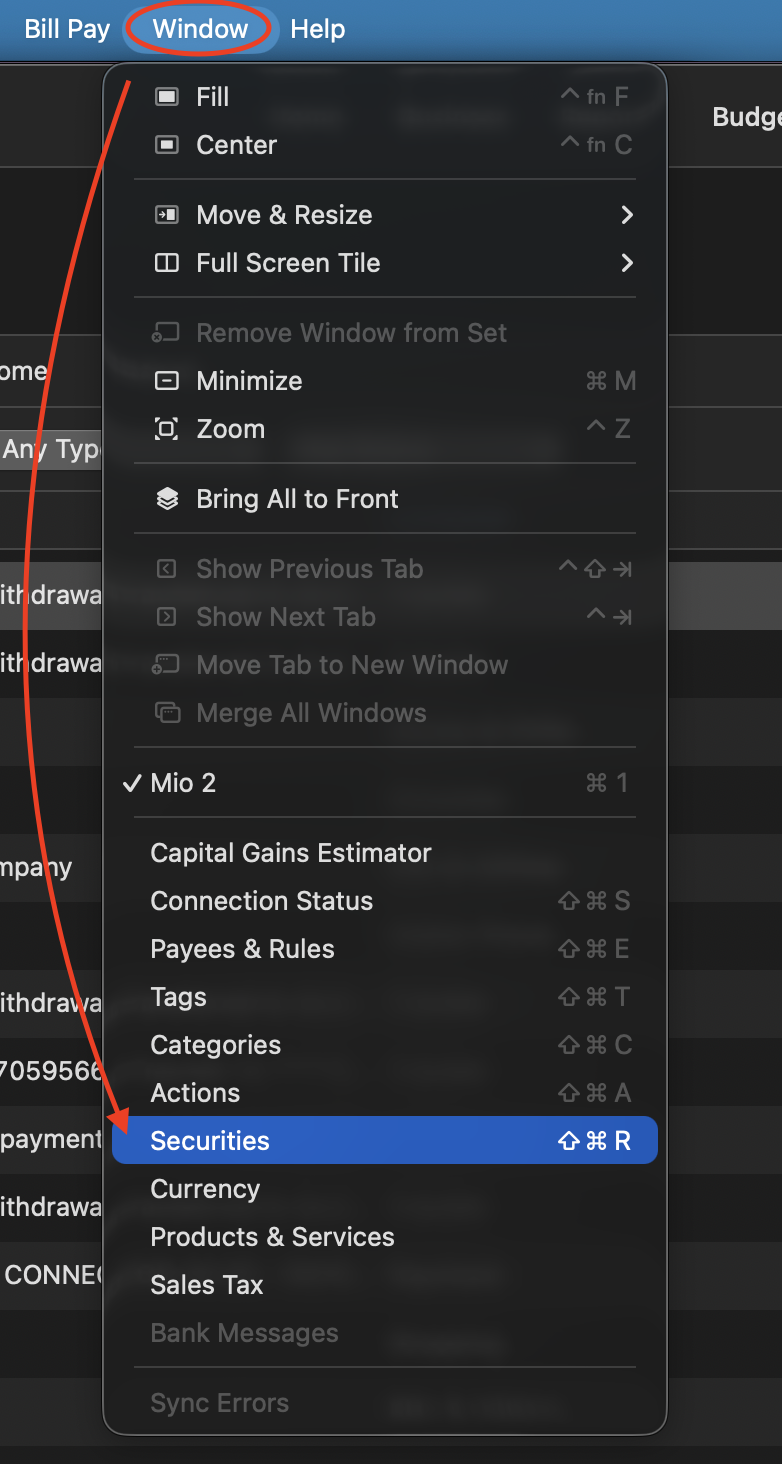
Also, if you see duplicate securities, those can be merged.
If you run into anything you don’t understand while doing this — odd transactions, confusing placeholders, or things you’re unsure about — feel free to come back with questions, and I’ll walk you through it.
Hope this helps!
Quicken Alyssa
Make sure to sign up for the email digest to see a round up of your top posts.
0 -
Hi Alyssa, I had spine surgery three weeks ago and haven't been able to apply your advise to the Fidelity account. Yesterday there was another Quicken update, I did that, and to my surprise this morning the 401k has tripled. What do I do now?
0 -
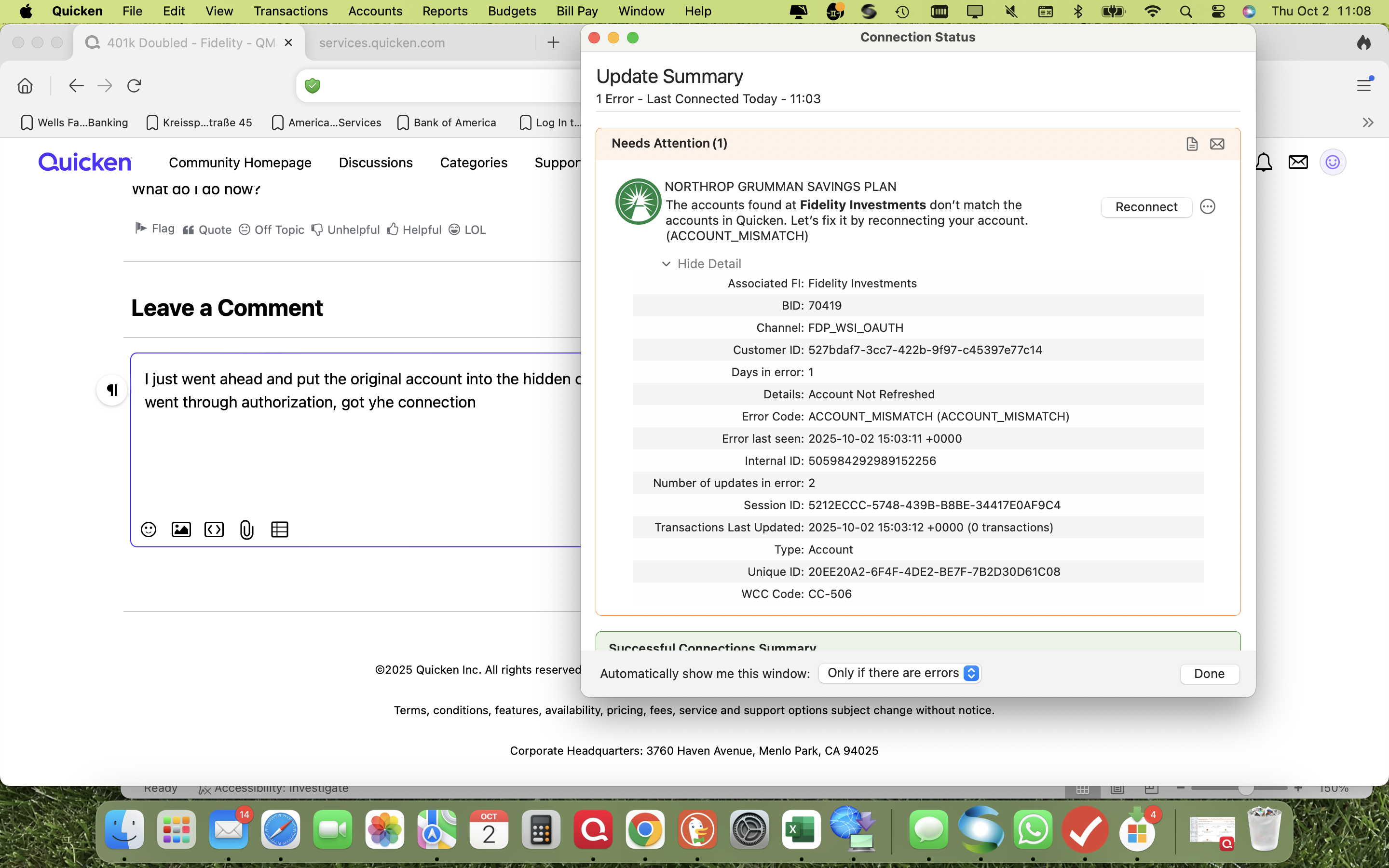
I just went ahead and put the original account into the hidden category. I started over adding a new account, went through authorization, got the connection and this came up.
 0
0 -
After a second try, creating a new account, it connected and I chose the “add new account” option, it worked and the numbers are correct. I will keep the old, hidden account for about a week to see how things develop and after that I will delete it.
0 -
Hello @joannheinl_797,
Thank you for following up, and I wish you a speedy recovery!
I think the path you have chosen to resolve this issue will work well. If you need more assistance, don't hesitate to reach out!
Thank you!
Quicken Alyssa
Make sure to sign up for the email digest to see a round up of your top posts.
0 -
Good morning, the daily update for the Fidelity NG 401k worked finr yesterday, but today I gat an error message that “the account can’t be found”. Is there any solution your company can offer in the near future? I have been using Quicken since the early 2000 and NEVER had a problem like this.
0 -
I re-authorized the account and it still will not update yesterday’s gains.
0 -
Hello @joannheinl_797,
Thank you for following up, though I am sorry to hear that you are experiencing another issue.
Just to help us zero in on what’s going on:
- Do you think the issue is that the account isn’t updating properly (i.e. new data not coming through)?
- Or is the problem that you can’t see a particular column or value in Quicken even though it should be there?
- If you can't see the column, you can add it under the columns icon in the top right.

- If you can't see the column, you can add it under the columns icon in the top right.
- Another possibility: Is the data downloading, but it’s delayed by a day or two?
Looking forward to your response.
Quicken Alyssa
Make sure to sign up for the email digest to see a round up of your top posts.
0

