Updated to 8.3.2, can't connect to Fidelity, seeing duplicate accounts and incorrect balances

System
Member admin
This discussion was created from comments split from:
Fidelity Investments no longer downloading transaction data
.
Tagged:
0
Comments
-
I updated to Quicken 8.3.2 today on Mac OS 15.6.1. Quicken can't connect to Fidelity. Also some Fidelity accounts are duplicated, and others show totals that are significantly different from what I see when I log into Fidelity directly. I think there's a big problem with the new Quicken version!
0 -
Hello @DukeBedford,
Thanks for posting and sharing what you’re seeing. I know these things can be frustrating.
Here’s a plan we can try to straighten it out:
- Save a backup of your Quicken file first (always safe to have a fallback).
- Delete the duplicate Fidelity accounts in your data file.
- Then, disconnect all Fidelity accounts from the file entirely.
- After that, go through the Add Account flow again.
- When you get to the step where Quicken redirects you back, make sure each account is marked as “LINK to existing”. That should prevent duplicate accounts from being created.
- After re‑adding, it’s possible some balances will look off. In that case, check the Transactions tab of each affected account.
- If the Transactions tab is greyed out, hold down the Option (⌥) key on your keyboard and then click the tab — that should allow it to open.
- Scan the transactions list for anything unusual:
• Duplicate entries
• Placeholder transactions
• Missing items - If you find duplicate transactions, you’ll need to manually delete them. I know it’s not ideal, but usually it’s a one‑time cleanup.
- If duplicate securities appear, those can be merged.
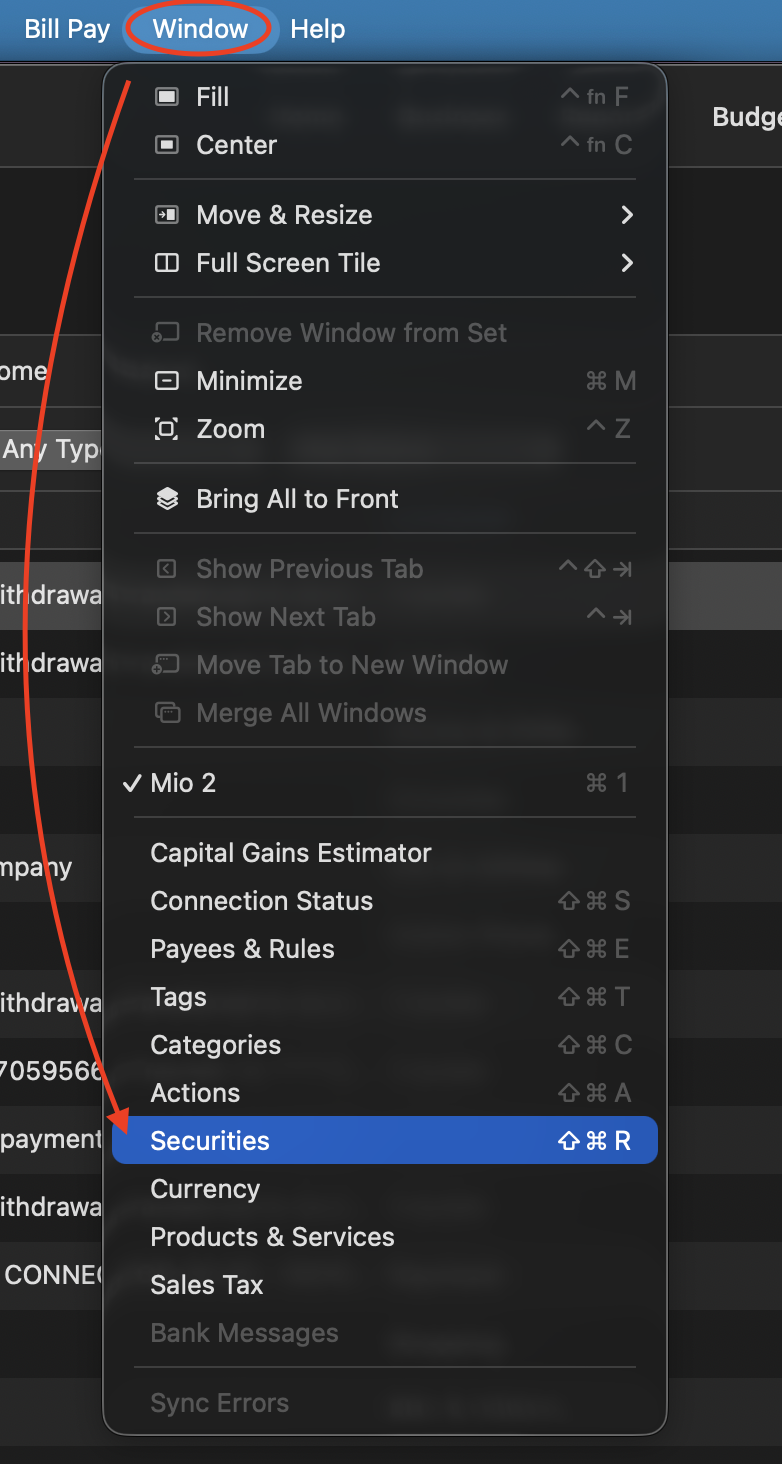
If you run into issues along the way, come back, and we will be happy to help.
Thanks again!
Quicken Alyssa
Make sure to sign up for the email digest to see a round up of your top posts.
0


This discussion has been closed.