Unable to Connect to Fidelity NetBenefits

This discussion was created from comments split from:
Comments
-
Has this been resolved? If so, I need some direction.
Although I am able to connect to my other Fidelity accounts through the Fidelity Investments link, I am still unable to connect to Fidelity NetBenefits. Can you please help?
0 -
Hello @Tommy,
Thank you for adding to this discussion. I am happy to help!
When you say you are unable to connect to your Fidelity NetBenefits, are you referring to a specific account of yours not coming into Quicken using the Fidelity Investments instance?
If so, what type of account is it that you are trying to add? Does this account show up in the same place as all of your other accounts on the Fidelity website, or do you use a different URL to view this account?
Looking forward to your response.
Quicken Alyssa
Make sure to sign up for the email digest to see a round up of your top posts.
0 -
When you say you are unable to connect to your Fidelity NetBenefits, are you referring to a specific account of yours not coming into Quicken using the Fidelity Investments instance?
Yes
If so, what type of account is it that you are trying to add?
401K. However, I am not trying to add this account as it is an existing account. I have been able to download quotes and transactions to this account for over 15 years. It is only recently that I am no longer able to do this. I have been using Quicken Windows since 1993 and have tried every trick I know to get this work, but have had no results.
Does this account show up in the same place as all of your other accounts on the Fidelity website, or do you use a different URL to view this account?
No, this is a separate website, www.netbenefits.com rather than www.fidelity.com
0 -
Hello @Tommy,
Thank you for following up with those additional details.
Given that the account doesn't show up in the list of accounts to authorize on Fidelity's website, I think the best next step would be for you to contact Quicken Support directly. They will be able to investigate further and escalate if necessary.
Let me know how it goes!
Quicken Alyssa
Make sure to sign up for the email digest to see a round up of your top posts.
0 -
So frustrating! I'm experiencing this identical issue: another victim of the conversion fiasco…
My wife and I each have Fidelity accounts we maintain in Quicken. Daily downloads have worked flawlessly for many years, but since the recent…er…"upgrade"(!), that's no longer the case.
I've successfully gotten my Fidelity HSA to transition, and it appears to be receiving and updating correctly.
Alas, the same cannot be said for my wife's two Fidelity NetBenefits 403(b) accounts. Legacy zzz-Fidelity NetBenefits accessibility—which had worked for awhile—ceased functioning last week. So, I took the plunge and attempted a switch to the new connection mode (despite users' posts warning of unresolved "issues"). You can now count us among the rest who are deeply disappointed in the manner in which this conversion has been rolled out with so many bugs.
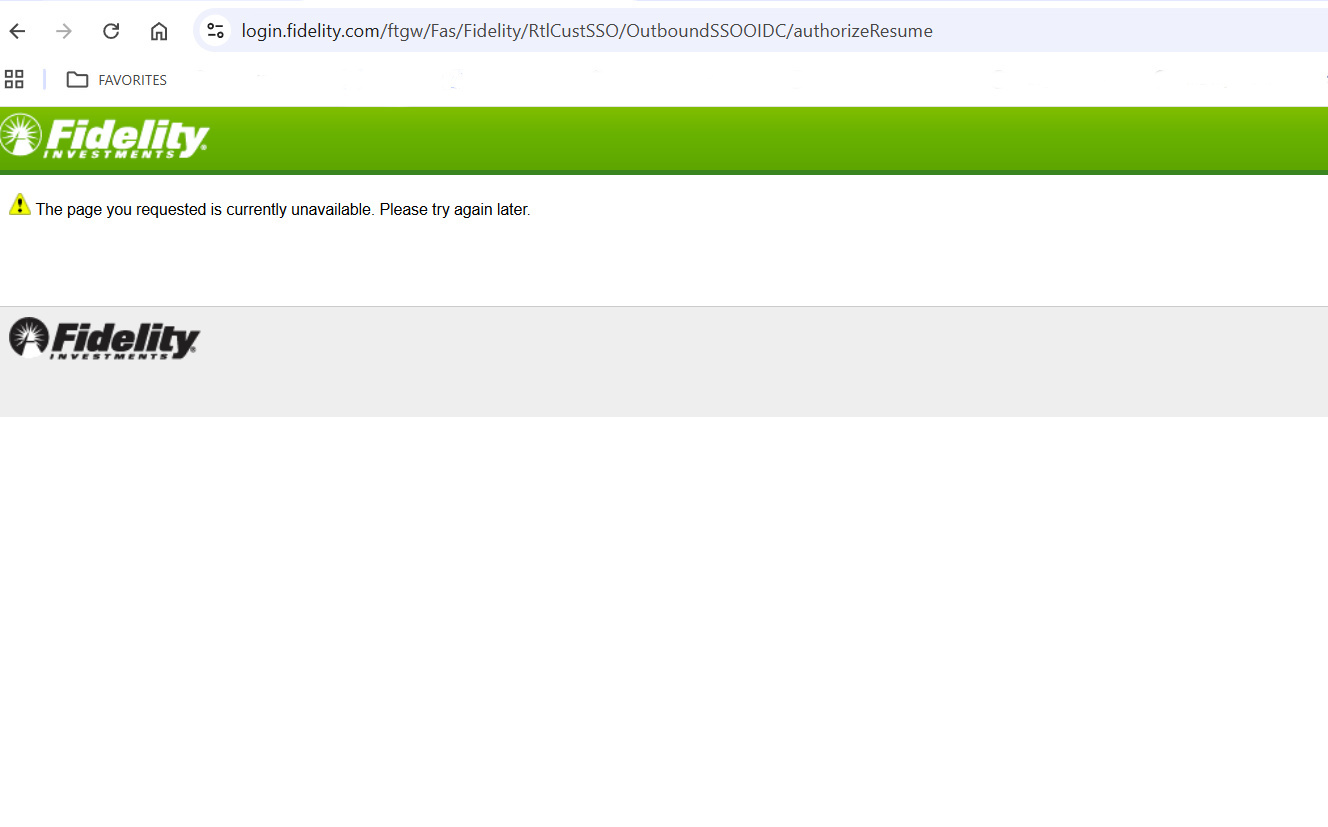
In short, I cannot complete the desired setup. A mandatory Fidelity login screen responds with a "…currently unavailable" error (screen-shot below.) This same result has persisted for the past two-weeks.
NOTE: I've confirmed that the entered credentials (email and password) are correct, and I have no problem logging-in and accessing these two retirement plan accounts directly from a web browser on the same computer where the Quicken installation resides.
PLEASE address the Fidelity NetBenefits access issue. Updating these accounts manually is a significant time-waster.
 0
0 -
Same thing still happening to me. ZZZ-FIdelity worked until two weeks ago and now cannot download because Quicken still doesn't offer Fidelity Net Benefits as a choice. Come on Quicken. Fidelity is one of the two biggest 401Ks in the country.
0 -
Thank you both for sharing your experiences, though I am sorry to hear you are going through this.
Unfortunately, I have no way of bringing the Fidelity NetBenefits instance back; however, I can try to help get you connected to the Fidelity Investments instance.
@Eric J, For the issue you're seeing, can you try changing your default web browser? We have seen issues with some web browsers causing issues. I would recommend trying Chrome. Let me know if that resolves the issue.
@Ma3rk, You will need to disconnect ALL accounts that you have connected to the "zzz-Fidelity NetBenefits" instance. Once you have done that, please try using "Fidelity Investments" and see if your accounts are available to authorize with this one.
Hope this helps!
Quicken Alyssa
Make sure to sign up for the email digest to see a round up of your top posts.
0 -
Thank you for the response, Alyssa. Unfortunately, your suggestion (to try reconnecting my Quicken installation to Fidelity NetBenefits by changing my system's default web browser) made no apparent difference. My default browser already was Chrome, so I switched to MS Edge. The same Fidelity message as before resulted: "The page you requested is currently unavailable. Please try again later."
FWIW: I reset my system's default browser to Chrome, completely cleared all its caches, and tried connecting Quicken again to Fidelity NetBenefits without success. (Reminder: I can readily log-into and access these accounts directly from either browser, so it's not likely a credentials issue.)
Still frustrated, still annoyed, and still cursing Quicken decision-makers (for foisting an unneeded and buggy downgrade upon its subscribers) each time I must waste further time manually entering transactions, positions, and pricing into these two Fidelity retirement accounts…
0 -
Thank you for following up, and I am sorry my suggestion of changing your default web browser did not resolve your issue. Clearing your cache and cookies was a good step to try as well.
At this point, I think it would be best if you contacted Quicken Support directly so they can investigate further and help determine what is causing this for you. They can also escalate the issue if needed.
I do hope they can get it all sorted out for you.
Thank you!
Quicken Alyssa
Make sure to sign up for the email digest to see a round up of your top posts.
0

