Quicken Classic Premier Windows R64.35 update

cuspeanz
Member
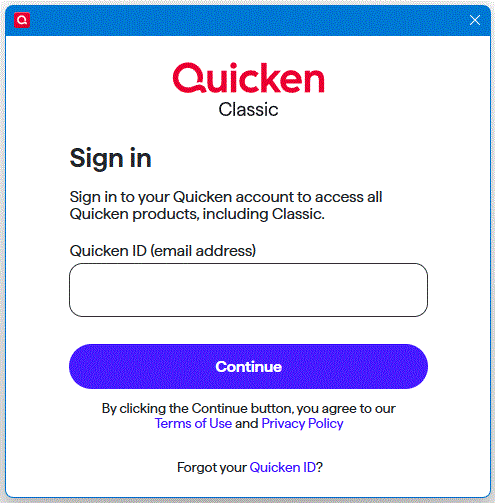
Since the Windows R64.35 update, after each register transaction to add or change, or any other activity within the application, Quicken is popping up a sign-in repeatedly. Have to close the pop-up every time to do anything in Quicken. This is very annoying.
[Edited-Readability]
Tagged:
0
Comments
-
Hello @cuspeanz,
Thank you for sharing your experience.
Just curious, did you try entering your email address and signing in? If not, I would try that first. Periodically, Quicken does ask for this, but it's not very often.
If you have tried that, and you are still getting the pop-up, please do the following:
- Navigate to Edit
- Preferences...
- Quicken ID & Cloud accounts
- Click Sign in as a different user (or it might say Sign in using a different Quicken ID)

- Follow the prompts to Sign Out

- Sign back in using your Quicken ID (email) and password
Let me know if this resolves the issue.
Quicken Alyssa
Make sure to sign up for the email digest to see a round up of your top posts.
0

This discussion has been closed.