I lost years of credit card data when I replaced a hacked Fidelity/Elan card

Hi. I have Windows Quicken Classic Deluxe version R64.35, Build 27.1.64.35. I do a manual backup each Friday after downloading/categorizing Fidelity bank accounts and Fidelity/Elan credit card data. All are now connected by Express Web Connect +.
I obviously did something wrong, as the new credit card data only goes back to 8/18/25, and the previous data is gone. Do I restore a backup from before that date and then manually add in the new transactions from then to now? Or how to add the new card to the old file at that point back in time so the old and new merge? Any guidance greatly appreciated.
[Edited-Readability]
Best Answer
-
Hello @b.heslin,
Thank you for sharing a detailed account of your experience.
Yes, I do think the best option would be restoring a backup from before this issue happened, and then redoing the process.
It sounds to me like you could have added that account as new instead of linking it to the existing account. Although I am unsure why the original account would be gone. Either way, the best option is to restore the backup.
If your accounts are no longer on Express Web Connect + in the backup, then you should disconnect all of them and go through the migration process again. This time, be sure to LINK any accounts that are already in Quicken.
Let us know if you need more help with this.
Quicken Alyssa
Make sure to sign up for the email digest to see a round up of your top posts.
0

Answers
-
Hi @b.heslin ,
I would make a backup of your current data. Then I hope you made Manual Backups that included the Date, and maybe time. Restore that Backup and search for your information you want to find. Once you find that information. Make a notation of that Data file and Back it up, to an External Thumb Drive and put it somewhere safe. Now restore your current Backup file and continue to use it. Don't bother to add transactions to the old Backup.
I am saying this because you might have more than one Account, in the Data File, and if you restore the Backup file, just for your current credit card information, you might overlook your other Accounts.
Just my opinion.
thecreator-bTesting Quicken Subscription Beta B63.19 (Nov. 2023) Installed 24/7.
in Windows 10 Pro 64-Bit Build 19045.3693 Quicken Classic Business & Personal0 -
The online service page for this new card gives a few options for deactivating or resetting, and possibly also getting older transactions from Elan's website. Maybe I should do a backup and try that link?
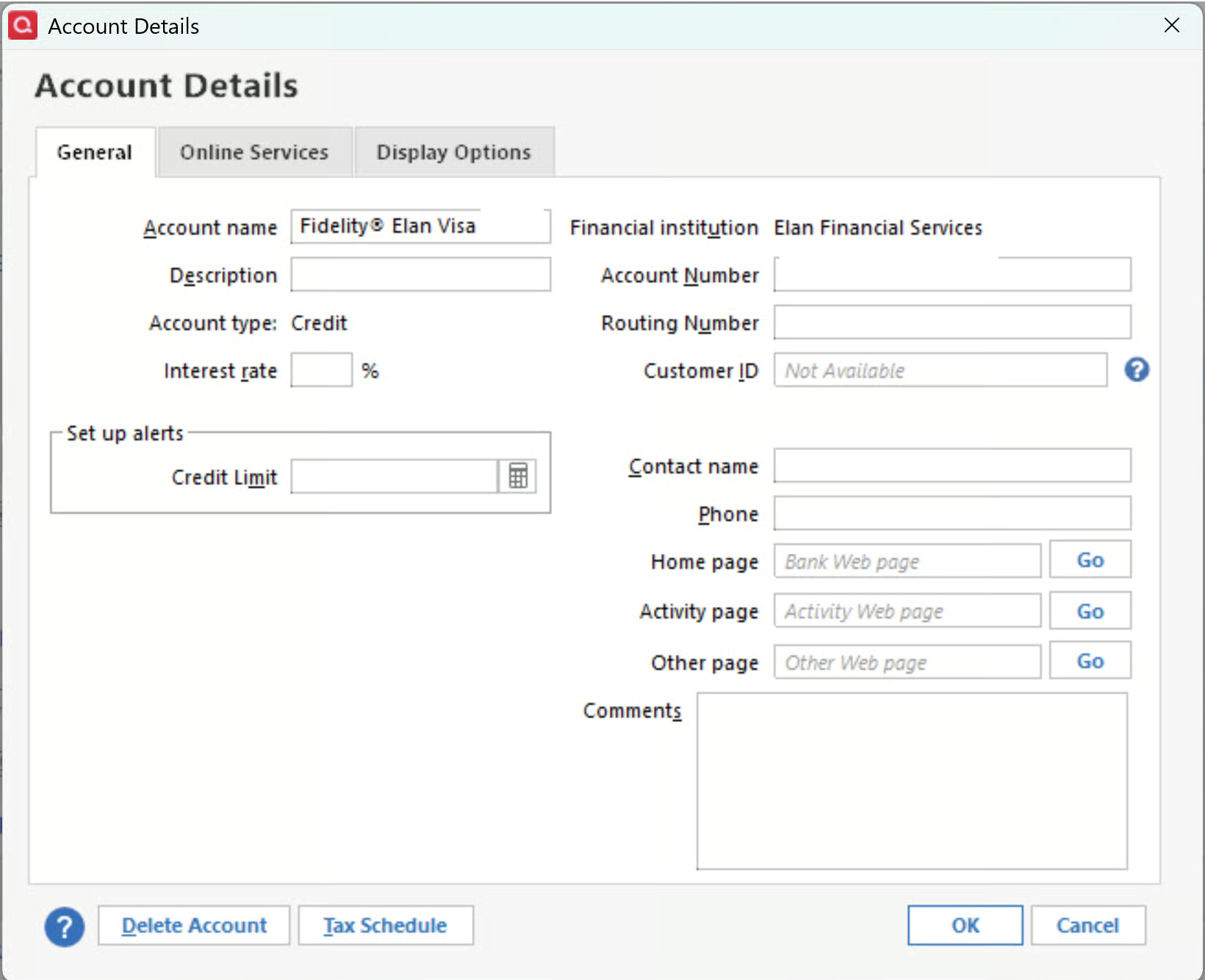
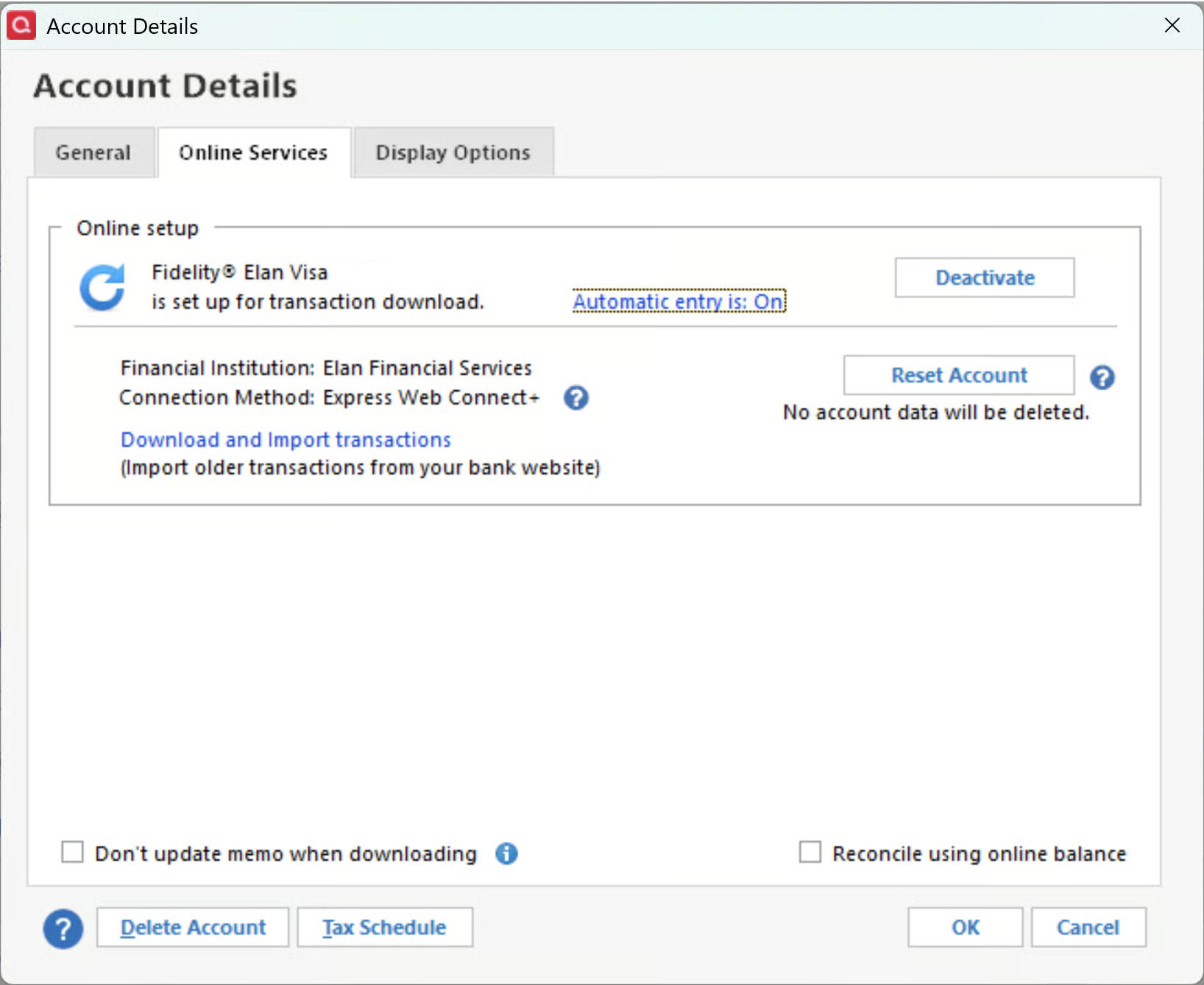
[Edited-Readability] [Removed-Personal Information]
0 -
Hello @b.heslin,
Thank you for sharing a detailed account of your experience.
Yes, I do think the best option would be restoring a backup from before this issue happened, and then redoing the process.
It sounds to me like you could have added that account as new instead of linking it to the existing account. Although I am unsure why the original account would be gone. Either way, the best option is to restore the backup.
If your accounts are no longer on Express Web Connect + in the backup, then you should disconnect all of them and go through the migration process again. This time, be sure to LINK any accounts that are already in Quicken.
Let us know if you need more help with this.
Quicken Alyssa
Make sure to sign up for the email digest to see a round up of your top posts.
0 -
thanks, that was effective. the cc accounts merged, though there is still some cleanup work to be done. thanks again.
0