Crashing Upon Launch - Windows 11 - Fully Updated

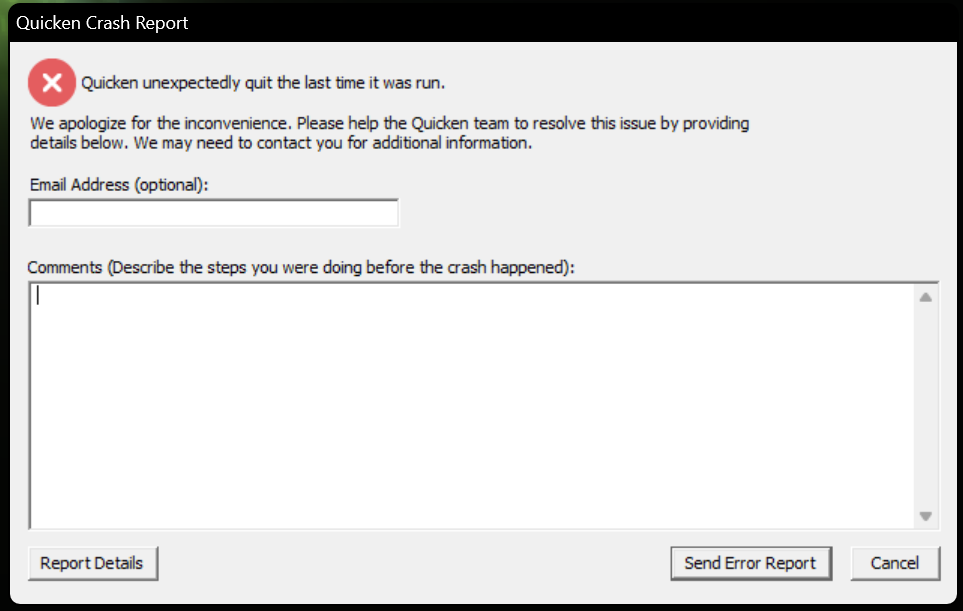
So I'm having trouble with Quicken, which has just begun crashing upon launch on Sunday, November 2. I followed all the steps in this post:
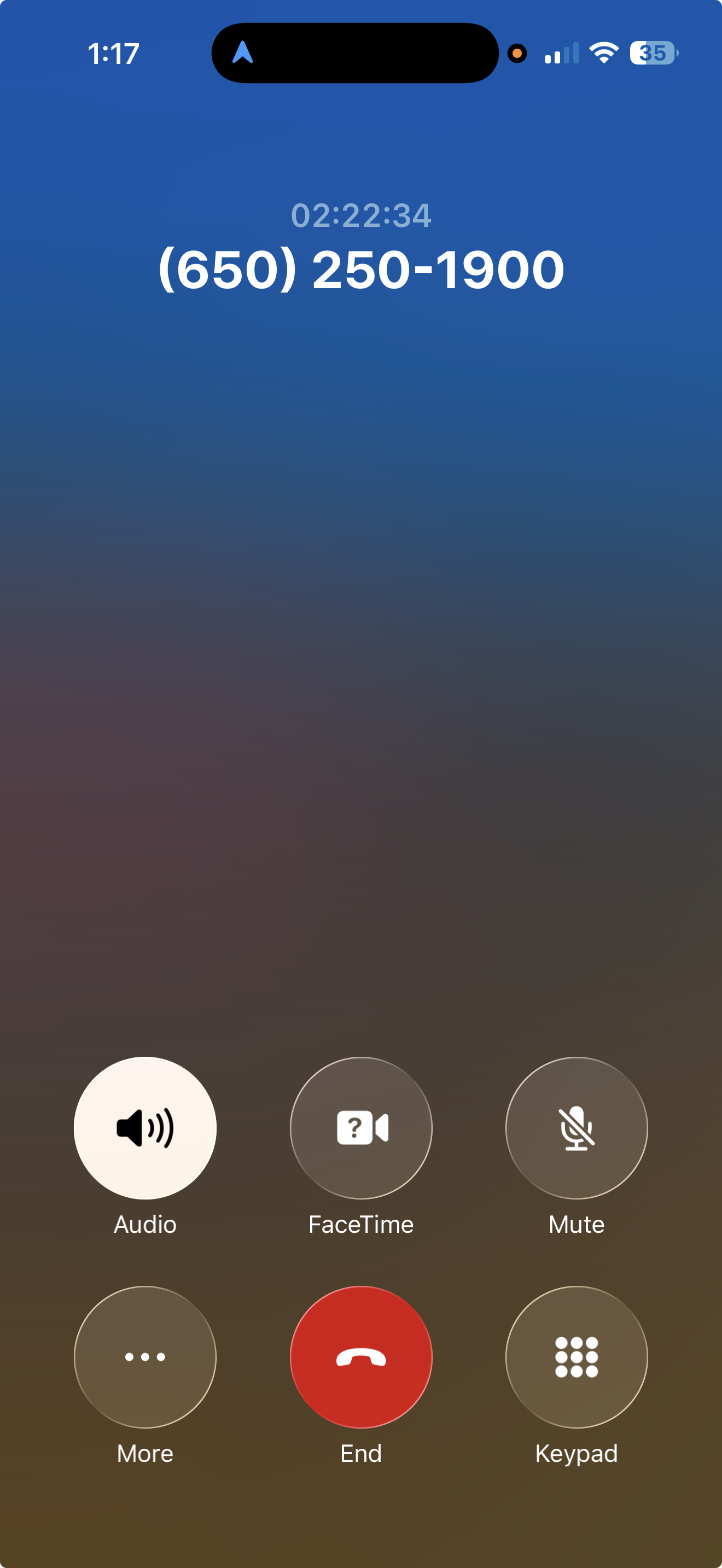
I spent more than 2.5 hours with Quicken support yesterday November 3, who had me upload several files to validate the issue (screen grab mid call):
I provided the entire Quicken folder in the /roaming/Quicken folder. I provided screen captures of the crash after manually applying the patch, and I sent the bugsplat files, which were validated as received. I sent event log files that were filtered to the prior hour. I provided my system configuration information.
At the end of these 2.5 hours, Tier 2 had reviewed all the attached files, and the customer service agent let me know that Tier 2 had identified the root cause of this problem and was aware of a fix. The agent then let me know someone would call me back within 30 minutes to walk me through the related steps to address the issue.
A day has passed, and when I called, I provided my case number but was told they aren't aware of any fixes at this time and to wait for a callback.
Other Relevant information:
Windows 11 Pro Version 25H2, installed on 2/19/2025 OS Build 26200.7019
13th Gen Intel® Core ™ i9-13900K (3.00 GHz) with 64GB RAM
Unfortunately, when I returned the call today, they didn't have much information from yesterday's call and told me the prior agent hadn't escalated it. After spending close to another hour trying to resolve the issue with the agent supervisor, they let me know they had escalated the call and that someone from support would email me at some point in the future with either a fix or an ETA.
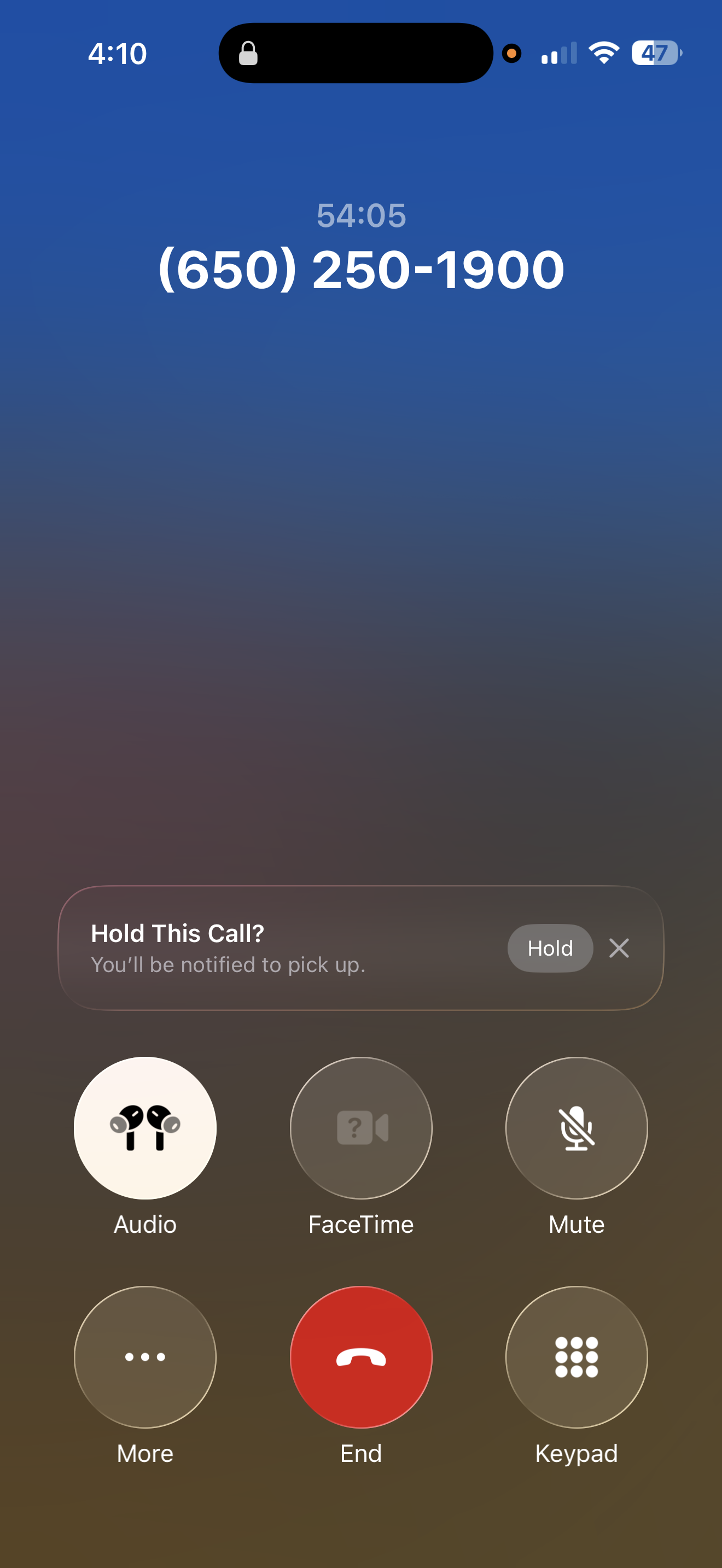
You can imagine that, now that I've spent more than 3.5 hours with support and at least another 3 hours following troubleshooting guides to no avail, I'm a tad frustrated.
I have a few questions for the community.
- Has anyone experienced a similar situation and resolved it?
- What is the typical timeliness of responses to Quicken escalations?
I've been using this product since 1994 and really don't want to search for an alternative, but at the same time, I'm super diligent with my cash flow and investments and want to gauge the general timing for resolution.
Thanks all,
user_since_94
[Edited-Resized Images]
Comments
-
Hello @user_since_94,
Thank you for sharing your experience with us. I’m sorry that our teams were unable to resolve this issue without needing to escalate it.
While I don’t have an exact timeline for resolution, I can confirm that the matter has been escalated and our team is actively working on it. Any updates or further communication regarding this issue will be sent via email, so please keep an eye on your inbox.I hope this clarifies things!
[CTP-15127]
Quicken Alyssa
Make sure to sign up for the email digest to see a round up of your top posts.
0 -
I have a similar problem. I can actually launch quicken, but opening any data file (the one I normally use, or a brand new one) crashes quicken. My issue was also escalated two months ago, and I NEVER get updates from Quicken support regarding it. The only way I get an update is to call in myself, or bypass the idiotic chatbot and get an agent on chat to tell me that it was escalated, and support will inform me when they have something
So, 1) no, I have not resolved it, and 2) the typical timeliness of Quicken support seems to range from 2 months to 20 years for a response.
This was their response to me today (and the last time I checked, and the time before that, and the time before that): "Thank you so much for your patience. I’ve checked on the escalation, and our higher support team is actively working on it. As soon as there’s an update, they will reach out to you directly via email or phone"
Not ONCE in over two months has support reached out to me to try anything on my PC or to request additional information.
0 -
@user_since_94 and @tmi42 if you list what troubleshooting steps you have already tried, we can suggest other possible fixes.
Quicken user since Q1999. Currently using QW2017.
Questions? Check out the Quicken Windows FAQ list0 -
Hello @tmi42,
Thank you for adding to this discussion with your experience.
I checked your recent interactions, and I do see the escalation. I apologize that this has not been a speedy process. These things can take time, and we recognize that it is not ideal.
I am seeing the same thing you mentioned others are seeing, that this issue is still currently active and being worked on by our teams. I'm sorry I can't speed up the process for you and have it fixed now.
We appreciate your patience and understanding thus far.
[CTP-14329]
Quicken Alyssa
Make sure to sign up for the email digest to see a round up of your top posts.
0 -
Same issue, my case got escalated to Tier 2 support, now it is in Tier 3. Same thing, completely updated Windows 11 PC, running the latest version of quicken, quicken attempts to launch and crashes. Even launching in safe mode with no data file, it crashes. I think this is the update it is having issues with: (KB5067036) (26200.7019). Tier 3 are saying they are working on a patch, but may take awhile to implement.
1 -
Same issue for me, and no resolution from support. Time to look for another product. Any thoughts??
0 -
I believe that KB5067036 was a windows preview update. If I had encountered this I would uninstall the update and then run windows update again.
https://support.microsoft.com/en-us/topic/october-28-2025-kb5067036-os-builds-26200-7019-and-26100-7019-preview-ec3da7dc-63ba-4b1d-ac41-cf2494d2123a
0 -
Hello All,
Thank you all for adding to this discussion.
Yes, I do see your recent interactions with support and see your escalation ticket, CTP-15107. We appreciate your patience as we work toward a resolution.
Thank you for sharing your suggestions for other users in the thread.
I have sent you a direct message. Please navigate to the inbox in the top right-hand corner of the Community page and check your inbox.

Thank you.
Quicken Alyssa
Make sure to sign up for the email digest to see a round up of your top posts.
0 -
Just an update on this. Quicken support got back to me stating the issue was either with .net or the Windows Preview update (KB5067036) (26200.7019) I mentioned on my previous post. I had already tried the .net fix, so I went ahead and uninstalled the update by going to Settings → Windows Update → Update History → Uninstall updates. I checked the date which the Preview Update was done (10/30/25) in my case, and uninstalled the update that corresponded to that date. Note, the update number was different, but it was the same date. After uninstalling that update, quicken opens again. I hope this helps anyone that is having this issue with the Preview Update. FYI, I am not part of the windows insider program, this preview update was installed because it was a gradual rollout update, and my PC was picked. Good luck!
0 -
Thank you for coming back to update us.
I am sure others will find this information useful as well.
Thanks again!
Quicken Alyssa
Make sure to sign up for the email digest to see a round up of your top posts.
0



Categories
- All Categories
- 6 Product Ideas
- 34 Announcements
- 249 Alerts, Online Banking & Known Product Issues
- 19 Product Alerts
- 266 Welcome to the Community!
- 297 Before you Buy
- 1.5K Product Ideas
- 55.8K Quicken Classic for Windows
- 16.9K Quicken Classic for Mac
- 1K Quicken Mobile
- 834 Quicken on the Web
- 129 Quicken LifeHub