Navy accounts Update issue

I have noticed for the last few weeks that my Navy Credit card accounts have transactions included in the auto-reconcile balance. I have to manually select them during reconciliation, so they show as reconciled, but the transactions don't actually download until the following day, and match to the reconciled ones. See the pic below. No posting date until tomorrow when they download the transaction. I do NOT have pending transactions turned on for any accounts any longer, so they are not pending. As you can see from the pics below. The top pic is from Quicken register, the bottom pic is from the Navy Website. They actually processed on 10/31.


[Edited-Readability]
Quicken Classic - R66.28, Windows 11 PRO current on updates
My data file is NOT being synced nor backed up.
Comments
-
Hello @Greg Brown,
Thank you for sharing a detailed account of your experience.
I have some follow-up questions for you.
- Where is your file located?
- Is your file being backed up/synced by any third-party services like OneDrive, Carbonite, or Dropbox?
- Were there any changes that occurred around the same time, like Windows updates and Quicken updates?
- Have you tried restoring a backup from before this issue started?
Looking forward to your response.
Quicken Alyssa
Make sure to sign up for the email digest to see a round up of your top posts.
0 -
File is NOT synced.
This appears to be an issue with Navy, they seem to be including transactions in the Online Balance before they include the actual transactions in the OSU download.
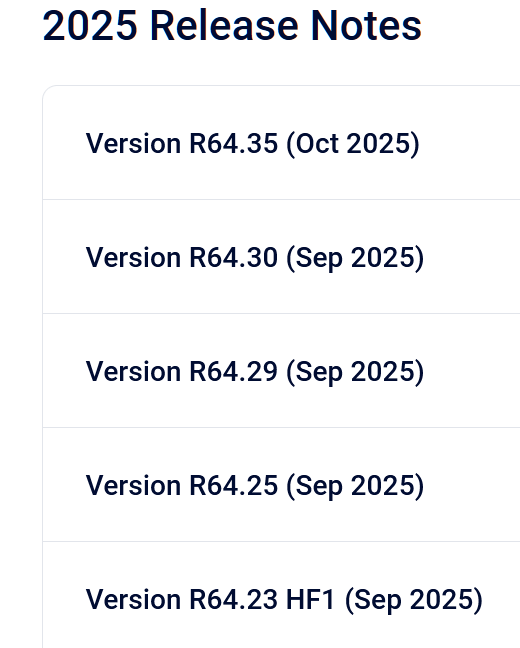
Lots of updates:
Quicken Classic - R66.28, Windows 11 PRO current on updates
My data file is NOT being synced nor backed up.
0 -
Thank you for following up with those additional details.
It sounds like we need to take a look at your log files and see how these are being sent over. You can submit logs by going to Help>Report a problem> Send to Quicken, from within your Quicken software.
Once you have done that, please contact Quicken Support directly so they can investigate this issue further and process an escalation if needed.
Thank you!
Quicken Alyssa
Make sure to sign up for the email digest to see a round up of your top posts.
0
