US Bank reauthorization

When I try to reauthorize my US Bank accounts in Quicken I get a blank screen after logging into the bank:
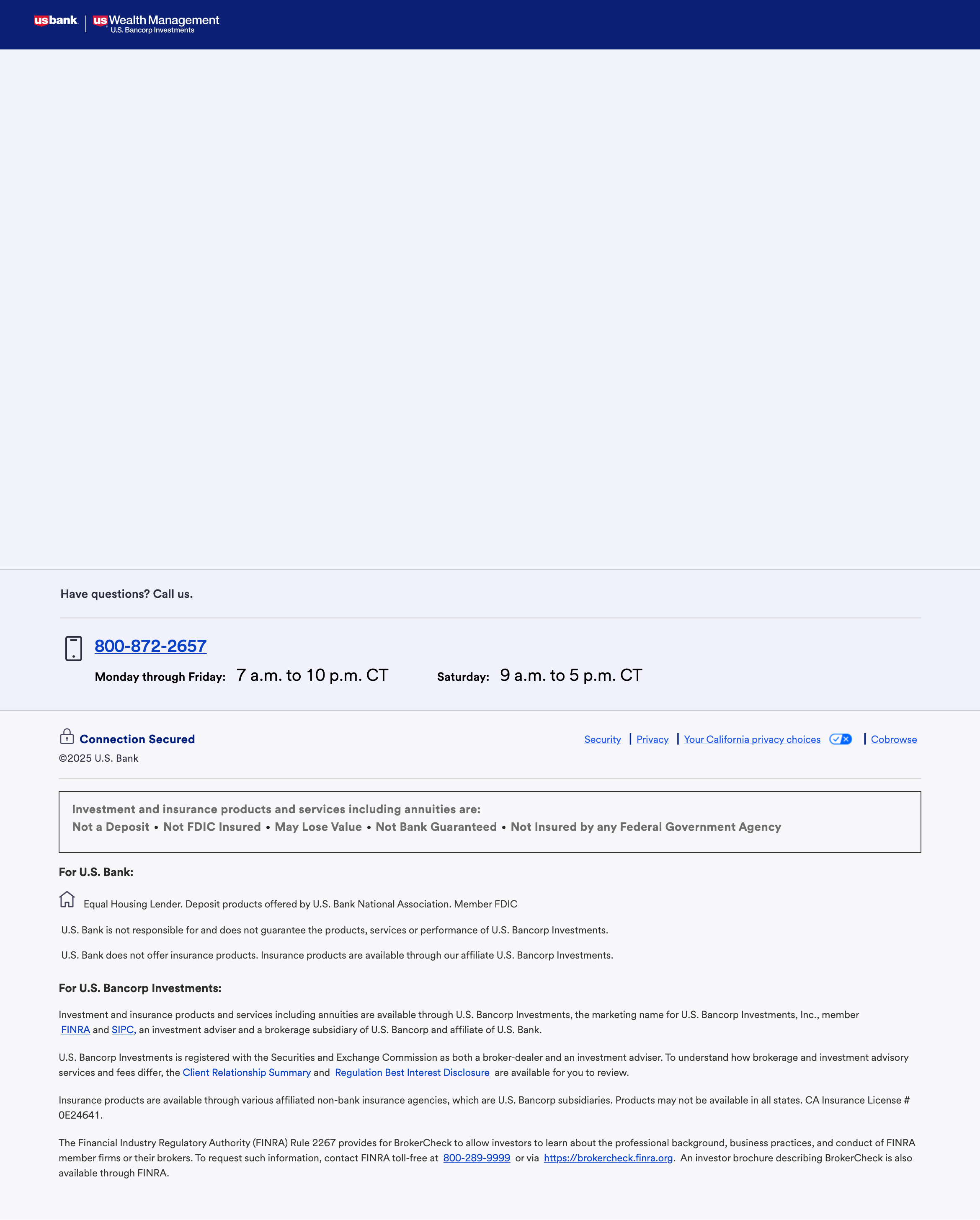
[Edited-Readability/Screenshot Resized]
Comments
-
Hello @1motown1,
Thank you for sharing your experience and providing screenshots of what you are seeing. That helps a lot!
One thing we can try is clearing the cache and cookies on your web browser. Also, check to make sure your web browser is up to date.
Another option is using a different web browser. You would just change your default web browser and then try the process again to see if you still get a blank screen.
Try these and let me know how it goes!
Quicken Alyssa
Make sure to sign up for the email digest to see a round up of your top posts.
0 -
I have the same problem. Can't add a new US Bank account. Tried two different browsers.
0 -
I have the same issue. Fixed it by changing default browser to Edge.
2 -
It worked. Thanks!
0 -
Thank you both for updating the thread to let me know the suggested steps worked.
If you need more help, don't hesitate to reach out.
Thanks again!
Quicken Alyssa
Make sure to sign up for the email digest to see a round up of your top posts.
0 -
I switched from Firefox to Safari and it worked. I switched back to Firefox and it worked for a few updates and then failed. Has anyone tried Perplexity for a browser?
0 -
Thank you for adding to this discussion and letting us know what steps you took to make this work.
I cannot speak on the use of Perplexity, but maybe other users will have some experiences and opinions to share.
Thanks again.
Quicken Alyssa
Make sure to sign up for the email digest to see a round up of your top posts.
0
