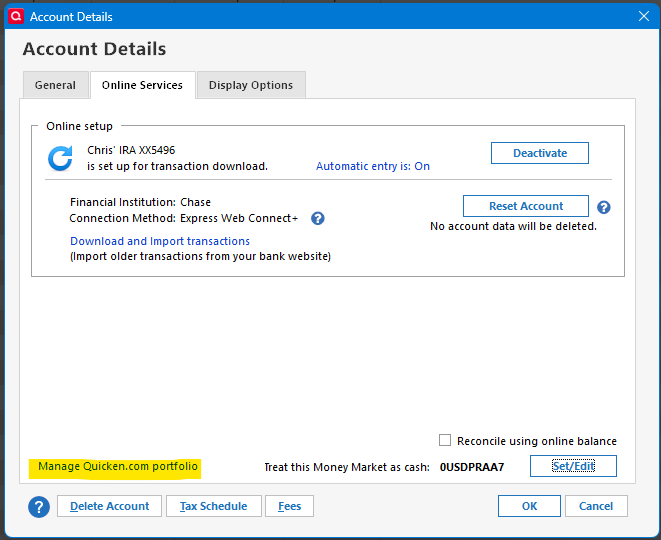
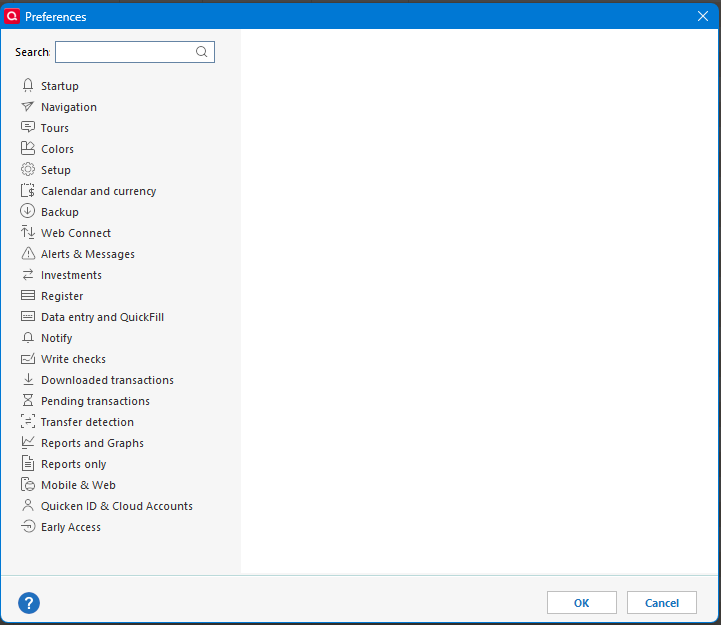
Is there missing functionality for the "Manage Quicken.com portfolio link?

It seems like it should go to the investment preferences not just an empty dialog.
Comments
-
There used to be a Preference section for investing.quicken.com that controlled what accounts and holdings were uploaded to the website. The preference section was quietly removed maybe a year ago along with references in the OSU Settings and Summary. Looks like you found a link they failed to remove.
I don't think there is a way to get to the investing website from the desktop software anymore nor is there a backdoor way to select holdings to track. I did find though that the website is still active and can be directly accessed with the URL.
A legacy feature removed without notice.
1 -
Yes, that makes sense. I remember it being removed. So, this must just be a "dangling link" that never got removed.
0

Categories
- All Categories
- 16 Product Ideas
- 34 Announcements
- 248 Alerts, Online Banking & Known Product Issues
- 20 Product Alerts
- 516 Welcome to the Community!
- 680 Before you Buy
- 1.5K Product Ideas
- 55.6K Quicken Classic for Windows
- 16.8K Quicken Classic for Mac
- 1K Quicken Mobile
- 834 Quicken on the Web
- 126 Quicken LifeHub