Selected Categories add back

When I create a budget, and I select categories I want to appear in the report, if I go back to the settings and want to add or remove a category, the report picks up all the categories. If I go back to settings and look, the radial button has not changed to ALL CATEGORIES, but all the categories in Selected Categories show as all selected again.
Every time I make a change to categories, I save the report, so it's not going back to another version. I'm lost as to how to fix this.
[Edited-Readability]
Comments
-
Hello @oharalarry,
Thank you for sharing your experience.
When I attempt to replicate this in my own Quicken, I am not seeing the same thing as you have described. I have some follow-up questions for you.
- Is this a new or saved report you are customizing?
- Have you successfully run this report before?
- Is this a new issue?
- When did this start?
- Can you provide the exact steps you are taking?
- Where is your data file located?
- You can check this by going to File. The first file listed at the bottom of the list is the current file you are in, and the file pathway will be displayed. That's what we are looking for.
- Is your file being synced/backed up by any third-party services like Dropbox, OneDrive, or Google Drive?
Looking forward to your response!
Quicken Alyssa
Make sure to sign up for the email digest to see a round up of your top posts.
0 -
Alyssa, thank you for your quick response
*This happens with saved and new. I noticed it on a saved budget report, so I tried to work around it by creating a new and had the same thing happen.
*Previously I have been able to do this. I just noticed it in the last couple of months.
*When I am in the report, I click on the Customize report wheel. Then I click on the categories tab and all of the categories will be checked again.
*The file is in a dropbox folder (and has been for over 5 years)
1 -
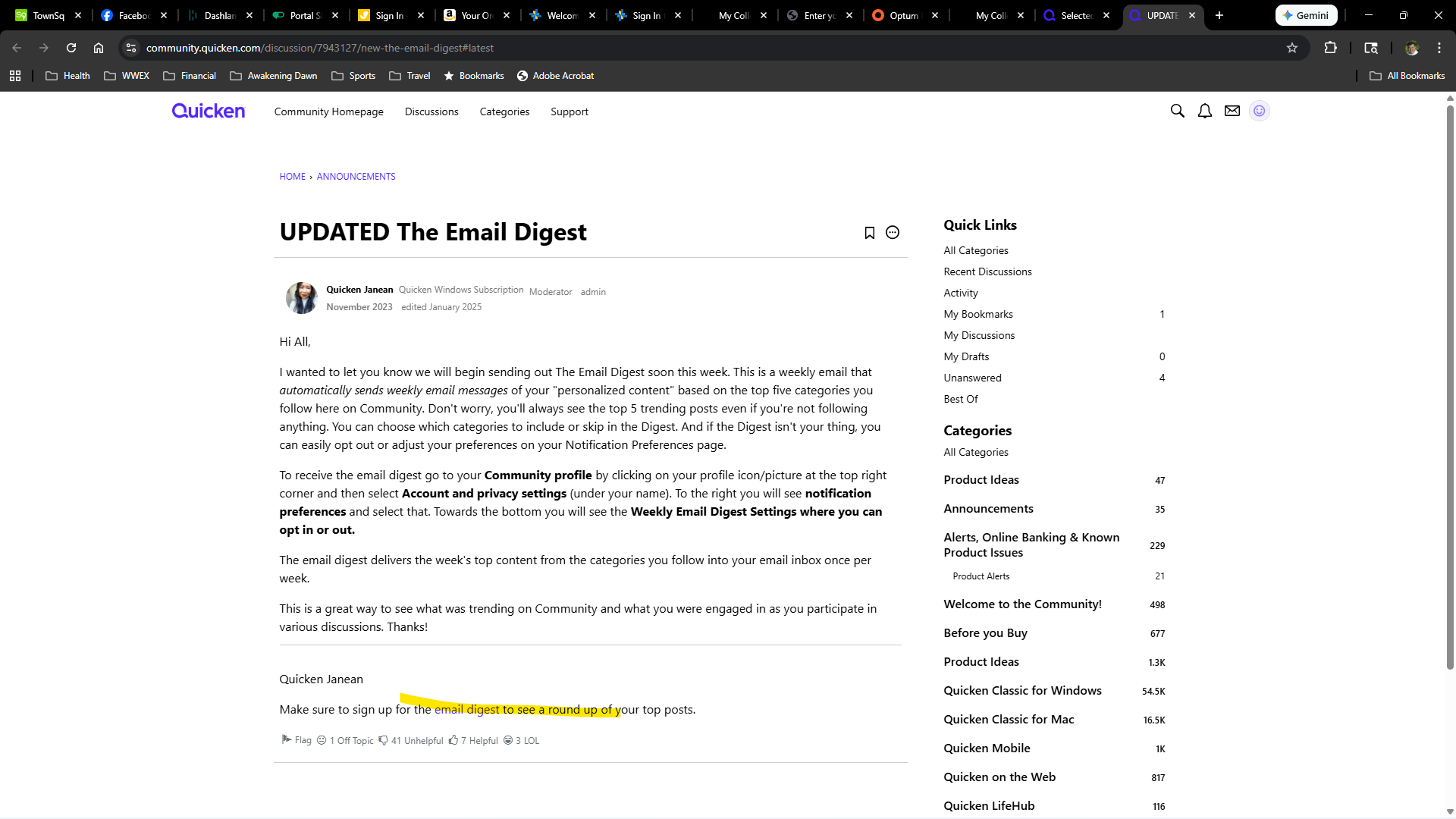
I went to the link that you provided but when I click on the hyperlink for email digest, nothing happens.
 1
1 -
Thinking that you were going to tell me that the Dropbox was the problem. I backed up my file, restored it on my hard drive. Removed some categories in my budget report. Saved the file. The categories that I had removed are back in once I go to configure settings again. I created a recording thinking I could attached it here but it's not allowed.
0 -
Thank you for following up with additional details.
You guessed right, my next suggestion would definitely have been to move the file, so good call on that! C:>Users>username>Documents>Quicken is the default location, and that is where we recommend keeping it. But as long as you have it stored somewhere locally, that is not synced/backed up by any other service, then it should be fine.
After the file is in a safe location, I would recommend validating the file next.
To do this:
- Save a backup.
- Go to File.
- Select Validate and Repair file…

- Check the first box for Validate file.
- Click Ok.
Once the validation has completed, it will produce a report of anything it has found/corrected. After this, try running the reports again, and let me know if anything has changed.
As for the email digest link, it looks like it worked to link you to instructions on how to set it up. That is all the link is intended for.
Thank you.
Quicken Alyssa
Make sure to sign up for the email digest to see a round up of your top posts.
0 -
Just checking in, we haven't heard back from you in a while.
Do you still need assistance?
Thank you!
Quicken Alyssa
Make sure to sign up for the email digest to see a round up of your top posts.
0 -
Hello again,
Checking in once more before this thread is closed.
Let us know if you still need assistance.
Thank you!
Quicken Alyssa
Make sure to sign up for the email digest to see a round up of your top posts.
0 -
Due to the lack of response, I went ahead and closed this post.
If you still require assistance, please feel free to start a new post.
Thank you!
Quicken Alyssa
Make sure to sign up for the email digest to see a round up of your top posts.
0

