Significant Issues w/ Mobile Sync on Win 11

I have tried just about everything, and I end up in update loops that never complete. (Yesterday I let it run for 24 hours before I gave up and killed qw.exe!) I am trying to repair a bad cache, where bank balances are close to double do to a stale or disconnected starting point, etc.
I tried to follow the instructions on another recent thread, and I don't see anything like what it shows.
First, I have turned SYNC OFF. on the mobile tab as my starting place, If it turn it on, it immediately starts to synch and goes into the endless loop. So whatever I need to do, I need to do it before turning SYNC back on.
Per the instructions, under "Profile" on the Mobile Sync tab, I'm supposed to reset the account. However it only shows the following:
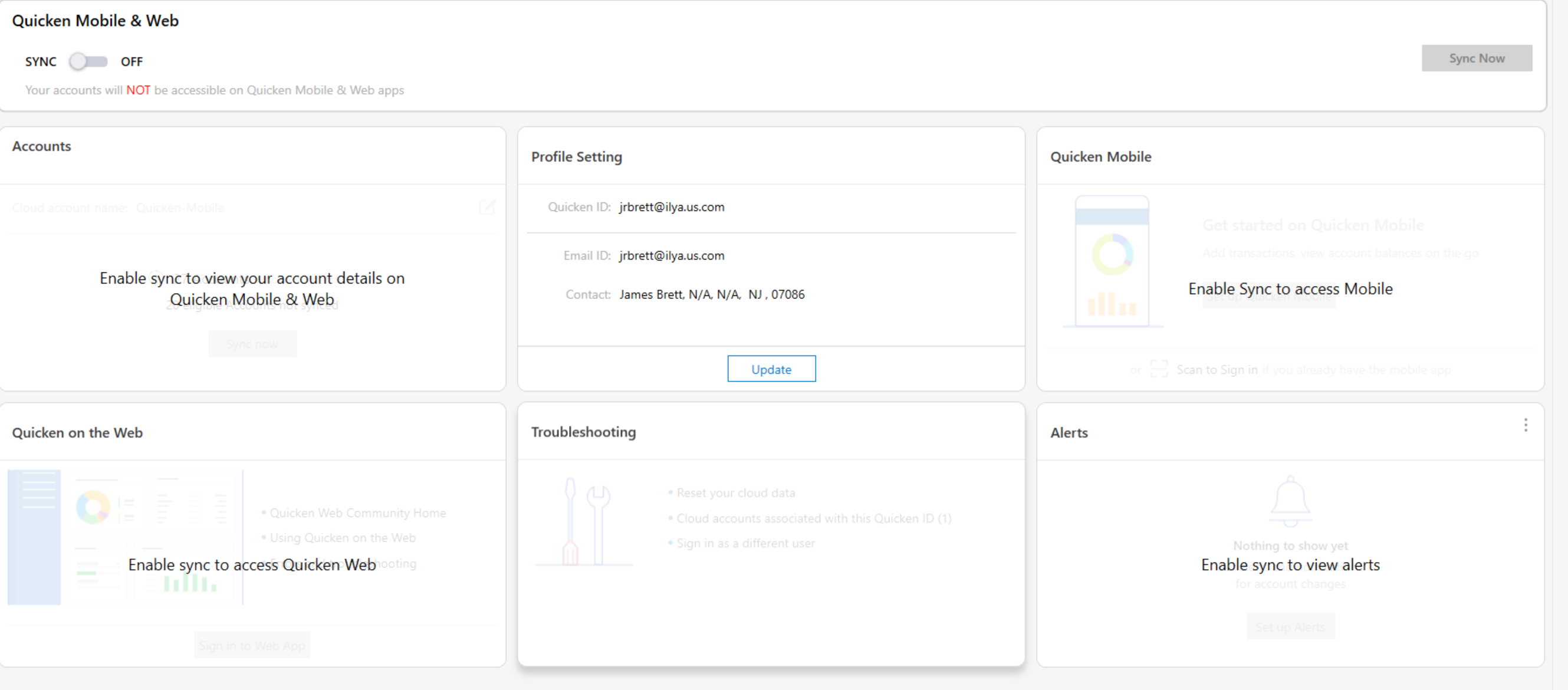
If I "update" the Profile settings, it just goes to my account on the web. There is no dialog box like the one the instructions show.
If instead, I go to Edit→Preferences from the main menu, this is what I see, which also does not match that screenshot:
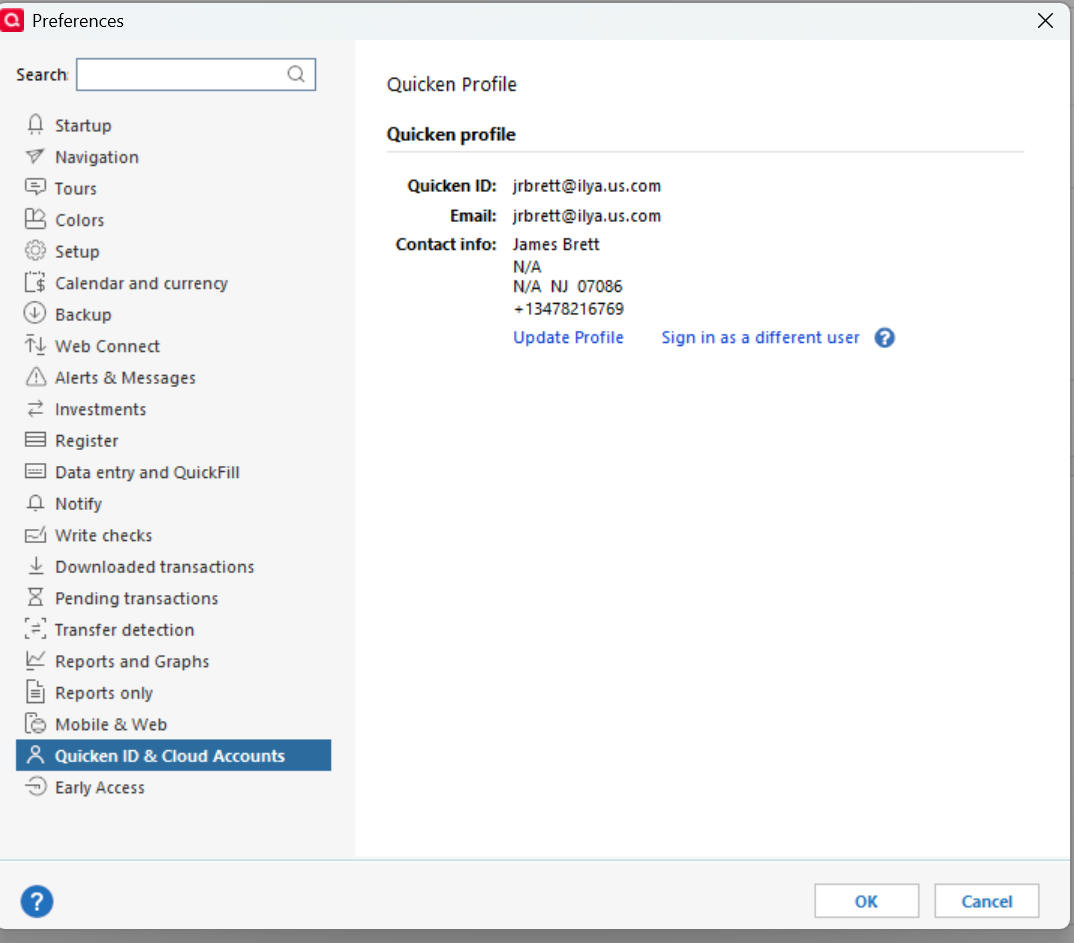
I have attempted to "sign out" (and answered "yes" to the question), then sign back in and turn SYNC on, but I just go back into the endless update loop. Sometimes the loop times out and I get "Unable to login with this ID" because the system has lost state or something. Other times it just never completes.
This all used to work until recently. It's never been great, let's be honest, but it has never completely failed to reset.
Thx.
Comments
-
OK, Just to get the ball rolling, I turned SYNC on, and it only ran for a bit and completed, however all it did was add new bank transactions to the stale cache on mobile. However now I have access to this:
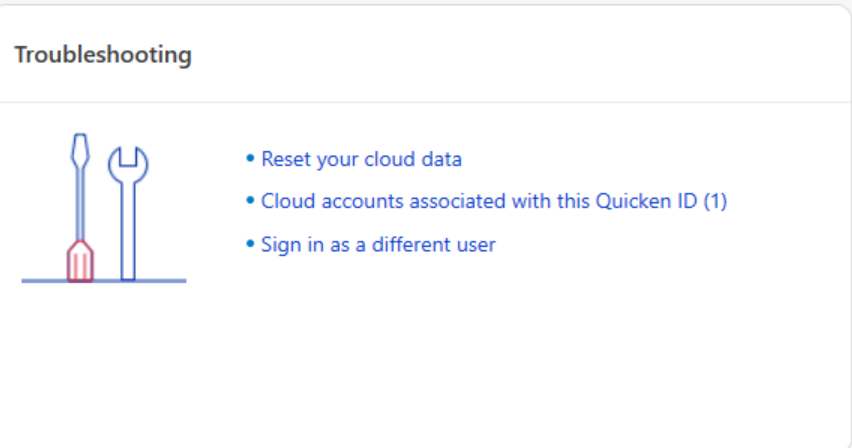
and I am going to reset my cloud data. We shall see if the re-synch completes this time. Will post here in a few hours if so.
0 -
1.2 hrs later, synch completed (!) but when I log in to mobile the banking balance is still close to doubled (!) So resetting the cloud data did not clear the cache. Please advise.
0 -
I think I found the problem. There were 37 very old "pending" transactions, most of which were duplicates (including a large deposit) of the clear transactions. When I manually deleted those, it came into balance. So I fixed it for now, but why did I have so many stale/duplicate pending banking transactions (BofA)? Thx.
0