Can't Connect to US Bank and Wells Fargo

I recently purchased a new Windows 11 computer. I copied my data files from the old Windows 10 computer and installed Quicken Classic Business & Personal desktop, v. 65.29, Build 27.1.65.29. I got syncing error messages for most of my online checking, credit card, etc. accounts and was able to reset and use all but two. I cannot connect my two US Bank accounts and one Wells Fargo account. When I try, I get this Quicken error dialogue for both banks.
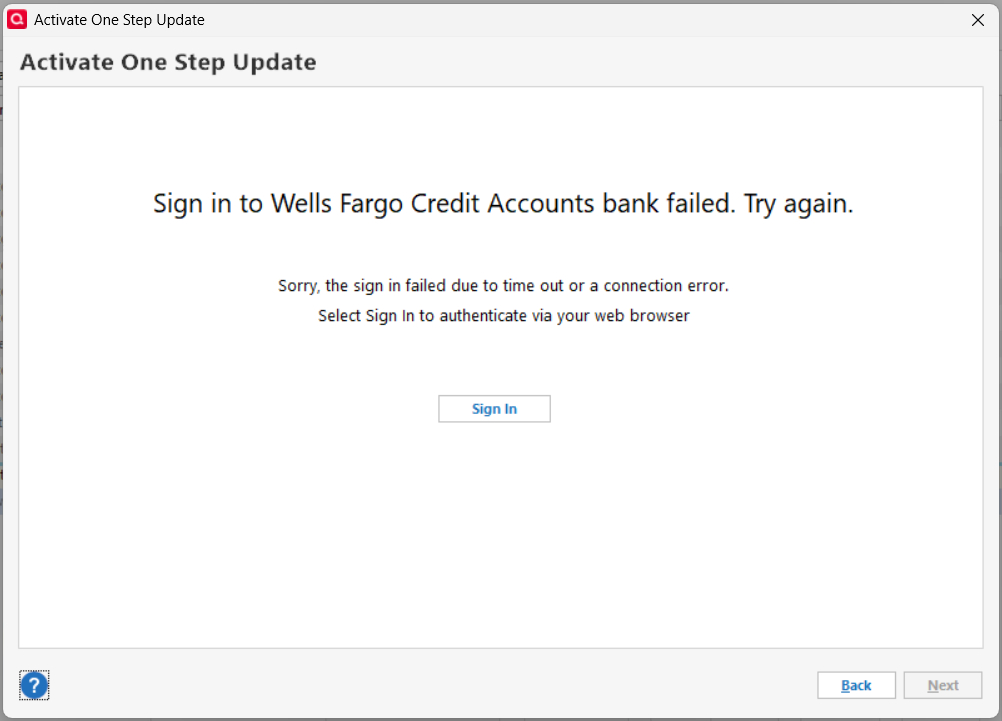
I tried connecting yesterday and got a different result. At US Bank I was able to log in, but the screen to authorize Quicken access to my bank accounts was blank; there was nothing to check or click. I called US Bank support and was told the problem is with Intuit. I have no access to Intuit support and have already called US Bank, so now I am here looking for help. I don't know if the failed logins and blank authorization screens are related or separate issues. Thanks for your help and advice.
Answers
-
You posted in the LifeHub forum, but you seem to be talking about the desktop product, is that correct?
And are you saying that after you logged into USB, the screen on THEIR website was blank? If so, you'd need to contact them again. How could Q possibly fix anything on USB's website?
Q user since February, 1990. DOS Version 4
Now running Quicken Windows Subscription, Business & Personal
Retired "Certified Information Systems Auditor" & Bank Audit VP0

Categories
- All Categories
- 20 Product Ideas
- 34 Announcements
- 247 Alerts, Online Banking & Known Product Issues
- 19 Product Alerts
- 518 Welcome to the Community!
- 682 Before you Buy
- 1.5K Product Ideas
- 55.7K Quicken Classic for Windows
- 16.8K Quicken Classic for Mac
- 1K Quicken Mobile
- 834 Quicken on the Web
- 128 Quicken LifeHub