Installing Quicken Classic Premier on a New PC

I’ve been a long-time user of Quicken, now Classic Premier for Windows. Of course, I pay the annual fee. I'm upgrading my hardware to a new PC and need to install Quicken on it. When I try to download the program, I'm asked to pay, and the label is “Simplifi”. I already own Quicken Classic. How do I install this on my new PC and continue on with my current license?
[Edited Readability]
Answers
-
Hi @WSC,
Thank you for reaching out! I’d be glad to help you install Quicken for Windows on your new PC.
Step 1: Download Quicken
- Click Run to begin.
- If you're using Google Chrome, click the download progress button in the bottom-left corner of the window after the download is complete.
- If you're using Firefox, click Save File. Click the download icon in the upper right corner then select the Quicken EXE file.
Step 2: Install Quicken
- Follow the on-screen instructions to complete the installation.
- Click Next to get started.
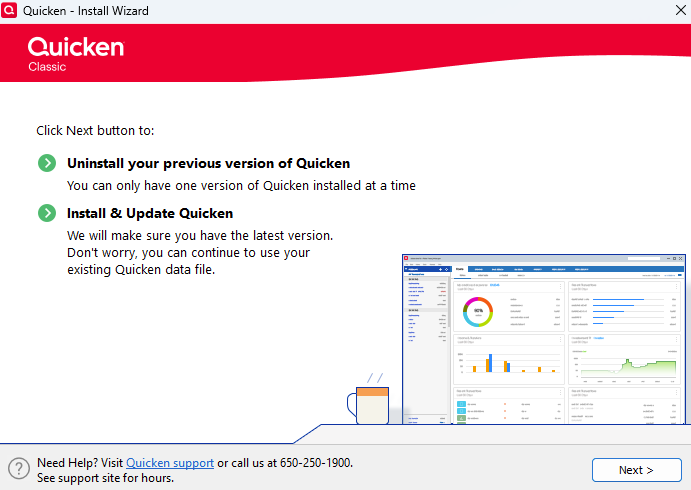
- Click Install on the Ready to install prompt.
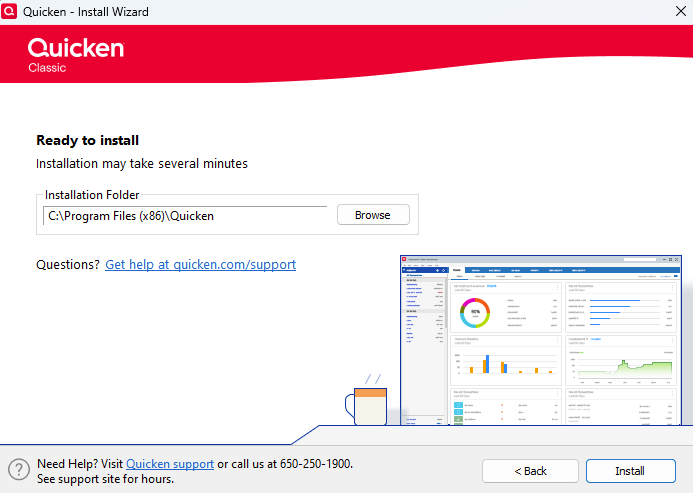
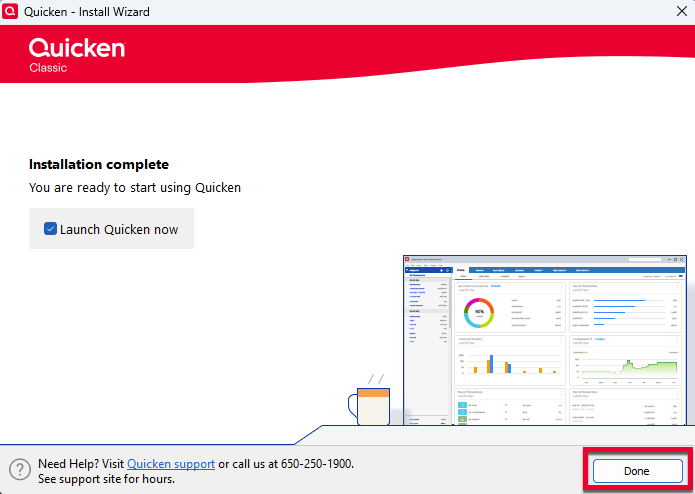
- When the installation is complete, click Done.
- Click Next to get started.
- Enter your Quicken ID and Password.
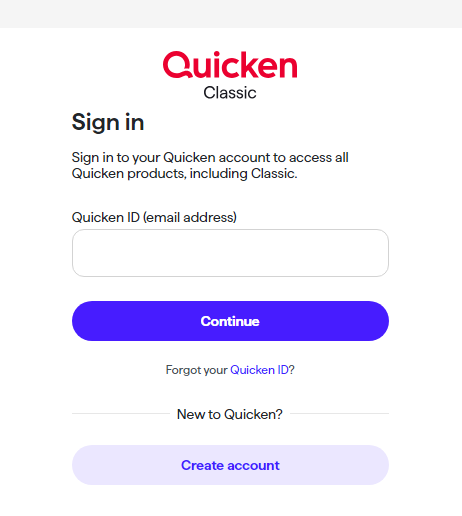
- This process verifies your information and helps keep your account safe.
Step 3: Open your Quicken data file
- Select one of the on-screen options.
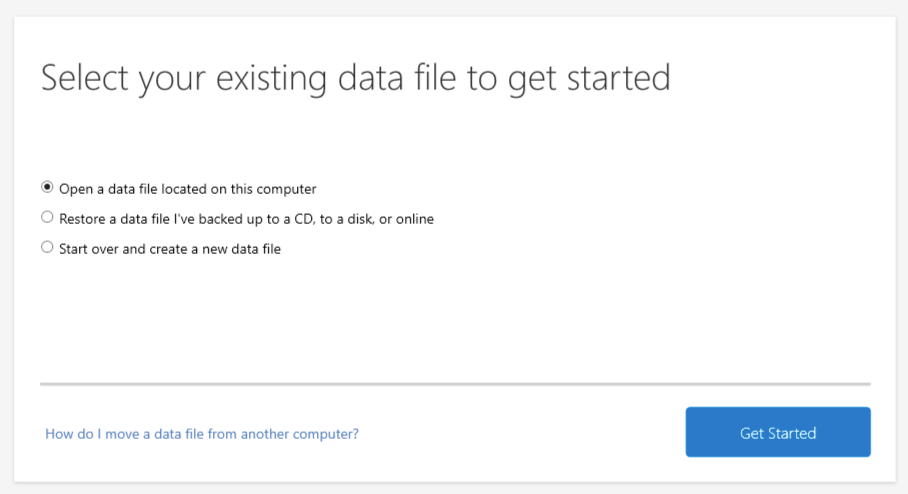
- If your data file is on another computer, click here for instructions on moving it.
Please let me know if you need any additional help; I’m happy to assist further!
Quicken Laura
Make sure to sign up for the email digest to see a round up of your top posts.
0 - Click Run to begin.
-
Thank you for responding. I know how to install, I just couldn't get past a screen that wanted me to pay to download, and I already have a license. I was logged in. I was able to get the download file. Thanks again.
0 -
Hi @WSC,
It's great to hear that you were able to install Quicken and access it successfully!
Please don't hesitate to reach out if you have any additional questions in the future.
Quicken Laura
Make sure to sign up for the email digest to see a round up of your top posts.
0
