Help Starting Over

cnadeau
Quicken Mac 2017 Member
I have totally messed up my Classic Quicken, and I want to start over for this year. How do I do that?
[Edited-Readability]
Tagged:
0
Answers
-
Hello @cnadeau,
Thank you for coming to the Community for help with this.
To start over, you will need to open a new data file.
To create a new data file
- Select File > New.
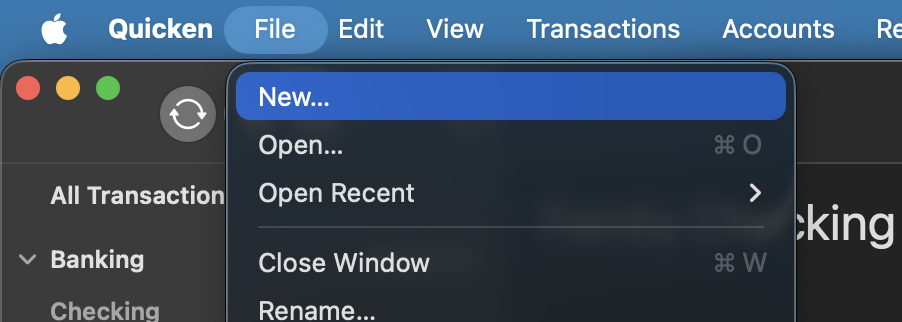
- Select Start from scratch and click Next.
- Set your mobile sync preference including a nickname for your Cloud Account (you can change this at any time) and click Next.
- After these steps, the Add Account dialog will automatically appear so you can add your financial accounts to Quicken.
For more information on the Add Account process, click here.
Let us know if you need more guidance from here!
Quicken Alyssa
Make sure to sign up for the email digest to see a round up of your top posts.
0 - Select File > New.
