Vystar CU CC-506 error this morning.

I download transactions from VystarCU every morning. This morning Quicken reported CC-506 error for Vystar. Retries did not help. I'm hoping this is a temporary issue.
As a test, I tried adding a Vystar account without deactivating my current Vystar accounts. I expected that the existing accounts would be ignored if the connection worked.
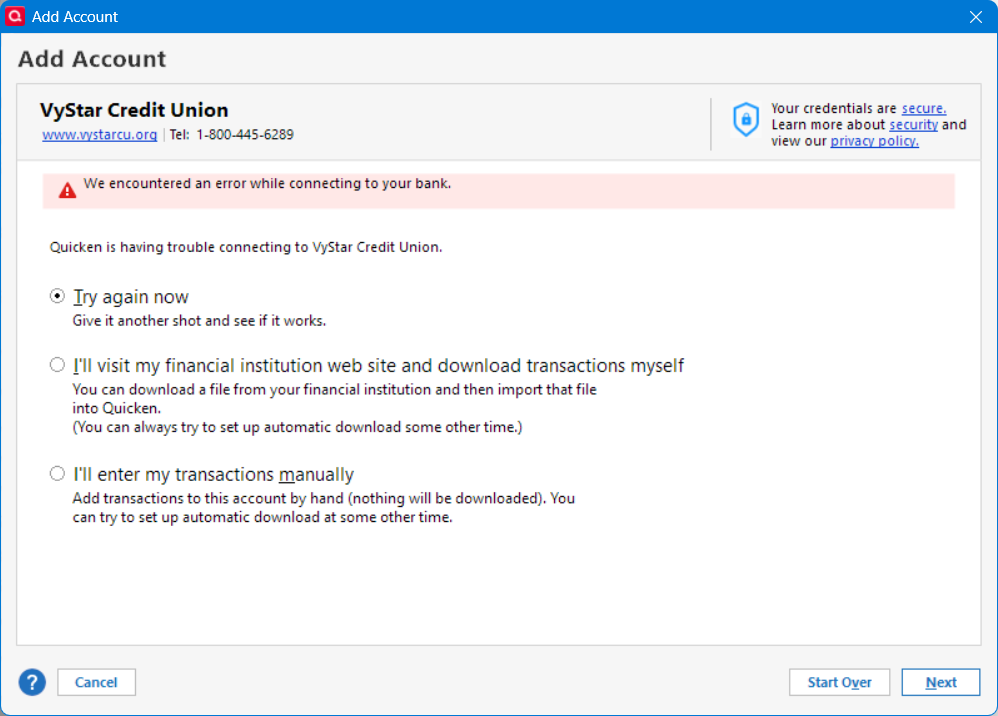
I got this error instead which indicates Quicken and Vystar are not communicating. I can log into my Vystar account from a web browser.
Deluxe R66.23, Windows 11 Pro
Comments
-
Hello @leishirsute,
Thank you for reporting the issues you are running into this morning.
After checking your internal connections, I can confirm that you are receiving the CC-506 error when connecting to Vystar CU.
This means Quicken is unable to identify the account in Quicken to which your downloaded information belongs. This could be because the account at your financial institution is closed, or because the account number or nickname was changed on the financial institution's website. This error also occurs if an older account is still active in the file but is no longer available at the financial institution.
Here are the first steps outlined in the article linked above:
Instructions
Update to the latest release of Quicken
- Choose Tools menu > One Step Update.
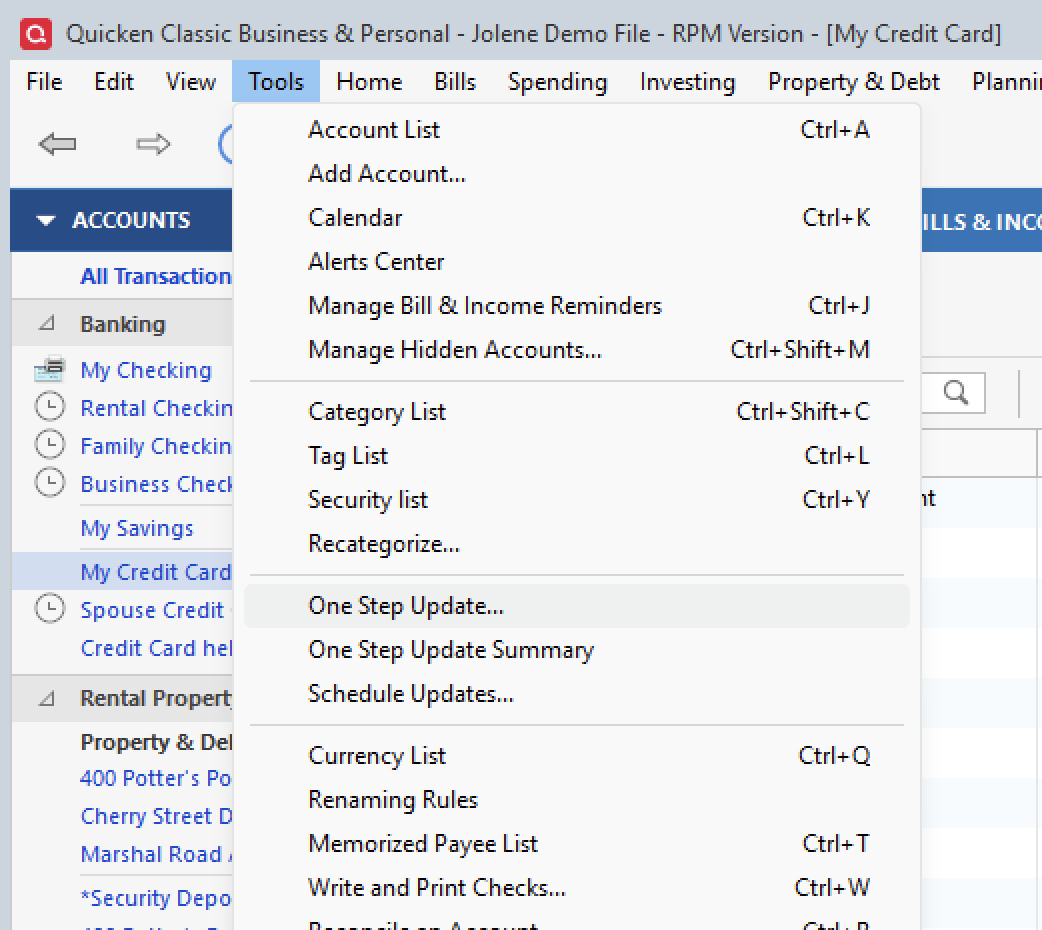
- Deselect all items, and then click Update Now.
- If an update is available, follow the on-screen prompts to update to the latest release.
- Try updating your accounts again. If the problem persists, continue with the procedures below.
Please review the article and follow the remaining steps. If the steps do not resolve the issue, please contact Quicken Support directly. They can gather log files from you and escalate this if needed.
Thank you!
Quicken Alyssa
Make sure to sign up for the email digest to see a round up of your top posts.
0 - Choose Tools menu > One Step Update.
-
@Quicken Alyssa If you read my further comment, Quicken is unable to connect to Vystar when I try to add an account as well.
Update now does not work. Trying to add an account does not work either (see pic above for error when trying to add an account). I can access my Vystar accounts via a web browser. As indicated in the error message when trying to add a Vystar account, Quicken reports it cannot connect to the FI.
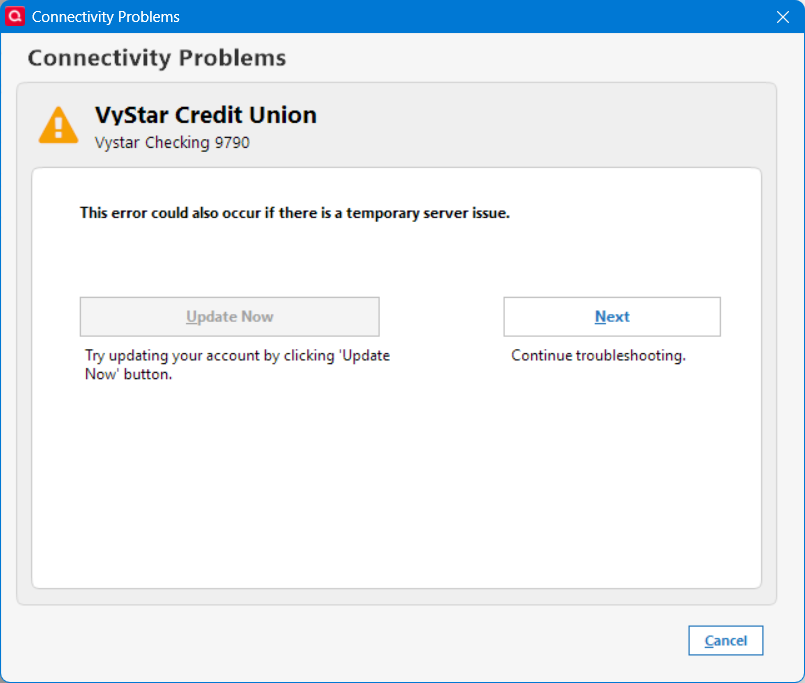
I also tried accessing Vystar in a Quicken test file and got:
In the test file I also tried to add a Vystar account and got:
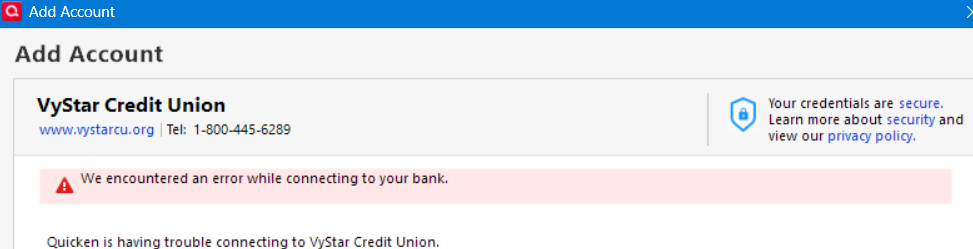
So Quicken is indicating it cannot access Vystar accounts correctly. I reported to problem to Quicken along with logs. The problem started today. Yesterday and previous days for months has had no issues.
I will try updating to the latest safe version of Quicken. I updated Quicken to R66.28 on a test computer and tried again and got the same errors. Clearly something is broken with the Vystar/Quicken connection and most likely caused by a change at Vystar.
Deluxe R66.23, Windows 11 Pro
0 -
Thanks for providing that context.
I have fully read your post, and I understand you tried to add the account as new. I apologize for not clarifying that.
When I reviewed your internal connections, I saw the CC-506 error you reported. If the steps in the article don't work, the next step is to contact our support team directly. They have access to tools we don't have from the Community, and this issue may need to be escalated.
Thanks again!
Quicken Alyssa
Make sure to sign up for the email digest to see a round up of your top posts.
0 -
@Quicken Alyssa I created a new datafile and tried to add the Vystar account for the first time in the datafile and got the error
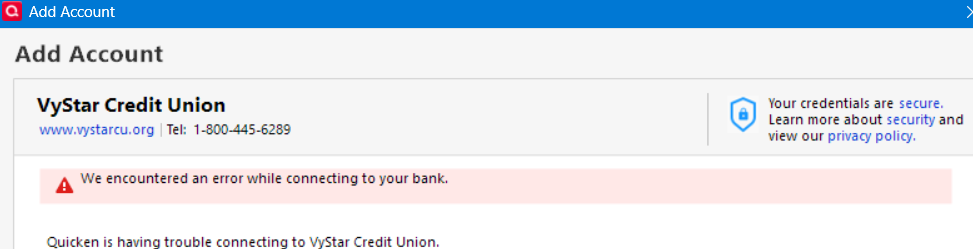
So clearly something is broken between Quicken and Vystar. I submitted logs and reported a problem. I'll wait a couple of days to see if this is a temporary issue and call support if it is not resolved after that. Thanks for checking.
ADDITIONAL info: A friend tried Vystar downloads to their Quicken datafile on their computer and got the same errors. They also reported the problem.
Deluxe R66.23, Windows 11 Pro
1 -
Thanks for following up and providing additional info.
I hope this resolves quickly on its own to avoid too much disruption to your downloads.
Thanks again!
Quicken Alyssa
Make sure to sign up for the email digest to see a round up of your top posts.
0 -
Hello there. I also am having issues with my VyStar Federal Credit Union connection, In my case this is through Quicken Classic for Windows.
According to the VyStar representative, their security team changed a setting on their end to require multi-factor authentication using transaction aggregators (like the one used in Quicken Direct Connect) and while this worked for a few weeks (and I note that I had to start submitting 6 digit codes sent by email or by text), something last night was changed or broke in the configuration on their side.
They are looking into this and they are getting calls from other users of aggregators (not just Quicken), so this is definitely something on their end.
1 -
@drwitz I spent about an hour on the phone with Vystar. They said they had to turn off multi-factor authentication for some folks using Quickbooks (which is not the same as Quicken) because they reported problems as well. However, they didn't know if that resolved the issue yet. They said they would turn off MFA for Quicken for my accounts, but I decided to wait a few days to see if this gets resolved. Thanks for confirming this issue and providing an update.
I also had to start submitting 6 digit codes for the first Vystar download of each day.
Deluxe R66.23, Windows 11 Pro
1 -
Quicken for Mac same issue with Vystar. I've tried everything. Seems like a problem between Quicken and VyStar.
0 -
No progress this morning. The system connection is still down.
0 -
Hello All,
Thank you all for reporting this issue and chiming in on the discussion.
If you have not already done so, please reach out to Quicken Support directly, as this seems to be becoming more widespread. They can gather log files from you and escalate this if needed.
Thanks again!
Quicken Alyssa
Make sure to sign up for the email digest to see a round up of your top posts.
0 -
Hello All,
We now have an Open Alert for this issue. We do not have an ETA as to when it will be resolved.
Please bookmark the alert linked above to be notified of progress/changes as they occur.
Thank you!
Quicken Alyssa
Make sure to sign up for the email digest to see a round up of your top posts.
0 -
I just tried to download transactions again and it worked. Vystar request a MFA code via Quicken and transactions were downloaded. It appears this issue has been resolved. Fingers crossed.
I was also able to add my Vystar accounts to a test Quicken datafile.
Deluxe R66.23, Windows 11 Pro
1 -
Thank you for following up and letting us know this issue seems to be resolved.
If you need more help, let us know!
Thanks again!
Quicken Alyssa
Make sure to sign up for the email digest to see a round up of your top posts.
0
