Why is Quicken for Mac so awful with brokerage accounts.

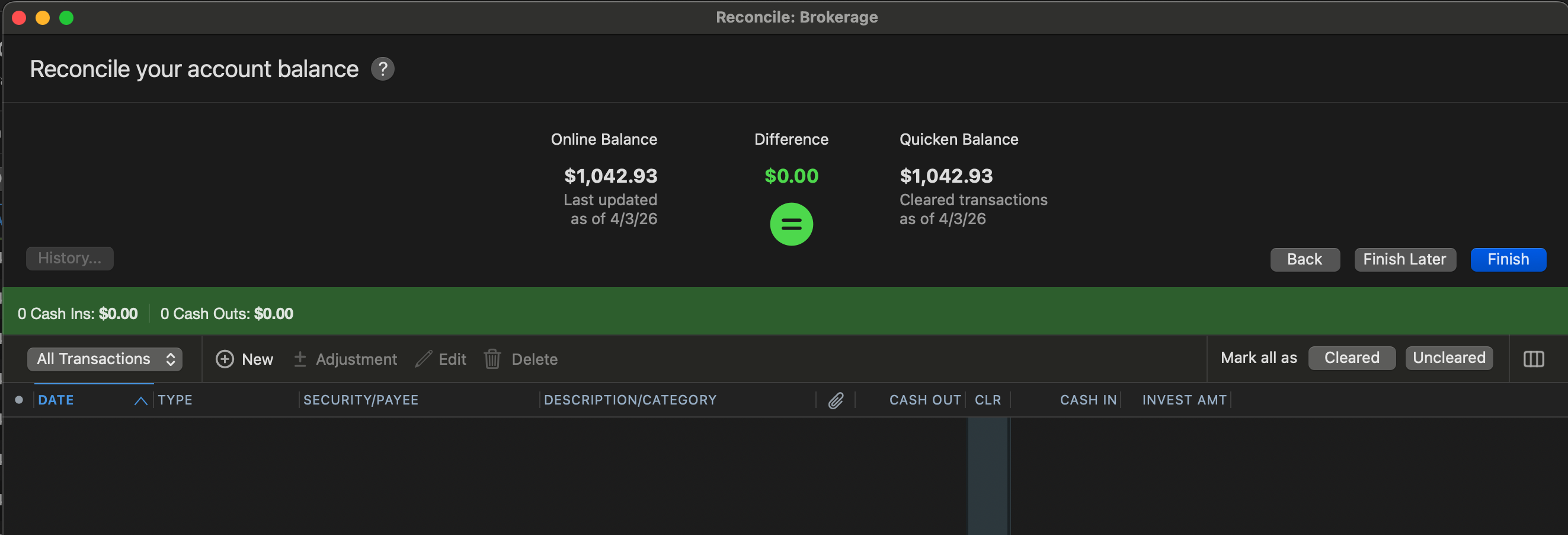
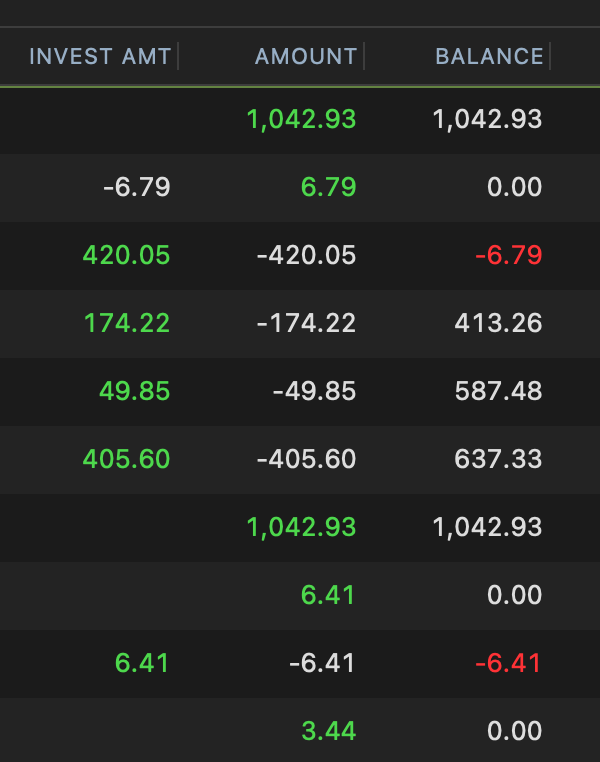
I linked a transaction between my brokerage and checking account and now it doesn't reconcile correctly. Now my brokerage account is permanently soiled with a 1k something or other. I've had premier for less than 3 months. I've worked with ChatGPT to try and fix this and it said Quicken was a swamp and to stop trying.
I've tried deleting and recreating the transaction in both my checking account and brokerage account. I've tried manipulating the date. Nothing helps.
Is there a less ugly way to fix this?
Comments
-
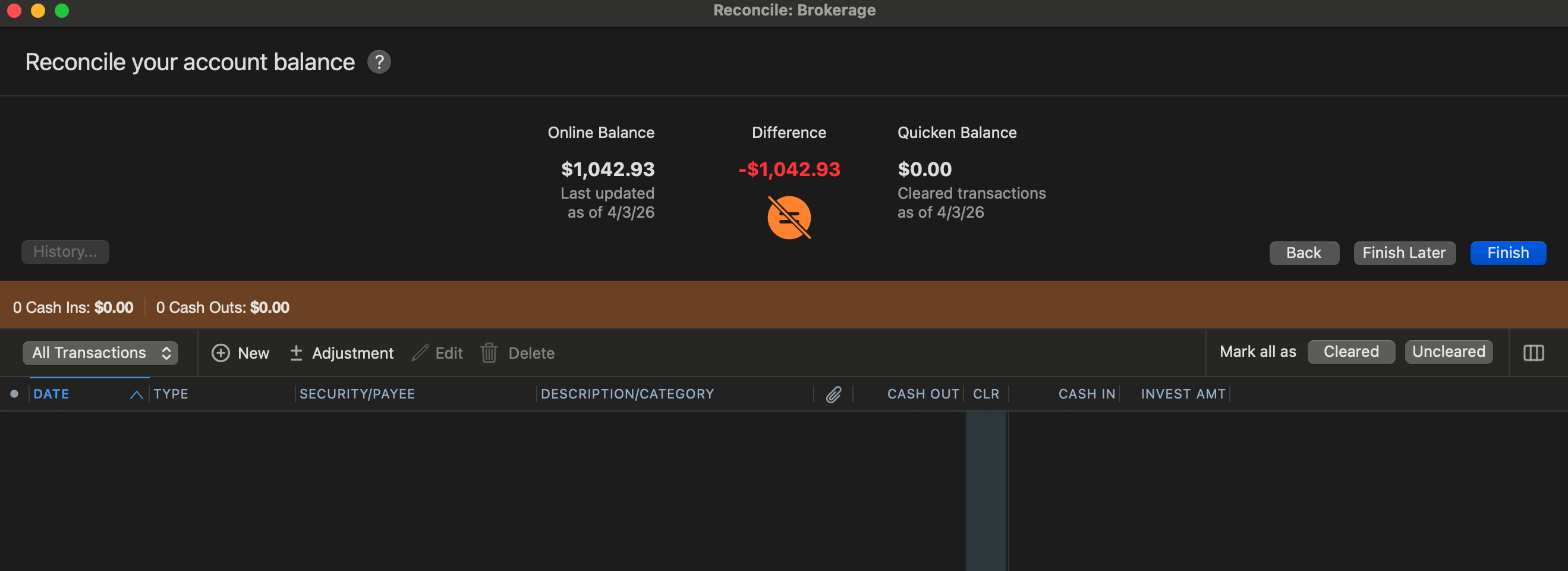
This is what it looks like before the adjustment.
0 -
Part of it is the investment company. Fidelity has been a complete train wreck. For many it takes days to get to the correct online number, but Fidelity keeps moving the mapping to quicken and it's terrible.
0 -
Your statement is that Quicken Mac is awful with brokerage accounts; I can only tell you I've never had a problem with any of my brokerage accounts, and this isn't a problem I see many people posting about, so I suspect there's something with one or more transactions in your data which has you playing whack-a-mole trying to adjust your way forward. Since we can't see the actual transaction(s) involved in your screenshots it's hard to guess at what the issue might be. If you can capture the transaction(s) in the transaction register, that might help.
Additionally, it looks like you are trying to reconcile to the online balance. This can be dicey because different financial institutions are known to sometimes download a transaction before updating the online balance or vice versa. I would strongly encourage you to reconcile to a statement rather than online balance. If you have your March 31 statement, reconcile to that. Or if you haven't done it this way before, I'd actually suggest going back to your December 31 statement, reconciling to that, and then reconciling January, February and March in order.
Quicken Mac Subscription • Quicken user since 19930
