I am trying update my Atlantic Union Bank Transactions after they migrated to a new version of their web and mobile apps. I have been receiving the same error for over a week.
[Removed - Personal Information]
Hello @fernandesc,
Thank you for letting us know you're encountering this issue. When I check on our end, I can see you're getting a CC-506, Account Mismatch error. Is that the error message you're seeing on your end when you attempt to update your account(s)?
To troubleshoot the error, please backup your Quicken file, then follow these steps from this article on CC-506 errors:
Refresh your account information
Deactivate all accounts for this financial institution, then force Quicken to "discover" all available accounts:
I look forward to your reply!
still receiving the same error
Thank you for your reply,
To confirm, did you follow the troubleshooting steps in my earlier post?
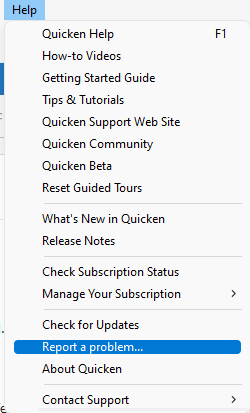
Since the error message you are seeing and the error message we're seeing on our end are different, please navigate to Help>Report a Problem and send a problem report with log files attached.
Thank you!
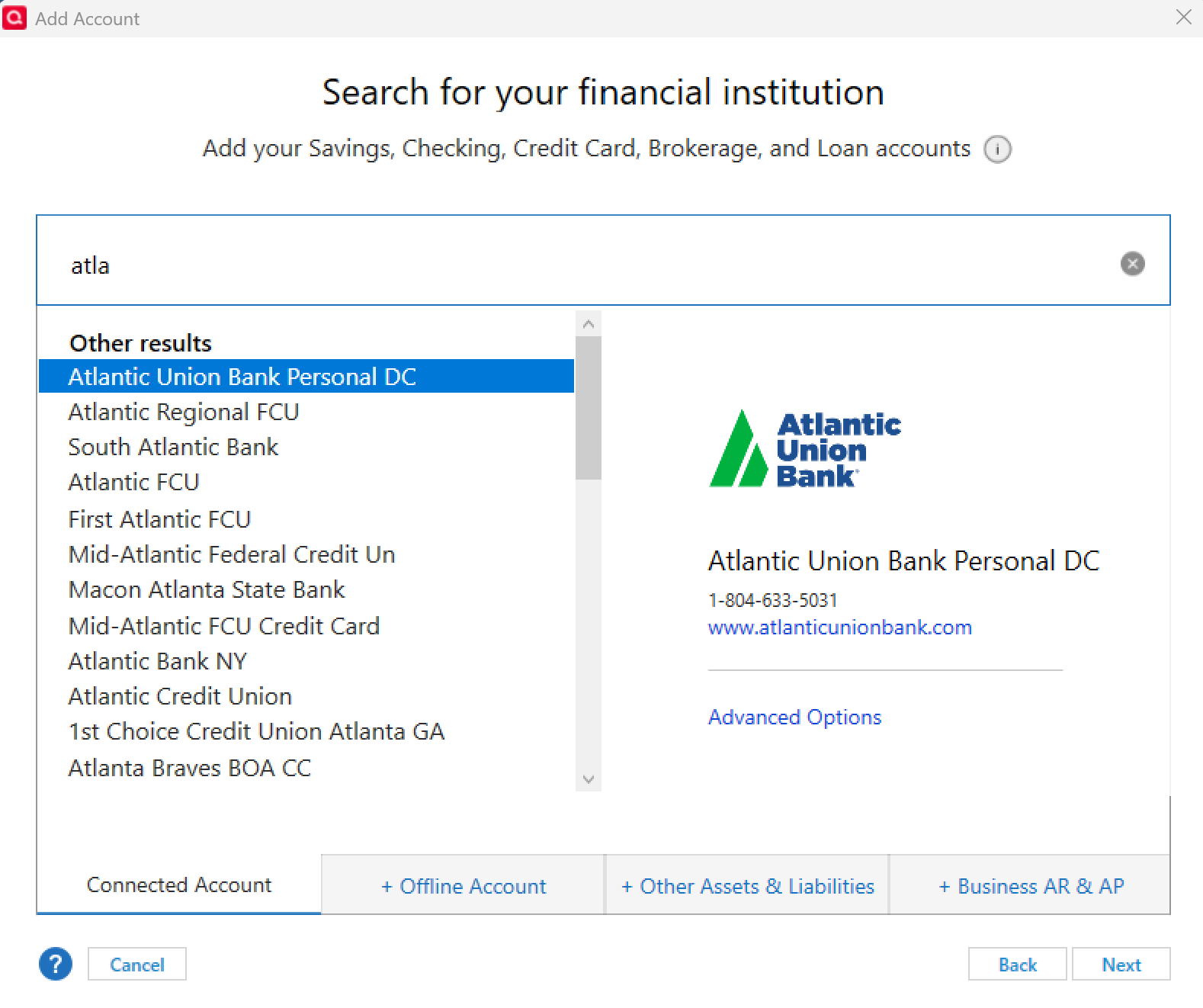
Yes I followed your steps. I spoke to Atlantic First Union and the reason I am getting the error is I do not have thw correct drop down connection option. I still have the old one. Therfore I am still trying to connect to their old platform. She advised that Quicken had issued an update and problem was solved, and new connection drop down should just read Atlantic Union Bank not Atlantic Union Bank DC. Please see my screenshot attached. How do I get updated connection option.
Since I identified the problem do IO stilll need to send log files
Since the financial institution identified the problem, logs should not be needed.
To change your connection to the one the financial institution specified, please backup your Quicken file, then deactivate the problem account(s). Then, go to Tools>Add Account and search for Atlantic Union.
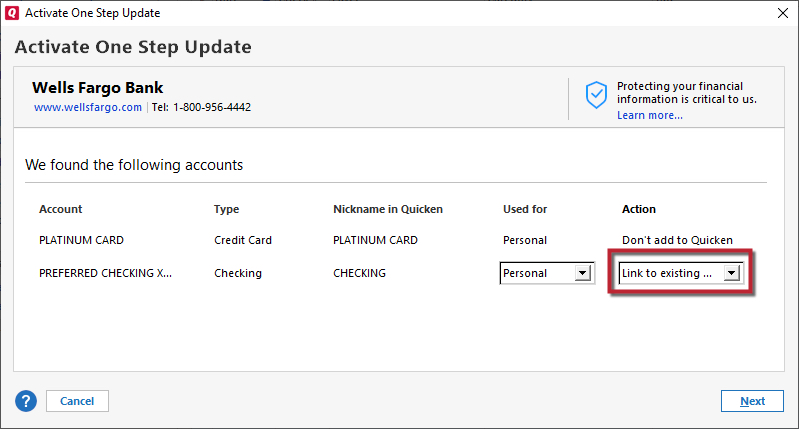
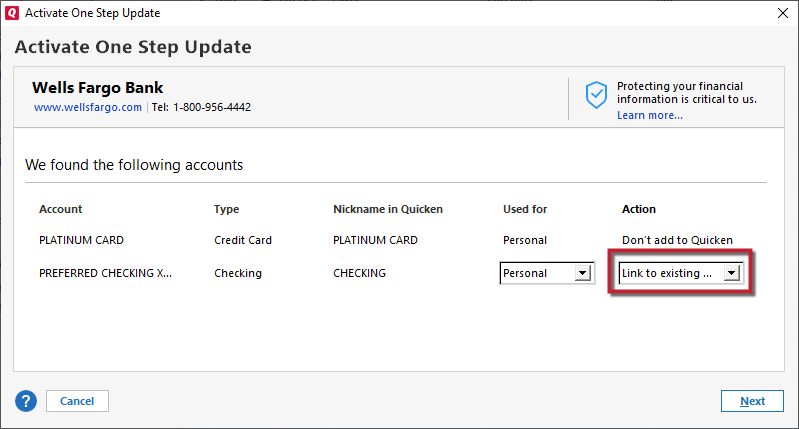
Follow the prompts. Once you get to the Add/Link screen, carefully link your account(s) to the correct nickname in Quicken.
Please let me know how it goes!
Kristina
I did not get an option to deactivate my account therefore I closed the account and decided to start over with a new account that did not help I still did not get the correct connection option. Do you have any other suggestions.
We appreciate you letting us know about this issue!
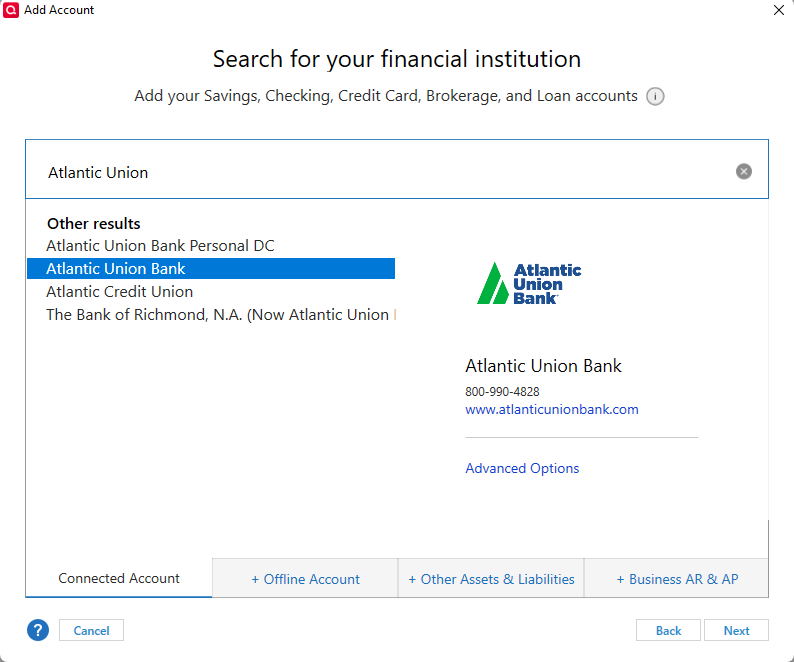
Upon reviewing your screenshot, I noticed that in the search bar you have "atla" typed in. When I type the same into my search bar, I receive the same financial institution results as you.
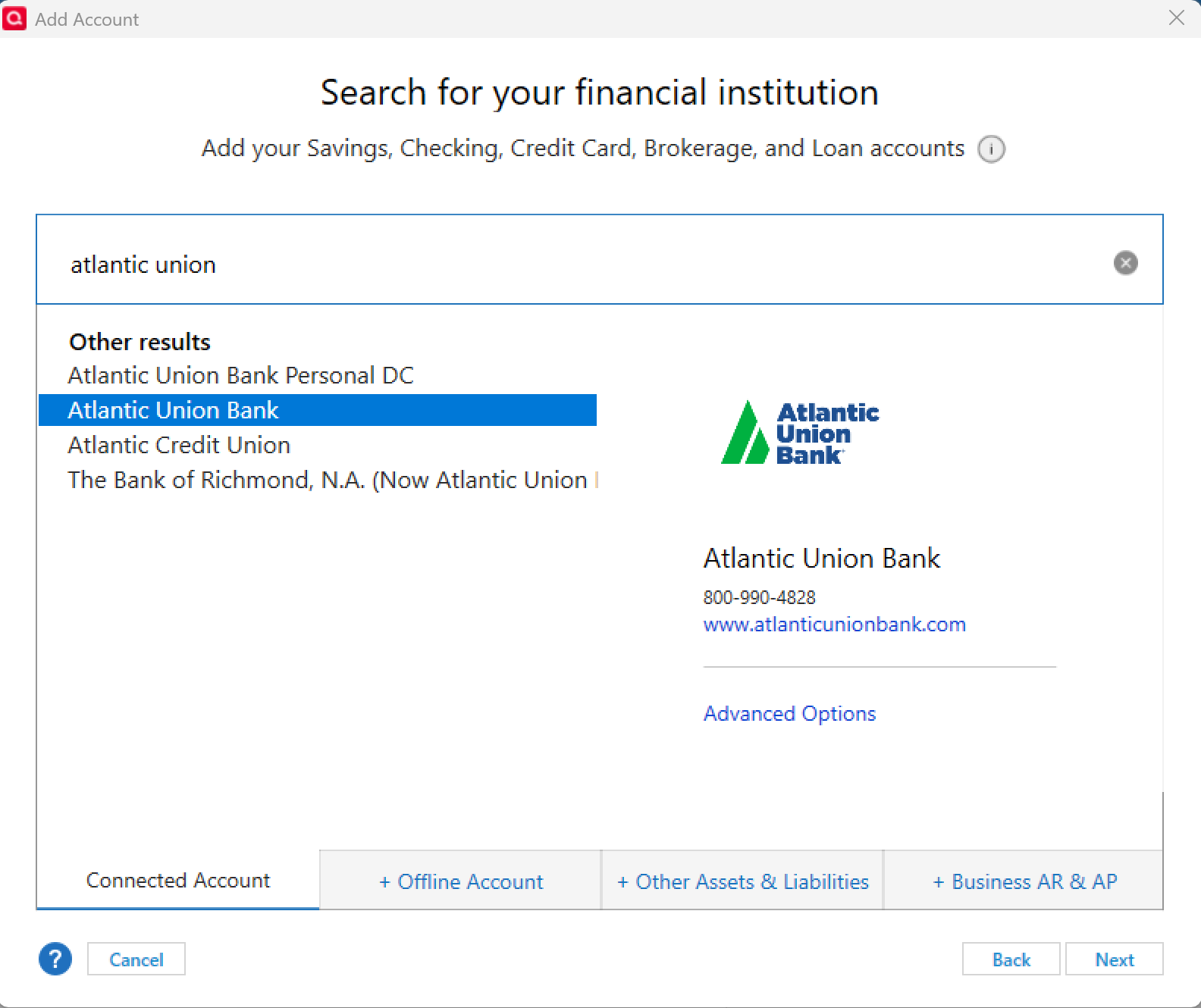
However, when I fully type out "Atlantic Union", I then receive the other instance in the search results to select Atlantic Union Bank (see below).
Can you try typing out the bank name in full in the search field to see if you receive the option to select the 2nd instance?
Let us know how it goes!
I did as you suggested and that worked I also signed up for the emails. Thanks for your help with this. Such a simple thing driving me crazy
Carol
You're welcome, and thanks for following up to confirm! Glad to hear that worked for you. 🙂