I recently updated windows and have downloaded latest Quicken patch. After I enter my password Quicken will not run. I see the Quicken Icon but can't access it. I shut off my firewall and Quicken is still not accessible.
Thoughts?
Thanks
Thank you
Contact Q Support via the link at the top of this page … and let them share (look, but can't touch) your screen.
Quicken does not run after password is entered. The icon is on the taskbar and Windows says it is running but I cannot see it.
Hello @GLindemer,
Thank you for reaching out to the Community for assistance. To troubleshoot this issue, please follow these steps from this article on when you can't open Quicken after an update:
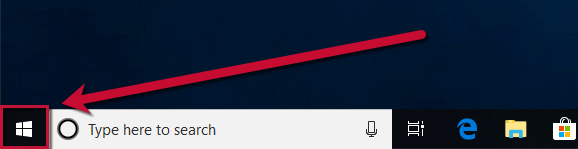
In some cases, Quicken has opened but the program window is hidden. To locate and expand it:
If this doesn't resolve the issue, continue to Step 2.
Another thing that can cause the Quicken icon to show, but the program window to not be visible is if you use or have used multiple monitors. Please see this article for more information/troubleshooting:
Please let me know how it goes!
Thank you….maximized the window and I am able to use Quicken…..interesting that the window has to maximized manually
Thank you for the follow-up @BobbyY,
I'm glad to hear manually maximizing the window corrected the issue!
If you need further assistance, please feel free to reach out!