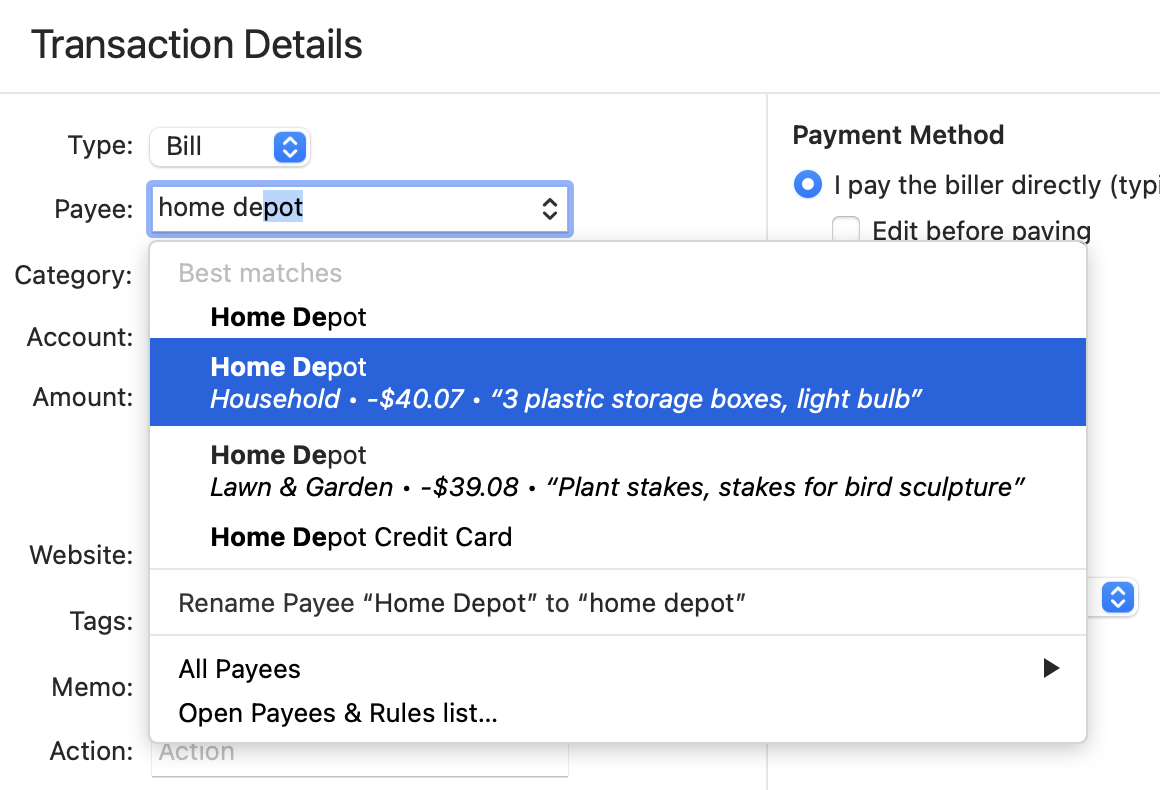
OK, as I learn Mac and Quicken Mac, I have been running Quicken Windows and Mac in Parallel. Worked perfectly.
- I'd pay the bill in Windows as always. I'd "ENTER" adjust date an amount, send a payment from my Direct Connect Checking Account. Windows Quicken would debit checking, credit the credit card and done.
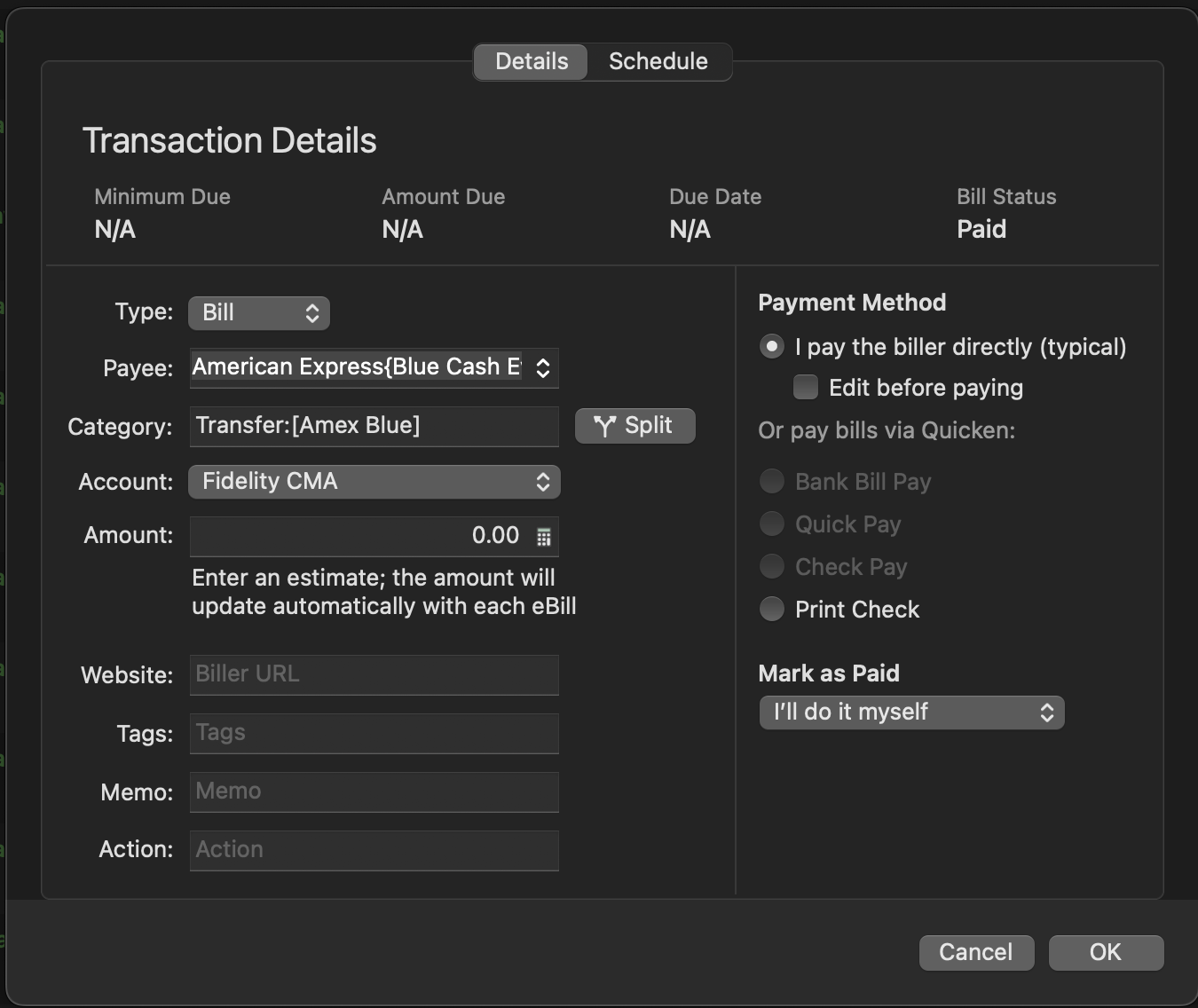
- I'd then go to Mac, Edit and Mark as Paid and again, debits the Checking, credits the credit card. I "believe" on next update it would pick up the scheduled payment from my bank, allow me to match to the manual payment I marked as paid.
- Everything everywhere now in sync. So far so good
Today I decided to pay my first bill from MAC, then hand edit in WIndows to keep in sync. Many problems.
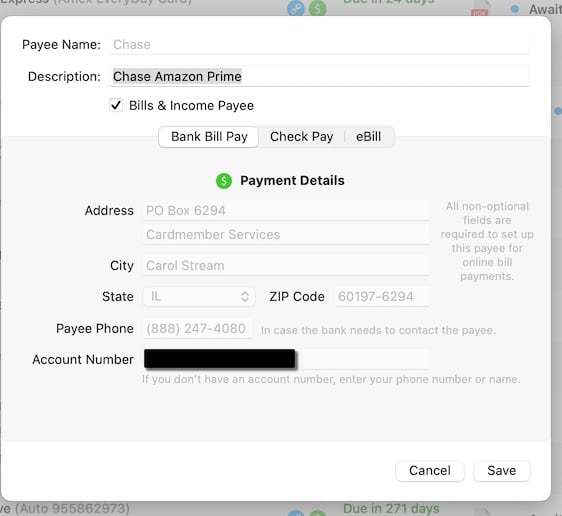
- I selected "Pay Now" expecting like Windows, to get a dialog where I could edit the amount and/or dates and then commmit to pay from my Checking Account. No good.
It automatically on that first click entered into checking and could not be "undone". It sent the payment instructions off to the bank, did not debit the credit card!
So first, how do I get the dialog to edit dates and amount before committiing?
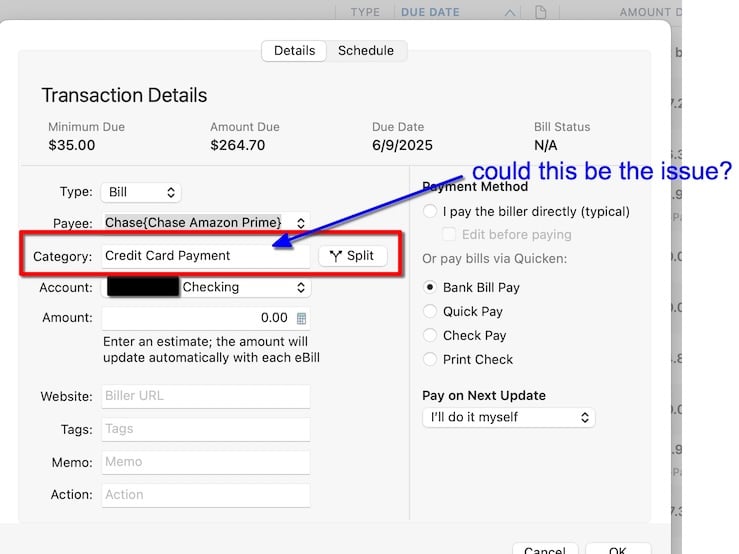
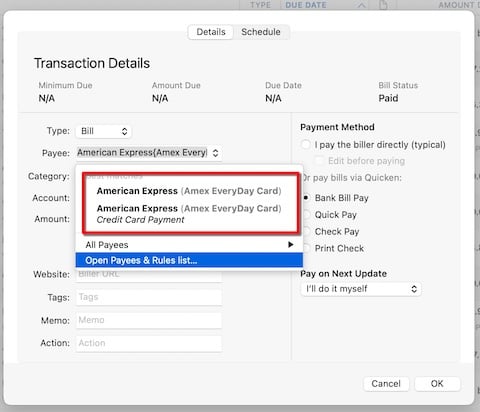
- Mac did not debit the credit card. I had to enter a manual transaction in that register so CC and total balances would be correct. Windows would have done this.
- Now, to further complicate, I had no "Mark as Paid" back in Windows so used "Enter" . Bad idea. That tries to send the payment again, even if I do not select a method to pay. Then Update downloads the real payment info from the bank and the Checking is off by a double payment. I have to delete the "entered" transaction - keepp the downloaded. And again. the CC account is not debited and I have to do that by hand.
So the goal is to run both in parallel for 30-60 days to be sure Quicken Mac all works as I desire and expect. If I pay through Windows, I had it working well. But if I pay from Mac I getthe above.
Can you help me make it work paying through Mac so both still stay in sync and require no hand editing?
Hope I described this clearly enough.
Thanks!