Unable To Add Chase Account to Quicken Classic Premier
Windows 10, Edge browser, Quicken R62.16, Build 27.1.62.16
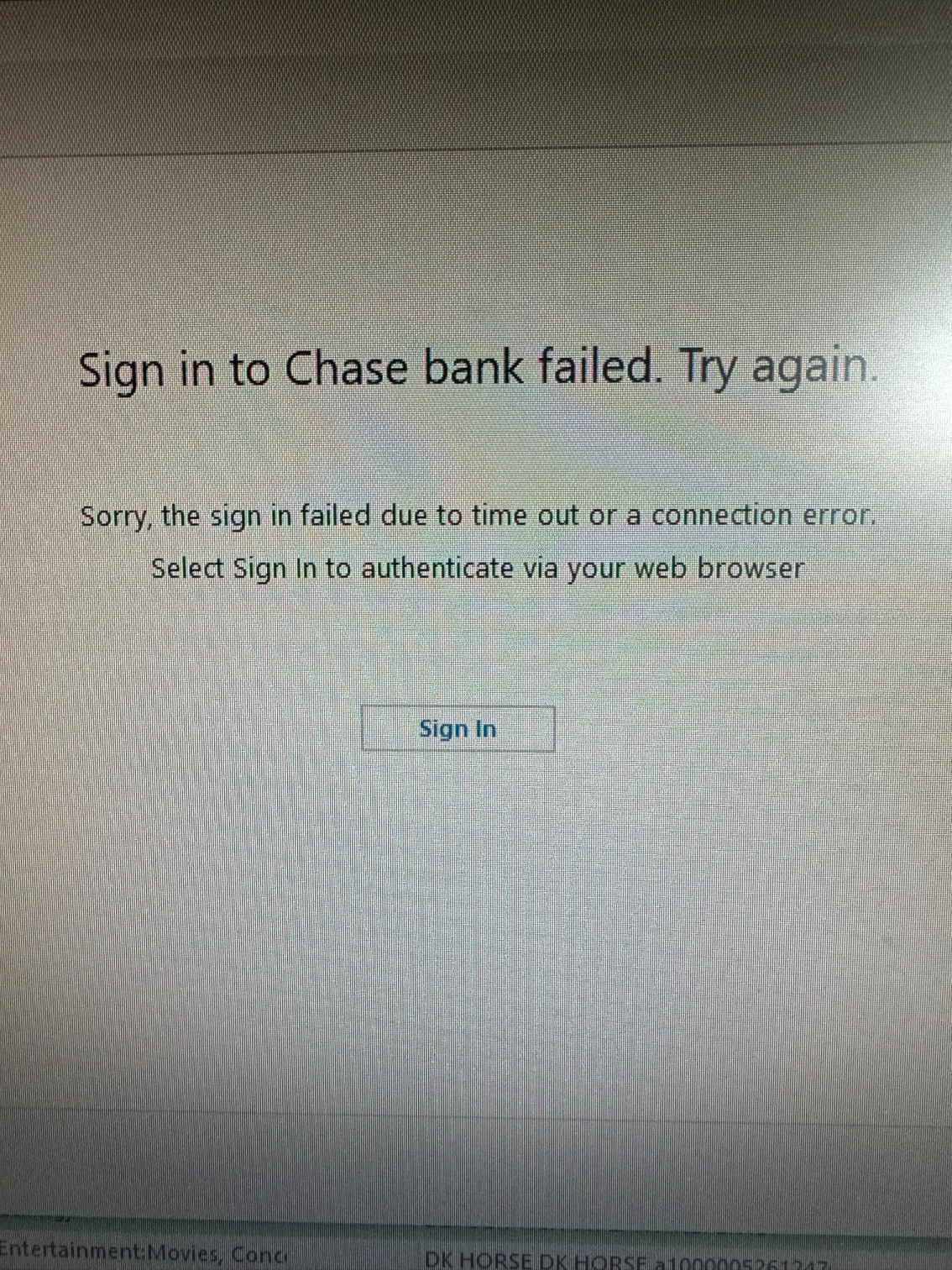
When I try to add a new Chase account, I am prompted to sign in to the Chase web page to authorize the new accounts. I do this, the accounts are successfully authorized by Chase, and then I am returned to Quicken. Quicken then reports that the sign in failed and the accounts aren't added. Numerous attempts result in the same error. I have already tried different browsers and disabling extensions….still no luck.
Comments
-
Hello @jmurrdog,
Thanks for reaching out to tell us about this issue!
To better assist you, could you please provide the following details?
- Where is your Quicken data file stored? Is it on your local hard drive (C: Drive) or a cloud-based/external drive (e.g.: OneDrive, DropBox, USB, etc.)?
- Are you using a VPN while updating your accounts? If so, does disabling it make any difference?
- Do you have any antivirus or malware protection software running that may be interfering with Quicken? If so, have you tried temporarily disabling it to see if the issue persists?
- Were there any significant changes to your system or software before the issue began (updates, new installations, etc.)?
- Could you please provide a screenshot of the error you are receiving? If needed, please refer to this Community FAQ for instructions on how to attach a screenshot. Alternatively, you can also drag and drop screenshots to your response if you are not given the option to add attachments.
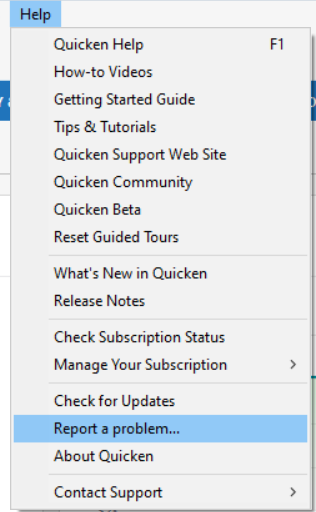
- Additionally, please submit your log files via Help > Report a problem so we can take a look internally as well.
Your answers will help us diagnose the issue more effectively.
Looking forward to your response!
-Quicken Anja
Make sure to sign up for the email digest to see a round up of your top posts.0 -
Quicken file stored on local drive, no VPN, running Microsoft Defender (formerly Windows Defender). Due to Quicken Anja's above reply, I disabled Microsoft Defender (open Windows Security, go to Virus & threat protection > Virus & threat protection settings, turn off real-time protection). With real-time protection disabled, I was able to successfully add the Chase account. I then re-enabled real-time protection and all appears to be good. Thank you!
1
Categories
- All Categories
- 56 Product Ideas
- 36 Announcements
- 225 Alerts, Online Banking & Known Product Issues
- 22 Product Alerts
- 703 Welcome to the Community!
- 671 Before you Buy
- 1.2K Product Ideas
- 53.7K Quicken Classic for Windows
- 16.3K Quicken Classic for Mac
- 1K Quicken Mobile
- 812 Quicken on the Web
- 111 Quicken LifeHub