I maintain two separate files for Australian and US based accounts. In the past I have simply gone to the application preferences and select US Dollar or Australian Dollar as appropriate for the file.
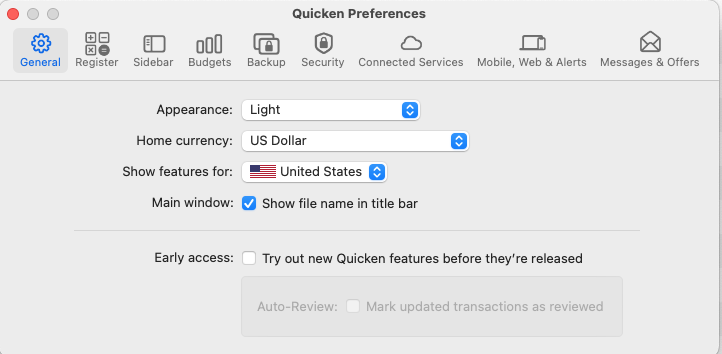
This is a little clunky (it would be nice if the native currency was file-specific rather than application-specific) but easy to work around.
But as of a couple of days ago my work around has broken and despite have Quicken set to US Dollars as the home currency, my share portfolio displays (and exports) a preceding USD. All I want for a report is a $ sign when the account currency matches the Home currency.
This is a hassle for exporting to Excel for additional analysis - typically I have to copy everything into BBEdit, zap gremlins, and paste into Excel and then jump through hoops specifying currency within Excel.
Has a plist been corrupted or something? How can I fix this. It all worked fine 3 days ago and broke 2 days ago.
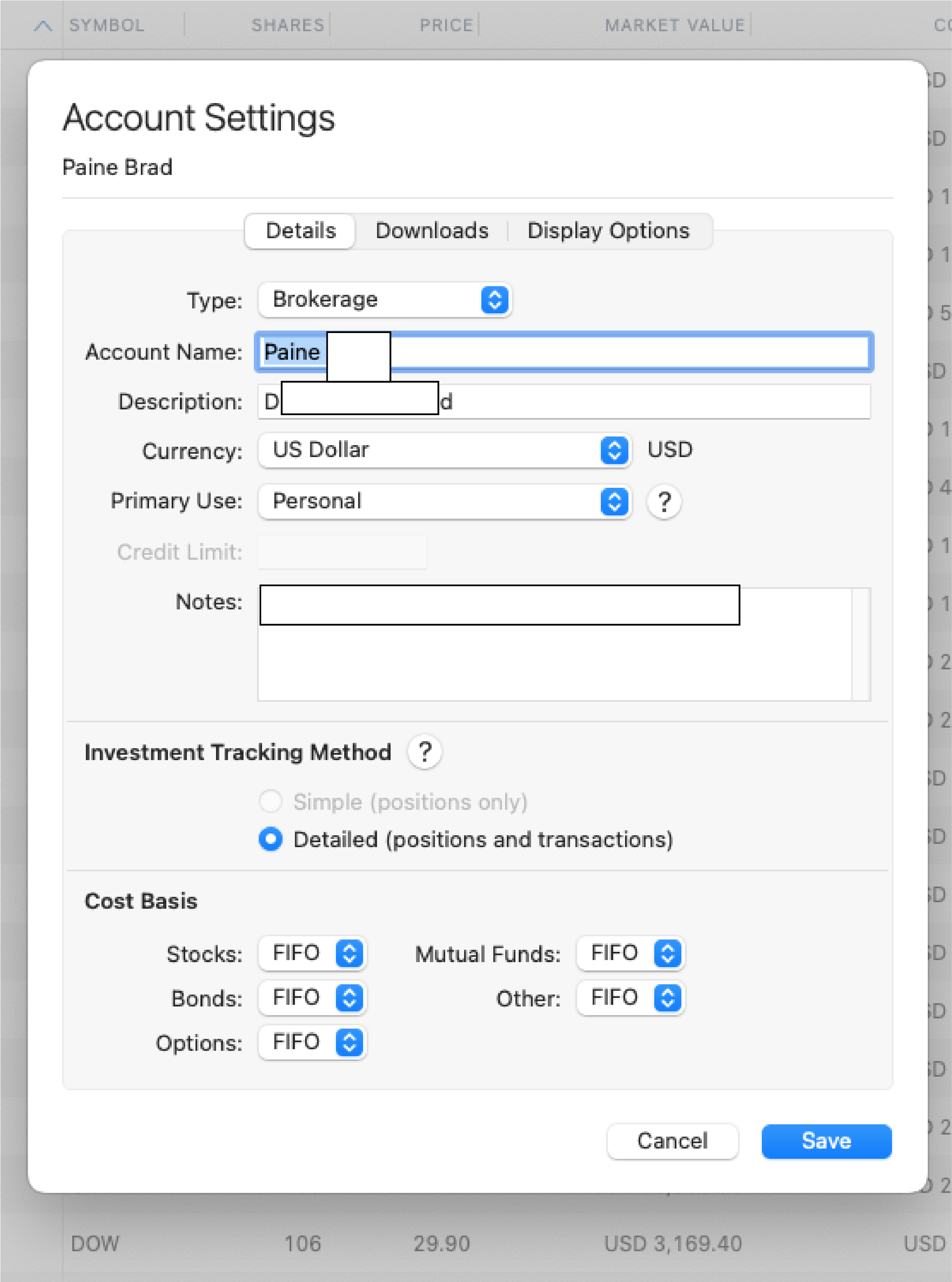
In the example above the Home currency and account currency are both USD but the display of DOW at the bottom shows the USD preceding the amount. I need to replace the USD and nbsp's etc with a simple "$"

