Something isn't quite right here error message using quicken web version in Chrome

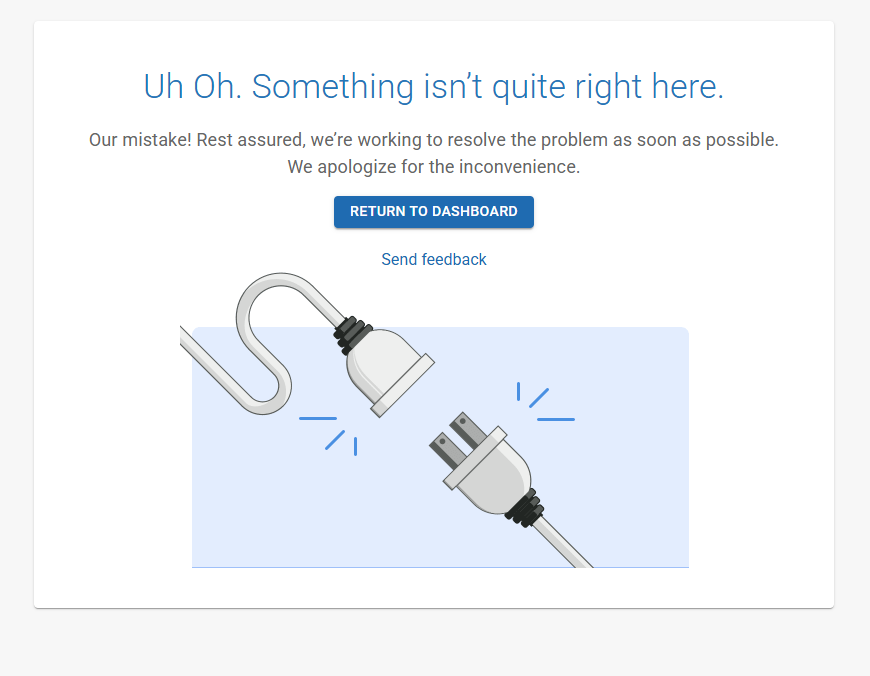
Hello, I continuously get "Uh Oh. Something isn't quite right here" message when I try to login to quicken on the web using Chrome on Windows. If I use Edge, I do not have an issue. However Chrome is my preferred browser and I would like it to work in Chrome. This happens when I attempt to sign in, I don't even complete the sign in process (it does not get to my password screen) and then I get this message attached.
Answers
-
Hello @gzdmnx,
Thank you for letting us know you're seeing this issue. To help troubleshoot, please provide more information. When did this issue start? Which version of Google Chrome are you using? To check, on your browser, click the 3 dots near the upper right, select Help>About Chrome, and it will show you the current version and check for updates.
Do you have any browser extensions active? If so, try pausing your browser extensions to see if one of them is causing the issue.
I look forward to your response!
Quicken Kristina
Make sure to sign up for the email digest to see a round up of your top posts.
0 -
Quicken Kristina
Make sure to sign up for the email digest to see a round up of your top posts.
0 -
Just wondering … in the Uh Oh image (above), what happens when you click "Send feedback"? Where does it go to and what information does it send?
It appears to me as if Chrome is blocking access to the Quicken on the Web website.
Setting up an exception rule in Chrome to allow this access should solve the issue …
$64-question is: What exactly does one need to define to make it work?
(I don't use Chrome and Quicken on the Web either, so I can only ask the Community to chime in here …)0


Categories
- All Categories
- 60 Product Ideas
- 36 Announcements
- 216 Alerts, Online Banking & Known Product Issues
- 21 Product Alerts
- 704 Welcome to the Community!
- 671 Before you Buy
- 1.2K Product Ideas
- 53.9K Quicken Classic for Windows
- 16.4K Quicken Classic for Mac
- 1K Quicken Mobile
- 812 Quicken on the Web
- 115 Quicken LifeHub