Currently on R63.21
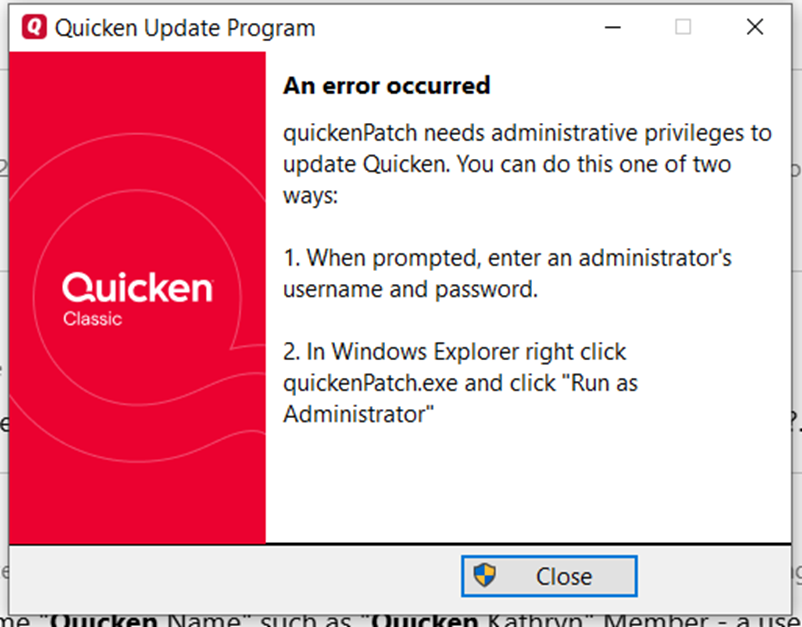
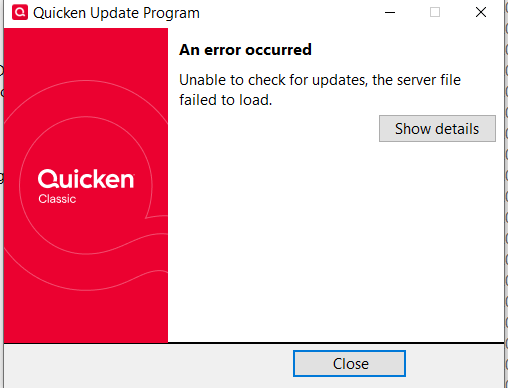
When running quickenPatch.exe
Click on details, no details.
Called support. They verified that there is a problem and it should be fixed by Saturday 08/16/2025.
All other functions seem to be working OK.
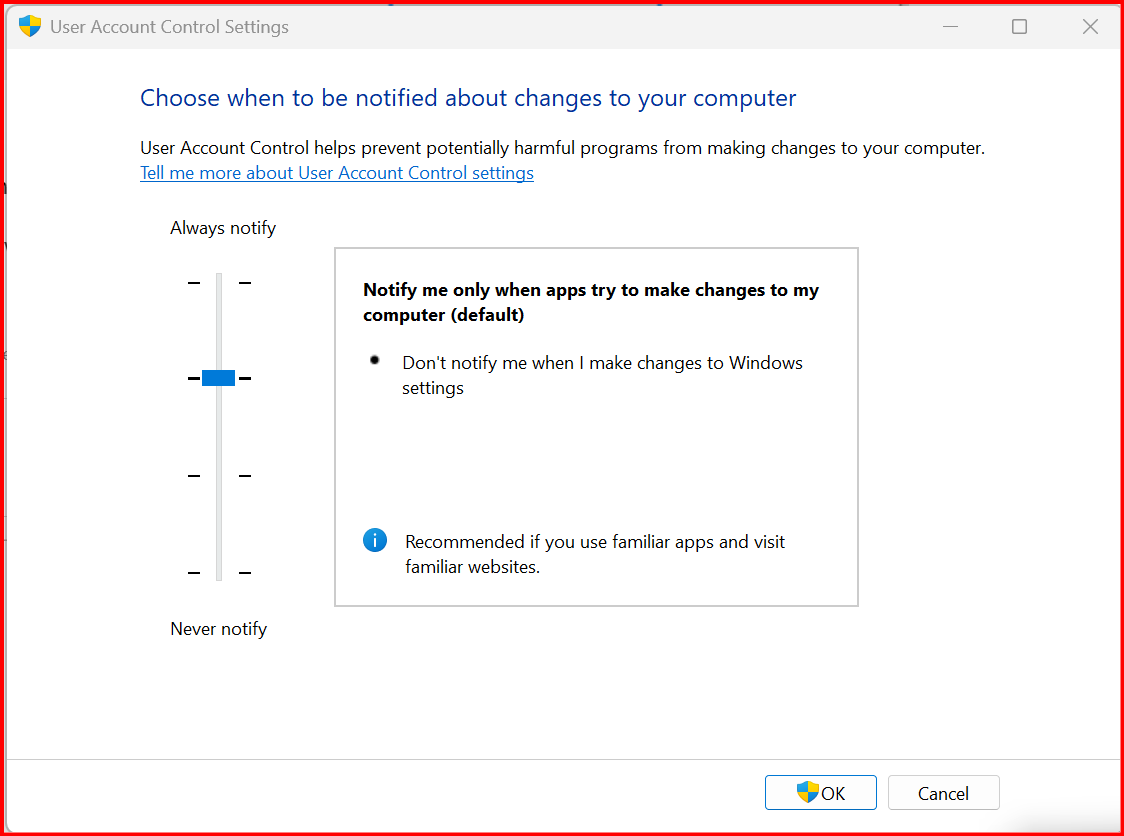
@Haapy check your User Account Control (UAC) Settings -
Sometimes if it's set too high it will cause the error you are experiencing. Lower the level and try the install again.
Mine is set exactly where your example is.
@Haapy
Please see this thread. The solution might solve your issue as well.
@CaliQkn
Thank you so much. The manual update did the trick.
Sounds like that may be the way for me going forward. We shall see.
@Haapy you are welcome and glad it worked so you are able to get the update installed. Not sure why some users get that error, but at least you now have a workaround if it ever happens again.
Thank you for sharing and assisting other users to resolutions!
I have learned from experience with Q that you should wait two weeks after a release to allow other less experienced users to shake out the bugs that should have been found. I have been proven correct many times and recommend waiting unless you enjoy pain, inconvenience and hours on the support line.😉
YEP I too never install a new update till it is out awhile and issue posts in the Community calm down. May take several weeks or more. Saves me alot of grief.