In my One Step Update, it tells me that there is a new version of Quicken to download.
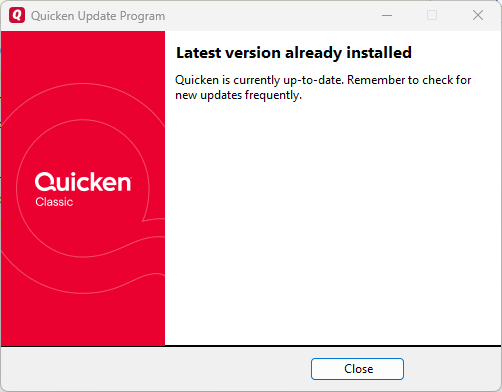
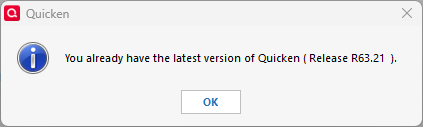
However, when I click on View Update, it tells me that I have the latest version.
It says that I am currently on version R63.21.
Please fix this.
Proof of what version I am on.
Hello @Tammy Borgnis,
We appreciate you reaching out!
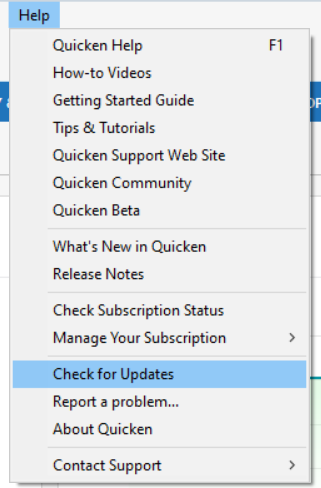
Please try navigating to Help > Check for Updates and see if it lets you install the update from there.
If it still reports that you’re on the latest version, you can manually install the most recent release by downloading and running the manual patch from this support article.
Thank you!
@Tammy Borgnis
What wasn't explained is that when Quicken does a update release, they offer it to a given number of users and then shut it off. They wait to see if there are problems with it when used by users with all sorts of computer configurations. They do the release and stop a couple of times before they make a general release of that update.
You are just caught in one of the in between staged releases. If you really want to try it before the general release, follow the link provided by Quicken Anja and download the patch release.
Personally, I usually wait for the general release to make sure that nothing has been broken by the release that is important to me.
Absolutely, that’s correct—the latest Quicken update is still in a staged release, which means it’s being gradually rolled out to users. You can also find more details about the update here.
Thanks @splasher for sharing this!