We have started rolling out Quicken Classic for Mac 8.3 into a stage release.
You can get the latest Quicken build by clicking "Check for Updates" under the Quicken menu.
Thank you for your help and support.
Best Regards,
The Quicken for Mac Team
Please take a moment to review the summary and try the new features in the product.
Investments
- IMPROVED We now default to Detailed Tracking when adding accounts at financial institutions that support detailed tracking
- NEW You can now bulk-import security prices (from a single CSV file with prices for multiple dates and multiple securities)
- FIXED The Portfolio Graph now shows negative values even when set for “Y-Axis starts at zero”
- IMPROVED You can now add the cost basis of holdings within the Capital Gains Estimator
Accounts
- NEW Easily organize your accounts within each account type group in the Sidebar to match your personal workflow
- NEW A new graph for banking account registers that allows you to see the account balance over time and projected balances is now available in a new Balances tab (available in Premier and Business & Personal subscriptions)
- NEW A new keyboard shortcut (⌘ + L) is available to access the Reconcile Account window
- NEW You can now update a single account by right-clicking on the account in the sidebar
- IMPROVED A Balance column is now included in All Transactions and account group registers, letting you view running account totals at a glance
Business & Personal
- NEW You can now create a new Client from the register
- IMPROVED You can now import mileage records from CSV files
- IMPROVED You can now easily customize the columns displayed in the Mileage tab
- NEW You can now assign a client to a mileage record
- NEW You can now make a mileage record billable
- NEW You can now import and export the Client list from the File menu
- NEW New Mileage tab in Client Details provides a quick way to review mileage records associated with each client
Transactions, Registers, and Dashboard
- FIXED Resolved an issue where bills for $0 were always entered as Income after using Edit & Mark as Paid to edit the amount
- IMPROVED Added a setting at Quicken > Settings > Registers to control how the Tab key behaves in the Date field. When enabled, pressing Tab exits the Date field in one step; when disabled, Tab moves between the month, day, and year before exiting
- NEW Quickly jump to the other side of a transfer transaction using the keyboard shortcut ⌘ + [ or the register’s contextual menu
- NEW You can now customize the Top Spending Payees card by payee and the Spending by Category card by category for a more tailored dashboard view
Invoicing
- IMPROVED Products and Services and Sales Tax lists now allow Hide and Taxable options from the contextual menu when you right-click on a row
- IMPROVED Invoice Activity timeline now shows credited/refund activity
- IMPROVED You can now preview a newly added logo to see how it will appear before creating a new invoice
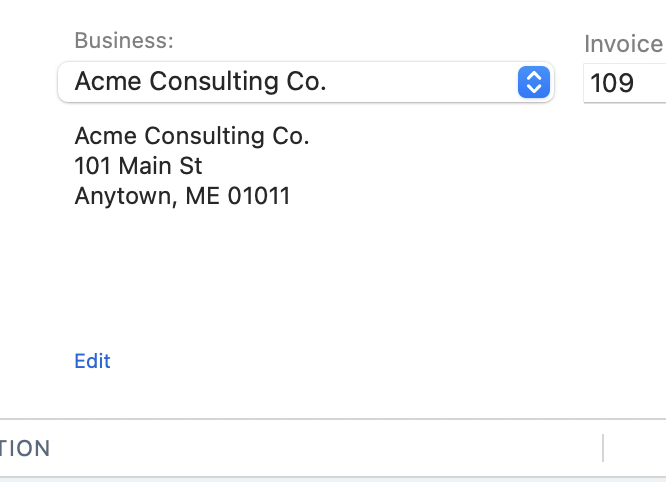
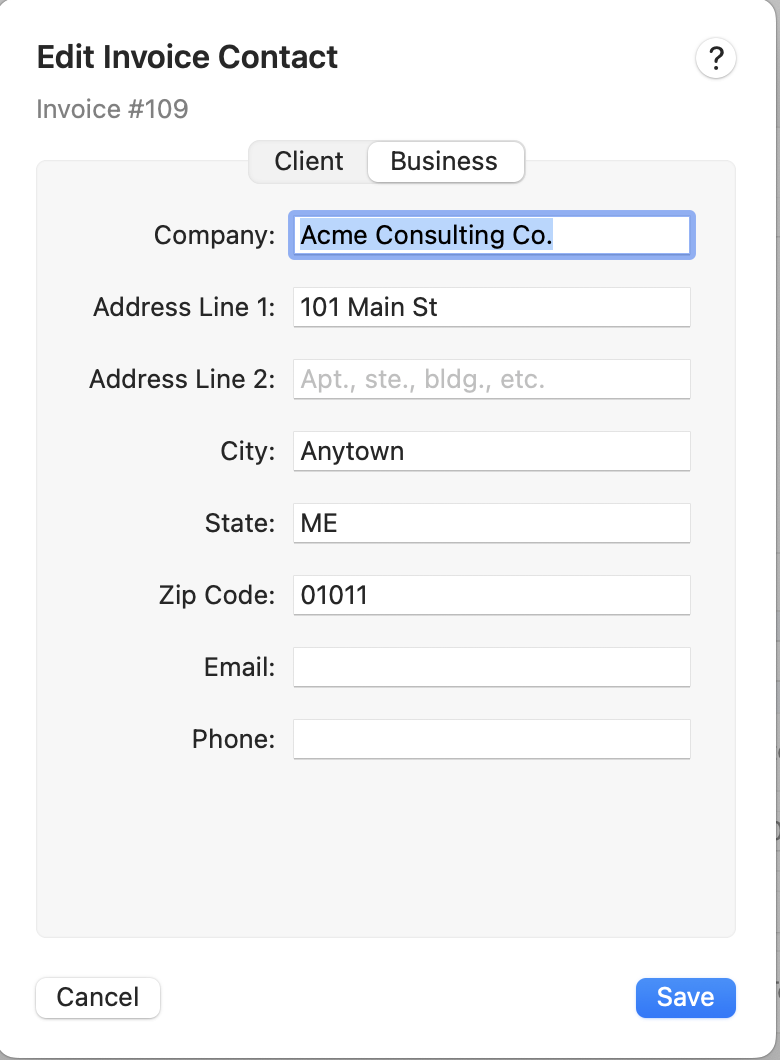
- NEW You can now specify which business details you want shown on printed invoices
- FIXED Long notes were sometimes truncated on printed invoices. This has been fixed.
- IMPROVED You can now reorder product/service lines on invoices
- NEW Added an Invoice Actions menu to invoice windows, making it easier to perform common tasks such as receiving payments or issuing a refund