This discussion was created from comments split from:
Cant' Connect Walmart OnePay Cash Rewards Synchrony Bank With Quicken
.
@Quicken Alyssa the link that the previous commenter shared may not work… can we connect ALL of our Synchrony accounts via their universal "MySynchrony" login that brings up all of the linked Synchrony accounts? https://consumercenter.mysynchrony.com/consumercenter/login I did try talking to the overseas call center folks and it was useless - they couldn't understand what I was asking for. Thanks much!
Hello @MJ-san,
Thank you for your question. I have moved your post over into a Mac category.
Unfortunately, it's the same in Mac. That specific URL isn't currently supported. However, you might try using the Synchrony Bank Credit Cards option in Quicken to see if it allows you to connect. If that doesn't work, you'll need to reach out directly to the financial institution and request that they support downloads to Quicken.
For a financial institution to be added to Quicken’s list and enable account downloads, it must submit a request through Quicken’s service providers.
As a side note, in the past some users have found success connecting to other "mysynchrony" options. Specifically, the Guitar Center Credit Card instance in Quicken. Here and here are threads where users reported this working.
Hope that helps!
On the Synchrony website about the new signup experience (http://synchrony.com/help/faqs?tab=cc-fin#new-sign-in-experience) there is a section regarding aggregators which states:
For password managers: Yes, please update your password for synchrony.com/login with any password managers you use.For financial aggregators (e.g., Mint, Credit Karma, Quicken, Plaid, etc): No changes are necessary at this time. We will work with these third parties in a future phase. You'll be notified when it's time to update in the coming months.
For password managers: Yes, please update your password for synchrony.com/login with any password managers you use.
For financial aggregators (e.g., Mint, Credit Karma, Quicken, Plaid, etc): No changes are necessary at this time. We will work with these third parties in a future phase. You'll be notified when it's time to update in the coming months.
My connections in both Quicken and [Removed-Third Party Software] stopped working today with my old credentials. The new credentials I established today per Synchrony's password update rollout do not work either. I can't quite parse the second paragraph as it is terribly written but I'm hoping that the connections will work again sometime in the near future. Or, maybe they mean that Synchrony will work with the third parties to get their connections operational again. Who knows?
Hello @JayLotta,
Thank you for sharing what you found with the rest of us.
Yes, I think you are correct, that it means Synchrony will work with Quicken to get it working in the future. Hopefully it happens soon!
Thank you!
Hello All,
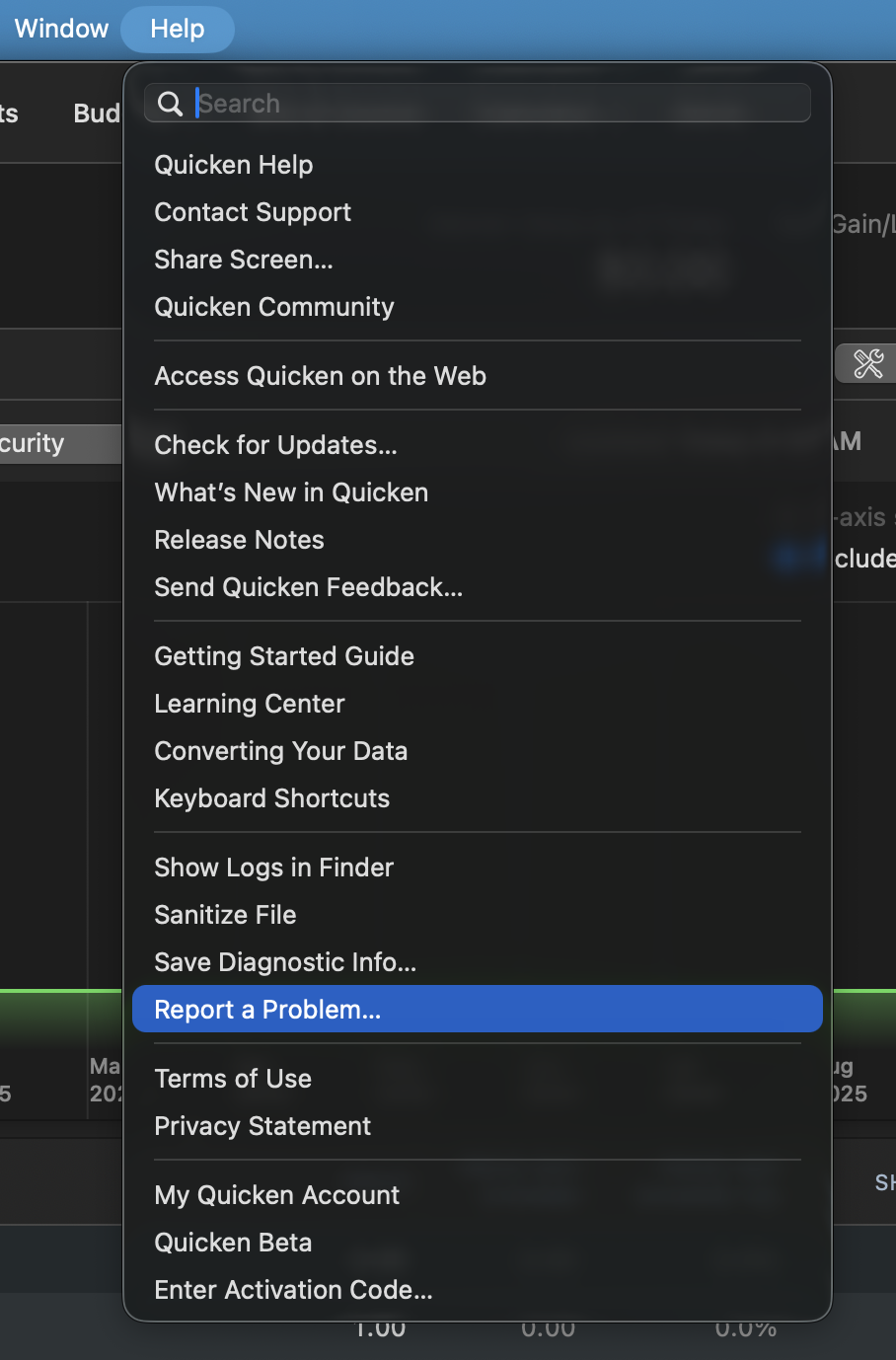
Can I please have you both go to Help>Report a problem, from within your Quicken software, and Send to Quicken?
This issue has been reported, and your log files will help the investigation. Additionally, Screenshots can be helpful as well. If needed, please refer to this Community FAQ for instructions on how to attach a screenshot. Alternatively, you can also drag and drop screenshots to your response if you are not given the option to add attachments.
Let me know once your logs have been sent over so I can add them to the ticket.
[CTP-15053]
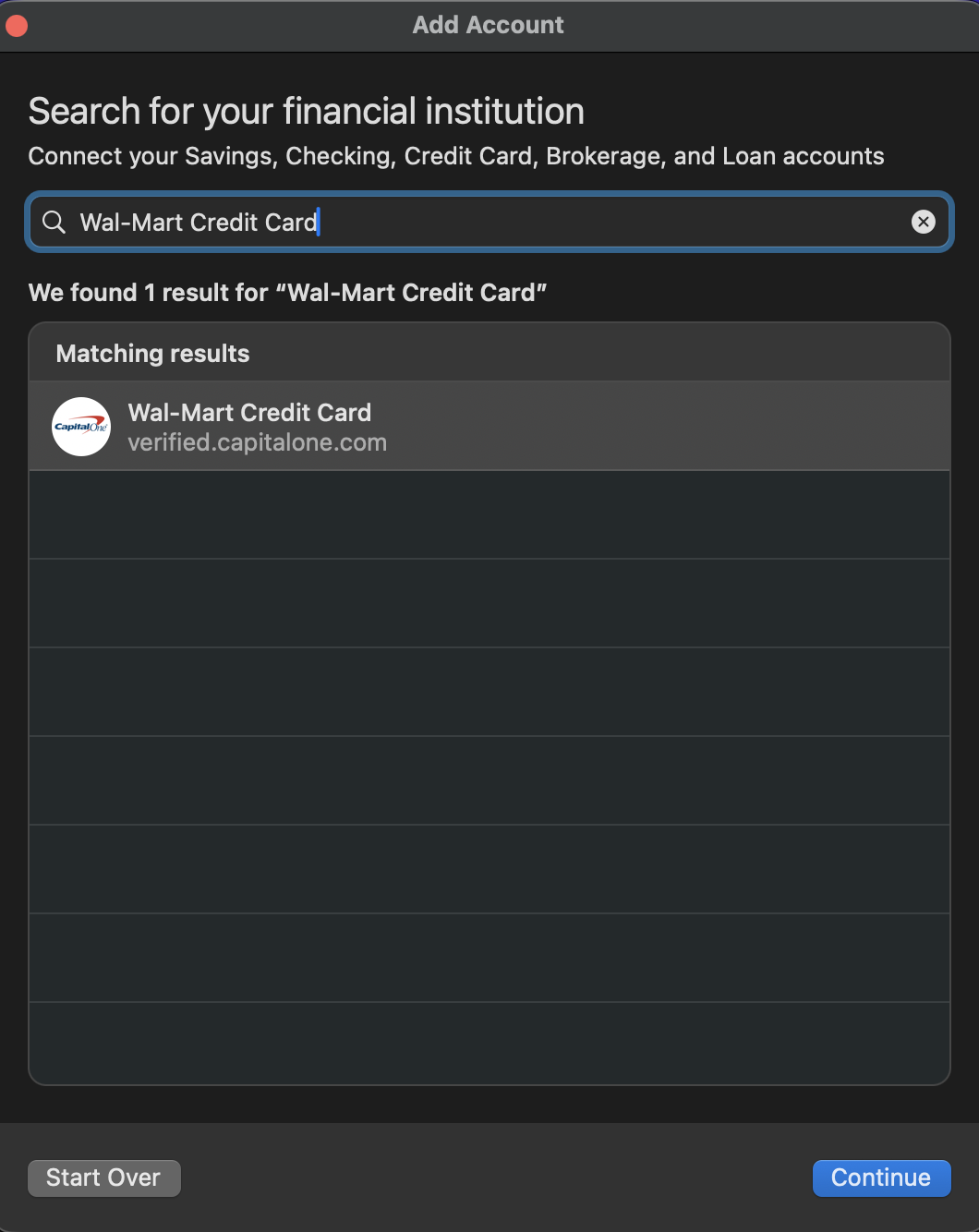
Can I have you all try using the Wal-Mart Credit Card instance in Quicken?
Before doing this, make sure your account is disconnected.
Now reconnect it using "Wal-Mart Credit Card".
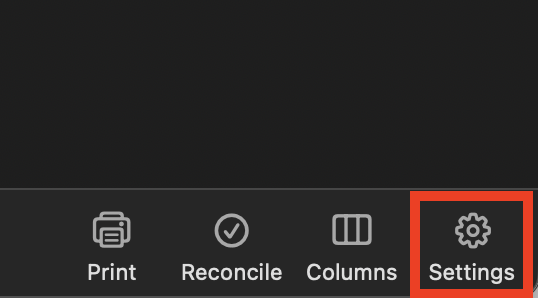
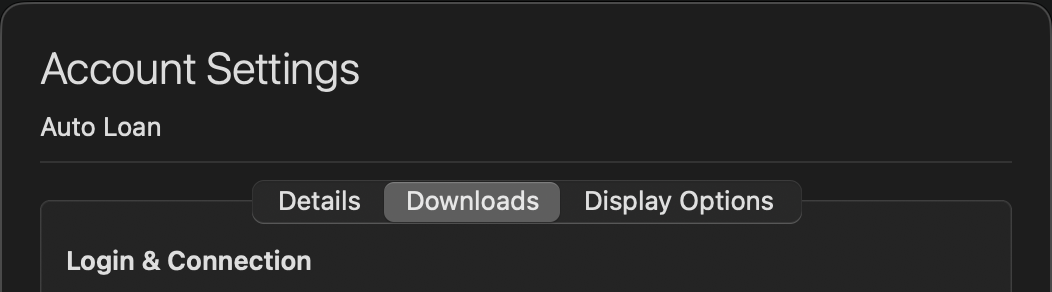
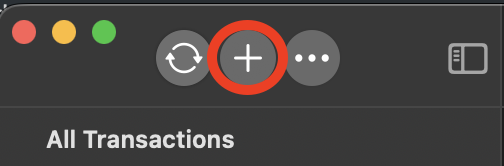
To do this:
Let me know how this goes, and if you are now able to connect these accounts.
I attempted the process you suggested. Doing so connects me to Capital One Bank (you can see this in your example) when the issuing bank is Synchrony. I tried to use my Synchrony login and was locked out of Capital One.
Can you please provide us with the URL that you use to view/access these accounts outside of Quicken, from the bank's website?
@Mark Torpey,
Thank you for trying the last suggestion and reporting back.
Looking forward to your responses.
Thank you for continuing to update the discussion.
Can I have any of you who have not been able to connect your OnePay cards try again? Do let us know your results.
Our team has determined that the problem is on the provider's end and is collaborating with the provider to resolve it. However, they do not have an ETA for when it will be resolved.
In the meantime, you can try adding these accounts periodically.
We apologize for any inconvenience.