This discussion was created from comments split from:
What’s Going On Between Fidelity and Quicken?
.
I have quite a few Fidelity accounts. I painstakingly moved them all over to the new system last week, deleting tons of duplicate transactions and cleaning everything up. Things seemed to be working. Now, for the past several days, I get no updates from Fidelity, and a prompt to "Fix It" by re-authorizing. But it makes no difference — still nothing updates.
R64.29
Hello @uksqueeze,
Thank you for sharing your experience. To help troubleshoot, please provide more details. Are you seeing any error message/code along with that Fix It prompt? If possible, please provide a screenshot of what you are seeing. If needed, please refer to this Community FAQ for instructions on how to attach a screenshot. Alternatively, you can also drag and drop screenshots to your response if you are not given the option to add attachments.
I look forward to your reply!
Hi Kristina,
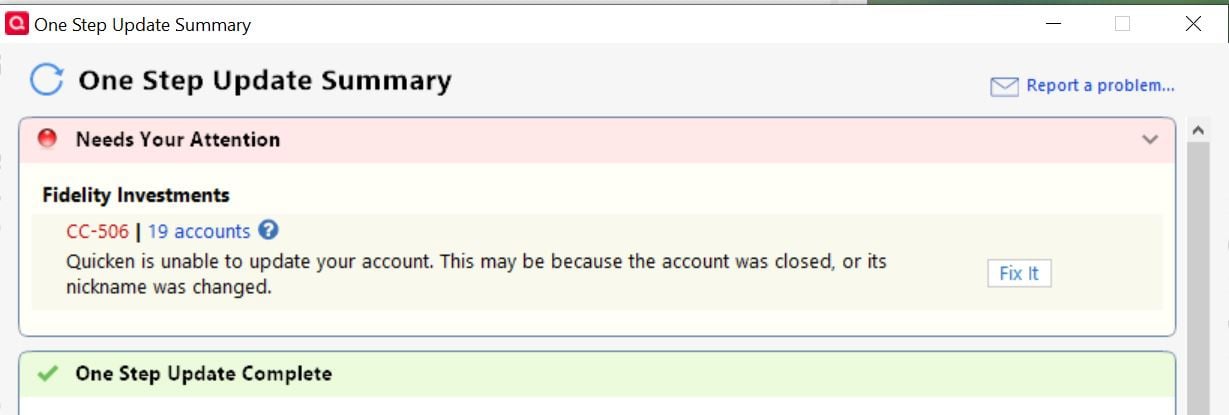
Thanks for the prompt reply. Here is the summary error I see:
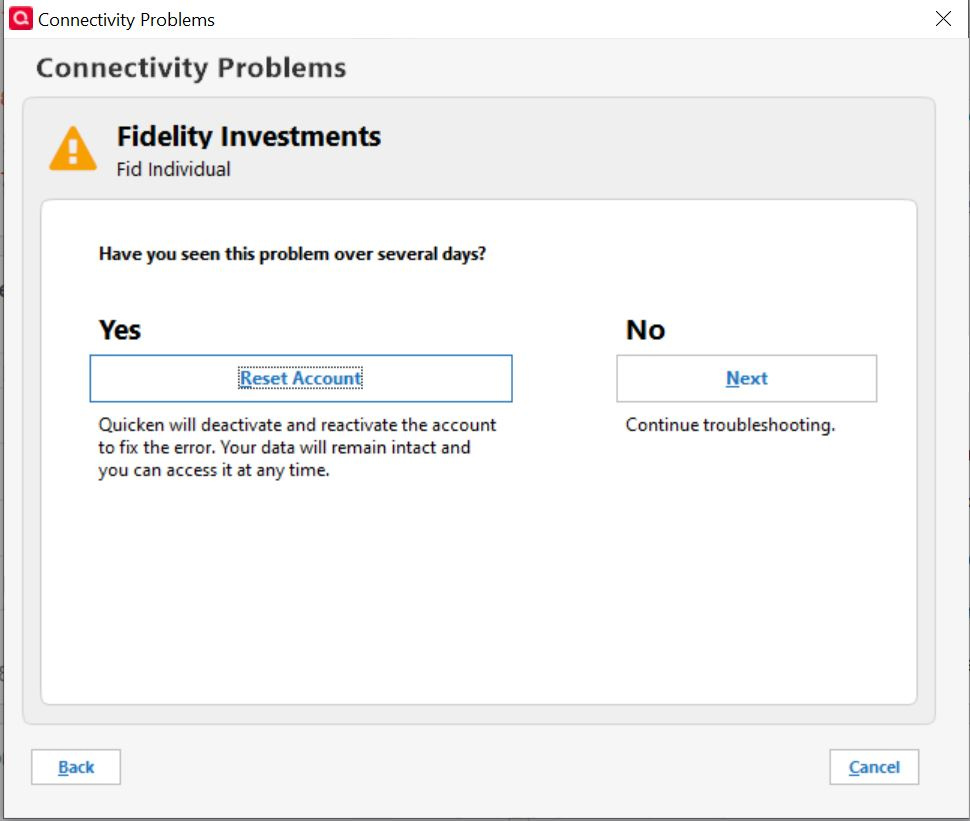
Then it prompts me to update just one of the 19 accounts:
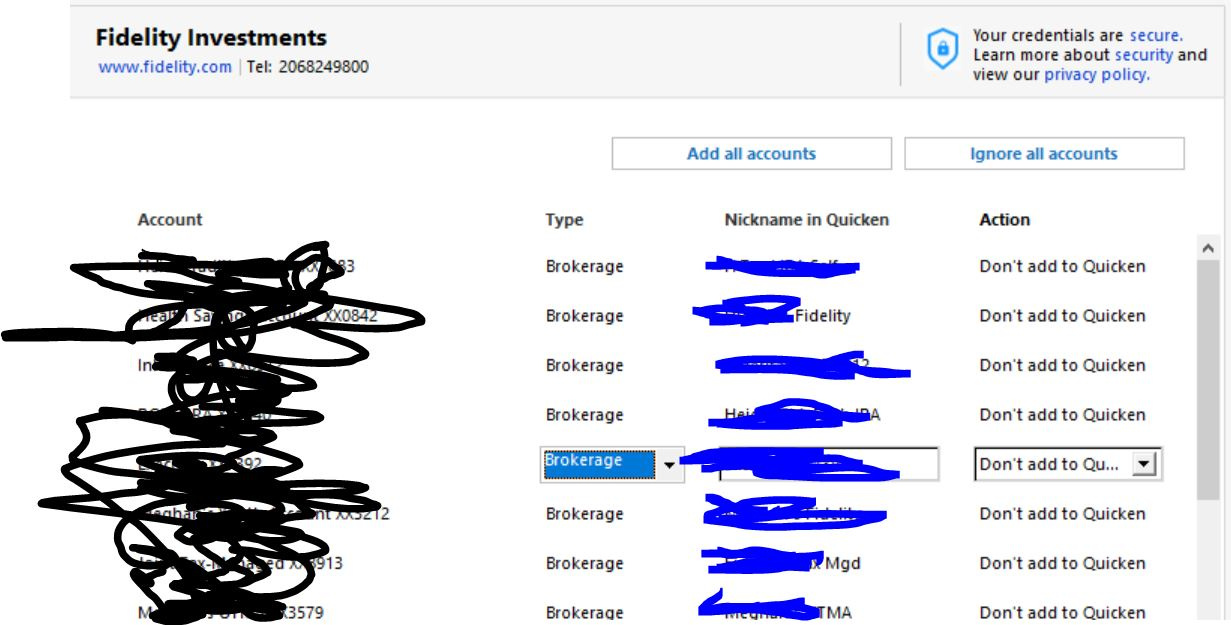
I go through that whole reset process, selecting the specific account listed, or trying to select a large portion of the 19. It gives me no option to re-add the accounts — only Don't add to Quicken (because they are already associated).
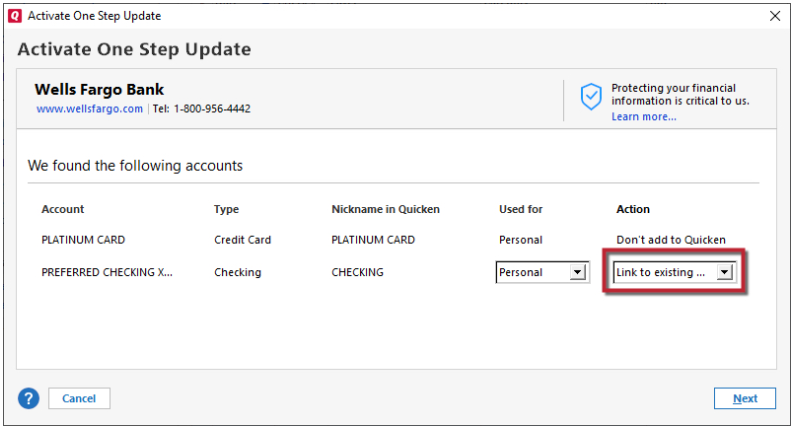
I have also tried deactivating online access on one of the accounts, then re-activating with the same process. I select the correct account to link, I see no errors as part of re-establishing the connection. But still, nothing updates. And then if I try another global update, I get the 19 accounts error yet again.
Thank you for your reply,
To troubleshoot this issue, please follow these instructions from our article on CC-506 errors:
Please let me know how it goes!