All of a sudden I'm getting a dashboard instead of the transaction list on my brokerage trust account. How do I switch to just the transaction list?
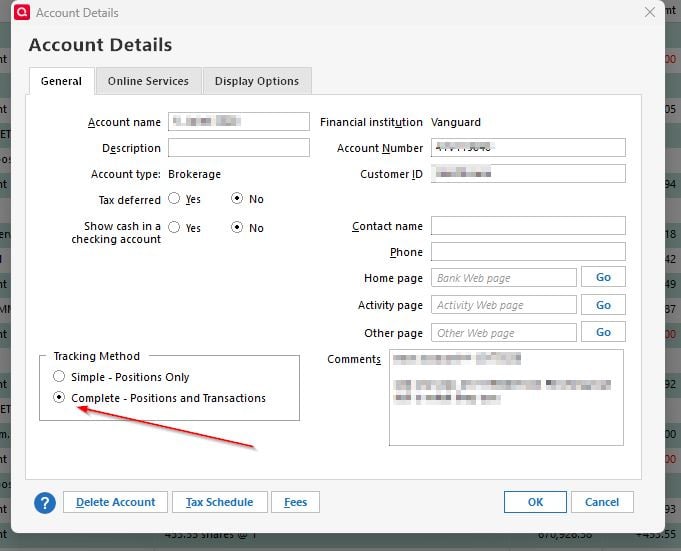
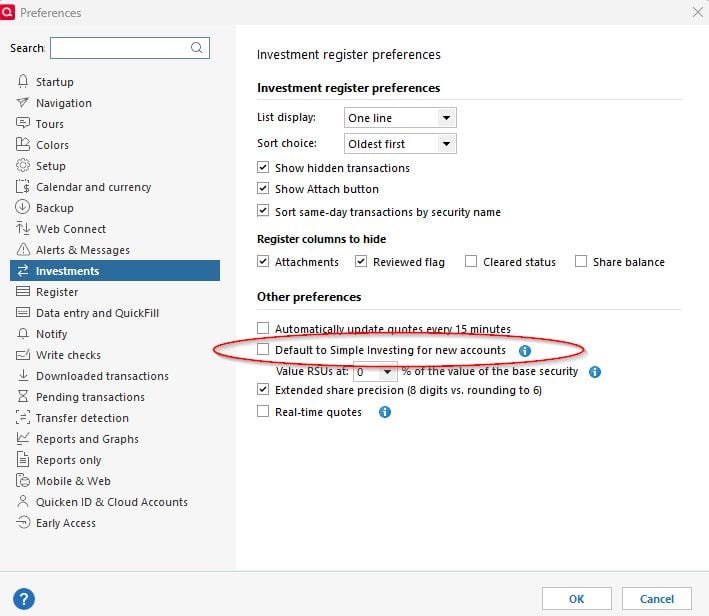
That is the Simple method rather than Complete. Change that on the account details page and be sure the global preference is set to NOT use Simple
Because I use Vanguard apparently that option is not open to me. If I deactivate the online access as instructed, I'll lose all my previous transactions and will have to enter everything manually from now on. That is unacceptable. I've used Quicken since 1990 and I would have expected them to alert Vanguard clients prior to this dramatic change. Thank you for your advice, with most financial institutions this would work.
If you go to the account details and select the Online Services tab, what does it show for the connection method?
It should be Direct Connect. If not, please post back for further instructions.
Has this account worked correctly in the past? Did you recently disconnect, reconnect, or reset the online connection for this account?
Apparently Vanguard and Quicken do not play nicely together. Since I posted my question Quicken has added a line under the choice for Simple or Complete to explain why I cannot see a transaction list for this specific account. (See attached) My other Vanguard Account (an IRA brokerage) does display the transactions and not a dashboard. If I follow the recommendations of Quicken I would have to enter each transaction manually which defeats the purpose of using Quicken.
Yes, this account has worked correctly in the past and no to the other questions. I blame Vanguard for their security choices re: Quicken and I blame Quicken for not providing alternatives for Vanguard clients of whom they must have many - or at least given us a heads up.
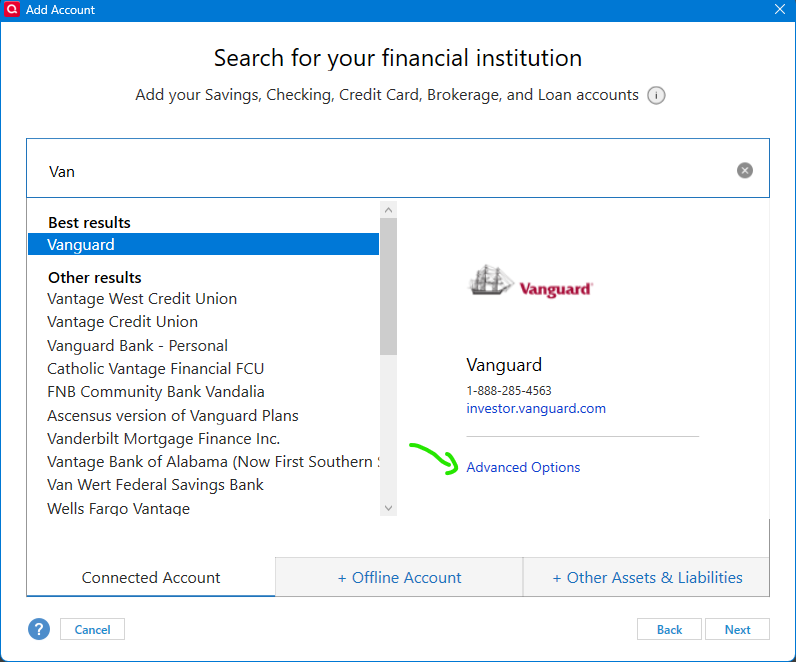
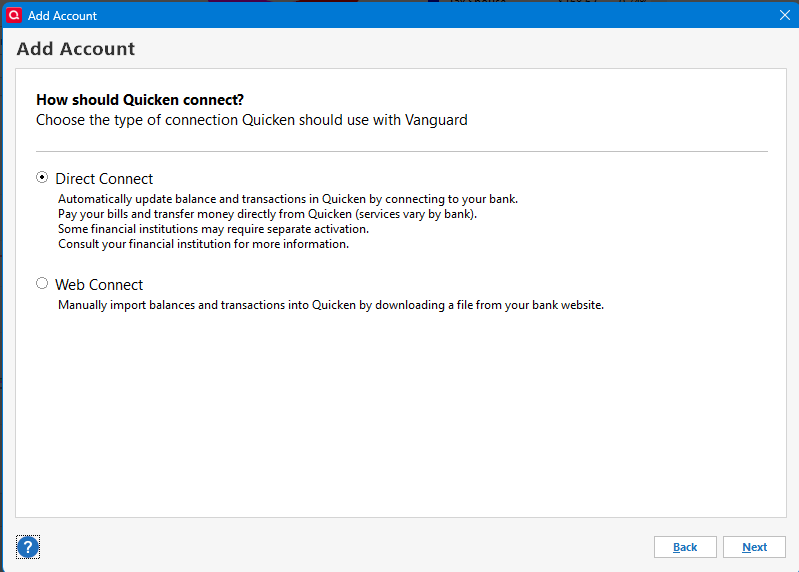
For Vanguard, if you setup with Direct Connect you can select Complete investing mode. But if you setup for Express Web Connect + you can't.
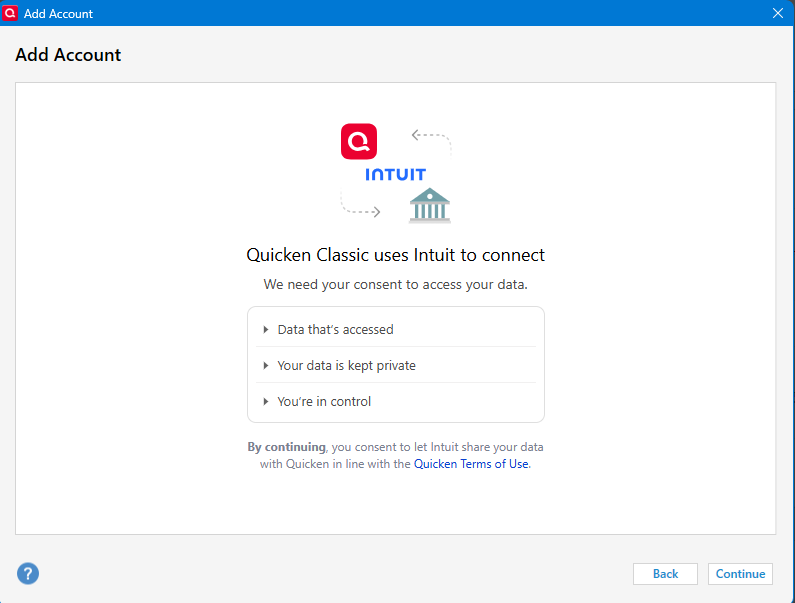
To get to the start of the process @Chris_QPW shows above, you must deactivate the problem account, then go to Tools > Add Account and select Vanguard, NOT click on Set Up Now on the account's Online Services tab.
Apparently Vanguard and Quicken do not play nicely together. Since I posted my question Quicken has added a line under the choice for Simple or Complete Tracking methods to explain why I cannot see a transaction list for this specific account. (See attached) My other Vanguard Account (an IRA brokerage) does display the transactions and not a dashboard (see attached).
If I follow the recommendations of Quicken I would have to stop downloading that account and enter each transaction manually from then on which defeats the purpose of using Quicken.
Also, the method suggested by Jim_Harman, works for some and not for others and may be too difficult for some users (myself included) to attempt. The change fix needs to come from either Vanguard or Quicken and they need to work in collaboration. If you have this problem and have a Vanguard Advisor let he/she/they know about it.